How cc-safety-net behaves
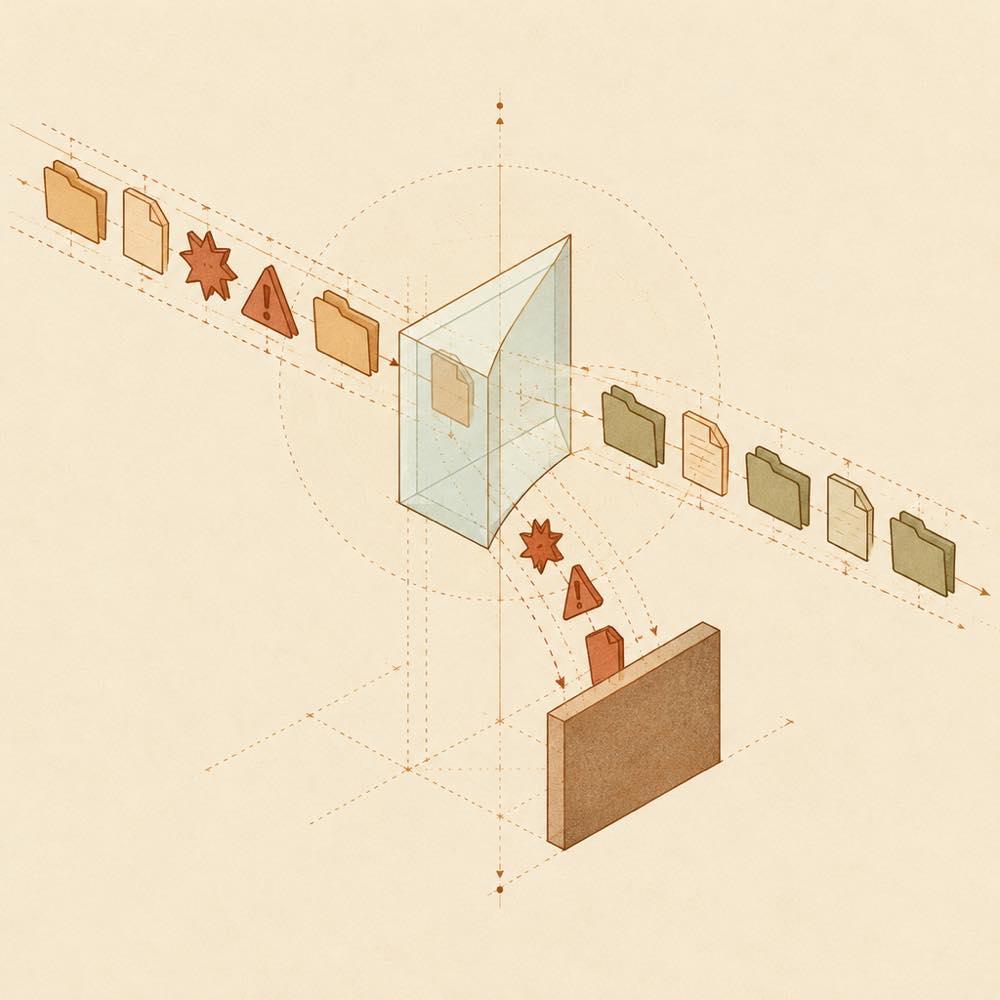
DeepSeek Harness checks a proposed tool call before execution when cc-safety-net is installed. For terminal requests, the plugin parses the command’s effective operation, including commands nested inside bash -c and python -c. Reordering flags or wrapping a command does not conceal the operation. Safe calls such as git status can proceed; blocked calls do not run, and the agent receives the reason.
The documented destructive-command examples include git reset --hard, git push --force, and rm -rf when used on dangerous targets. Secret protection covers SSH keys, .env files, ~/.aws, and coding-CLI credentials. The same protection applies to the agent’s file tools, not only the shell.
Configuring cc-safety-net
Run npx cc-safety-net gui to open the configuration GUI. It provides the Standard, Strict, and Paranoid presets and allows individual rules to be turned on or off. The README does not specify configuration key names or a configuration-file path.
A broken configuration file never blocks anything. This behaviour means a malformed or unavailable policy configuration does not provide a fail-closed guarantee.
DeepSeek Harness support
DeepSeek Harness is listed among the supported coding CLIs. The README also lists support for Amp Code, Antigravity CLI, Claude Code, Codex, Cursor, Devin CLI, Factory Droid, Gemini CLI, GitHub Copilot CLI, Grok Build, Hermes Agent, Kimi Code, OpenClaw, OpenCode, and Pi.
Known limits of cc-safety-net
DeepSeek Harness gives the plugin a pre-execution decision point, but cc-safety-net is not a sandbox. It does not contain processes, change filesystem permissions, or monitor network egress. The plugin therefore supplements, rather than replaces, isolation controls. The README states support for Windows, macOS, and Linux and does not state a version requirement.
Written from the project's own documentation and kept in sync with it. Where the two disagree, the source is authoritative — read the README on GitHub