DSH Marketplace

dsh-commandcode-provider

Mars-Sea/dsh-commandcode-provider

Unofficial Command Code LLM provider: registers a `commandcode` route with a live model catalog and reasoning-effort support.

Install

Add dsh-commandcode-provider to DeepSeek Harness

via npm

Resolves a published tarball rather than cloning the repository, and installs without any extra setup. Swap `web` for your profile name if you run another one.

via GitHub · npm package

Installing from GitHub runs the project's build script, which pnpm blocks until you allowlist it — run the command once and pnpm prints the exact key to add under `allowBuilds` in ~/.dsh/profiles/web/pnpm-workspace.yaml.

Due diligence

Before you install dsh-commandcode-provider

  • Source of record: Mars-Sea/dsh-commandcode-provider — present in the community registry that DSH's own plugin market installs from.
  • Licensed under MIT.
  • A listing here is not a security review. Plugins run with your agent's permissions.

What dsh-commandcode-provider does

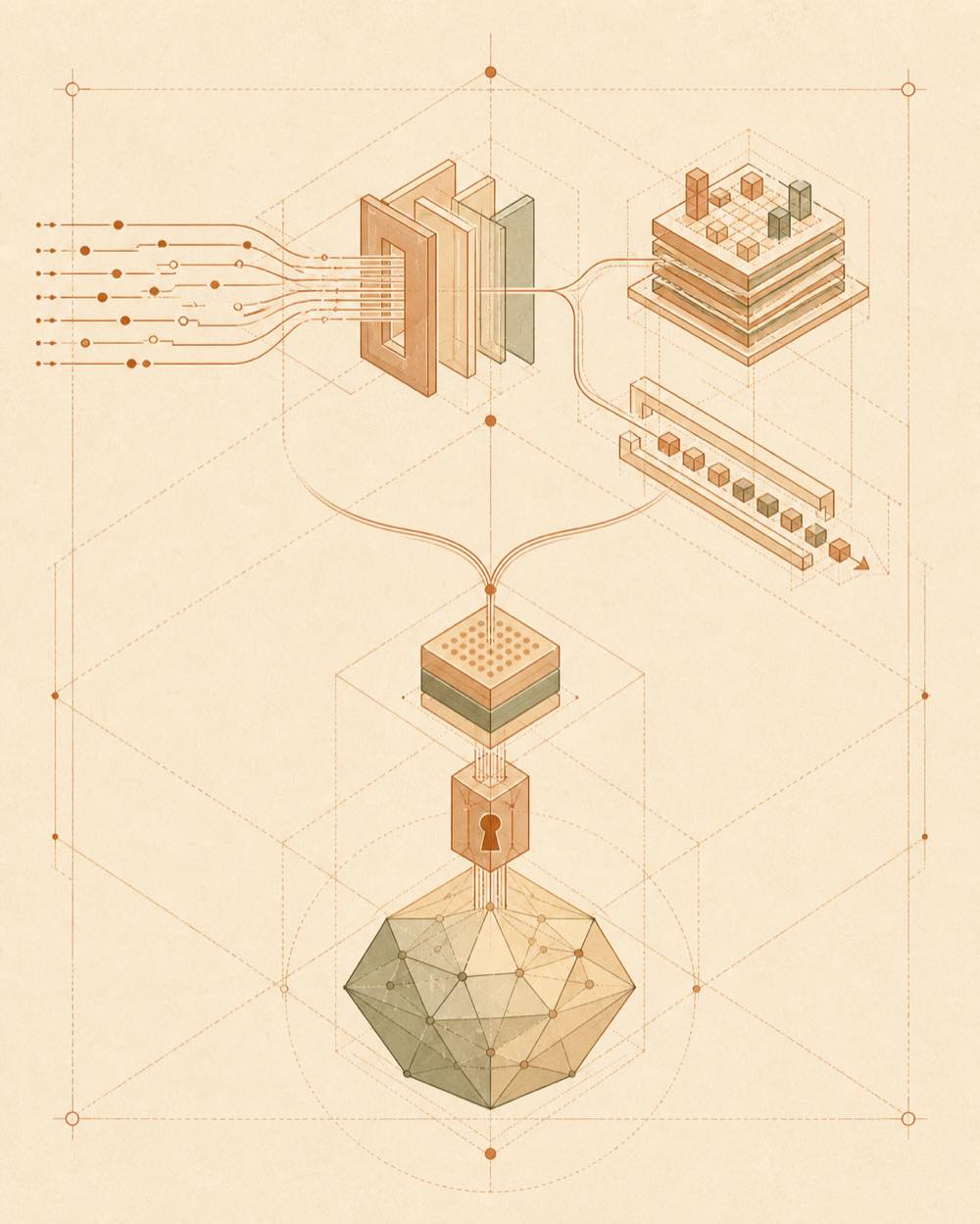
Geometric data, credentials and image fragments converge through a conduit into one output beam.

dsh-commandcode-provider is a DeepSeek Harness plugin that adds Command Code as an unofficial LLM provider. It registers a commandcode route and translates harness requests into Command Code’s Provider API at POST /alpha/generate. Its model list comes from GET {apiBase}/provider/v1/models and is cached in ~/.commandcode/models-cache.json. The plugin also adds Settings → Command Code, where the API base, working directory, request and stream timeouts, and API key can be configured. Credentials are stored through the DSH credentials service; connection settings are placed in the llm-commandcode section and apply to the next request.

dsh-commandcode-provider resolves credentials from config.apiKey, the apiKeyEnv credential reference, the launch environment, or ~/.commandcode/auth.json. It annotates models with plan, deal, image and context information, supports catalogued reasoning-effort levels, and sends images through the DSH attachment service when the selected model supports Vision.

It is intended for developers who already have a Command Code account and API key or subscription and want those models in an agent. It is the wrong choice where an official integration is required, where Command Code account setup is unavailable, or where the unofficial reverse-engineered API dependency is unacceptable. The official CLI requires Node.js 22 or newer; Command Code’s terms apply, and the project is not affiliated with Command Code, Inc.

dsh-commandcode-provider documentation

Configuration

The plugin exposes a Command Code settings page. Its connection fields are written to the llm-commandcode configuration section and take effect on the next request without a restart.

Setting Purpose
apiKey Direct API key configuration
apiKeyEnv Credential reference; defaults to COMMANDCODE_API_KEY
API base Command Code API endpoint
Working directory Working directory used for requests
Request timeout Request timeout
Stream timeout Streaming timeout

The model catalogue is fetched from GET {apiBase}/provider/v1/models and cached at ~/.commandcode/models-cache.json.

Credentials and commands

The API-key lookup order is config.apiKey, the credential reference named by apiKeyEnv, the launch environment, then ~/.commandcode/auth.json. The last file is created by the official CLI after authentication.

The documented authentication path requires Node.js 22 or newer:

  • npm i -g command-code@latest installs the CLI.
  • cmd login is used on macOS and Linux.
  • cmdc login is used on native Windows.

The browser-based login stores the key in ~/.commandcode/auth.json. A key can instead be created in Command Code Studio and entered in Settings → Command Code, or supplied through COMMANDCODE_API_KEY.

Model and request behaviour

The commandcode route uses POST /alpha/generate. Its live catalogue displays each model’s minimum plan, an active deal or FREE, an Image marker for Vision models, and a context size such as 1M, 256K or 262K. Models are ordered by plan tier: Go, GOAT, Pro, then Provider/Max.

Reasoning-effort controls are available for models that the official catalogue marks with supported levels. Other reasoning models think automatically. Vision-capable models receive image input through the DSH attachment service; text-only models reject image input with UNSUPPORTED_CONTENT.

Requirements and scope

This is an unofficial community integration. Use requires a Command Code account and API key or subscription, and Command Code’s terms apply. The plugin is not affiliated with Command Code, Inc. Its documented external files are ~/.commandcode/models-cache.json and, when CLI authentication is used, ~/.commandcode/auth.json.

Written from the project's own documentation and kept in sync with it. Where the two disagree, the source is authoritative — read the README on GitHub

Same category

Alternatives to dsh-commandcode-provider

dsh-codex-connect

franksong2702

13

Connect ChatGPT OAuth and OpenAI Codex models to DeepSeek Harness, with opt-in search and image tools.

npm packageTypeScripttoday

Use a ChatGPT/Codex subscription in DeepSeek Harness with GPT models, image generation, web search, subscription quota reporting, model and feature controls, and browser or device-code OAuth sign-in.

npm packageJavaScriptyesterday

Reuses the Codex CLI ChatGPT login as an `openai-codex` LLM route and adds GPT Auth controls to DSH Web settings.

npm packageTypeScriptyesterday

dsh-github-login

Noob-stupid

6

Visual GitHub login without a terminal: in-window device flow, token synced into the gh CLI, and host status/launch endpoints.

GitHub sourceHTMLtoday

Role-based LLM retry & fallback strategies.

npm packageTypeScriptyesterday

NewAPI (OpenAI-compatible gateway) LLM provider: registers a `newapi` route with chat-only model discovery, auto-fills model parameters (context window, reasoning effort) from models.dev, and adds a Web settings section for the base URL and API key.

npm packageTypeScriptyesterday