How Study-Mate works
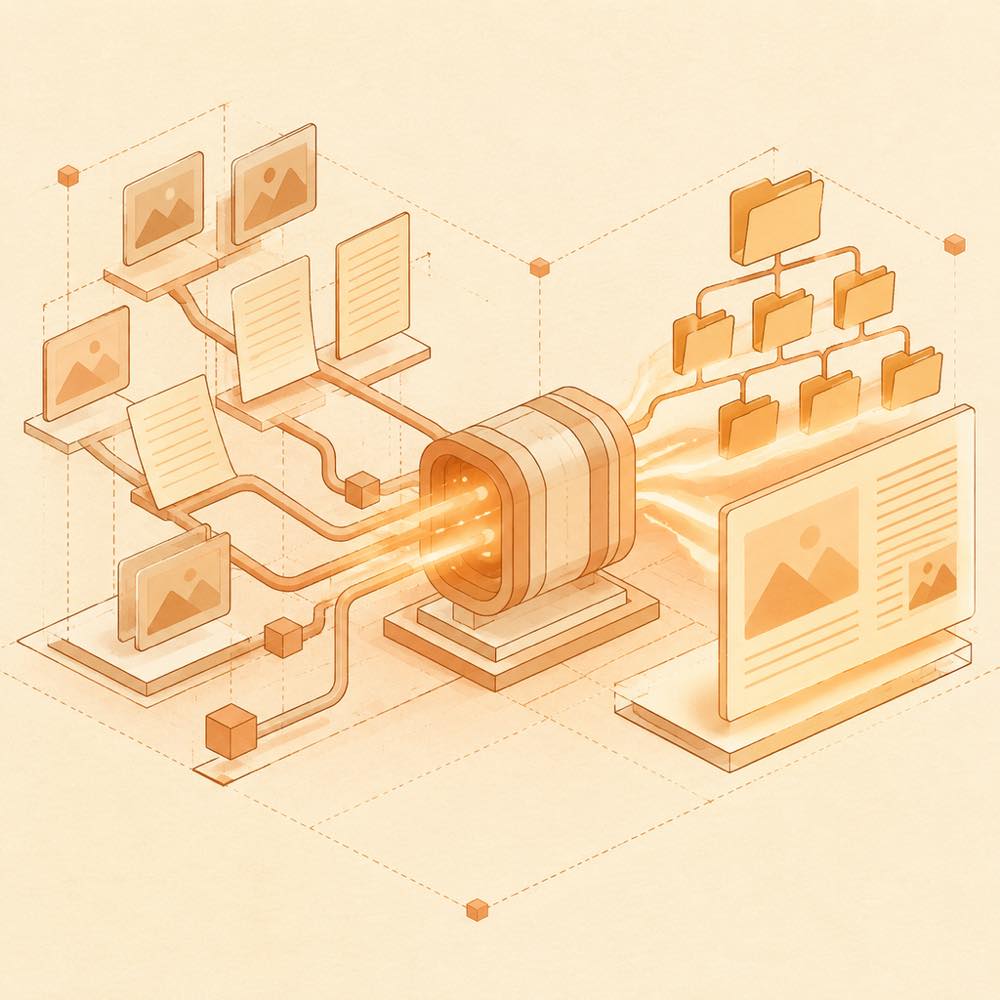
DeepSeek Harness installs Study-Mate as the @yunmiao/studymate package. Its DSH side combines a learning-mode preset, host-side native tools and a client-side reading endpoint. In a new DeepSeek Harness session, selecting “learning mode” and naming a subject starts course discovery or course creation. The reading endpoint renders lesson pages, formulae, illustrations and questions in real time rather than serving pre-generated HTML.
Configuring Study-Mate
The learning workspace is configured during installation; an existing configuration is retained. The default location is ~/StudyMate. Study-Mate stores subject folders, outlines, lessons, labs, progress and records there. Shared memory files hold information such as the learner’s current level, preferred explanations and recurring difficulties. Supplied local notes, lectures or textbook directories are converted to Markdown under reference/; collected online material is written as Markdown under sources/.
Commands
npx -y @yunmiao/studymate export creates an offline-readable copy in <workspace>/export/. Static export needs React, installed globally with npm i -g react react-dom, or located through STUDYMATE_REACT_DIR.npm test runs the project’s self-checks. The tests create temporary subjects and do not use the real learning workspace, DeepSeek Harness, a browser or a model service.
Requirements and supported hosts
DeepSeek Harness requires 0.1.7-alpha.1 or newer. The package advertises Node.js 22.19+ or 24; Python is not required. Web and desktop profiles are documented for DeepSeek Harness. Codex, ChatGPT Work and Google Antigravity support is limited to version v1.0.0; later versions are not guaranteed on those hosts.
Known limits
Study-Mate’s current mainline does not contain the independent web runtime. The runtime is on the web/0.7.0-beta branch and must be adapted to the current engine before being merged. DeepSeek Harness users should open the reading endpoint from the session sidebar to view generated lessons; exporting is the documented route for an offline copy.
Written from the project's own documentation and kept in sync with it. Where the two disagree, the source is authoritative — read the README on GitHub