Configuring dsh-image-gen
After restarting DeepSeek Harness, open the plugin panel and select dsh-image-gen under the installed plugins. DeepSeek Harness exposes a configuration form for the following settings:
ProviderAPI KeyModelEndpoint / Base URL- Workspace save options
The form includes Test connection and Fetch models actions. Cloud providers can be configured with a provider-specific API key. ChatGPT, Grok, and Google subscription providers can instead be authorised through the provider’s Login action in a browser. The README does not specify default values for these settings.
For local ComfyUI use, enter a service address reachable from the DeepSeek Harness host and import an API Format Workflow JSON.
How dsh-image-gen behaves
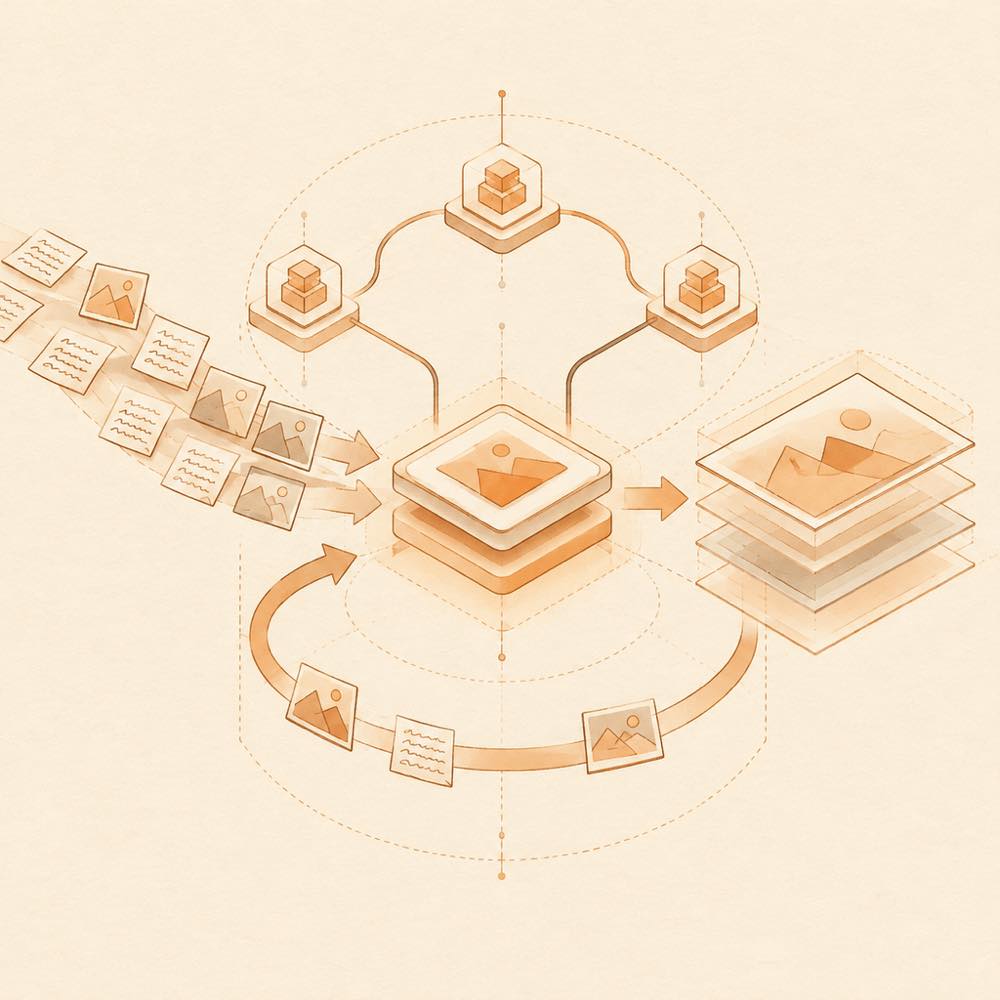
DeepSeek Harness sends conversational requests to the configured image provider. The plugin supports text-to-image, image-to-image, multiple reference images, style transfer, and revisions based on an existing prompt. A generated image can be regenerated in place, with earlier versions available from the same image card.
The canvas accepts sketches, reference material, recent results, and gallery images. Studio provides batch generation, provider and model selection, aspect-ratio and resolution controls, and result filtering. The comparison view calls multiple models with the same prompt and references. The gallery supports searching, favouriting, downloading, and reusing results. Inspiration examples can be copied or sent to Studio; their images are cached locally.
Requirements and providers
DeepSeek Harness must be on a stable release. The README lists Node.js ^22.19.0 or >= 24.0.0 and support for Gemini, OpenAI / Compatible, Seedream, DashScope, Grok Imagine, GLM-Image, and local ComfyUI.
Limits of dsh-image-gen
Provider access, subscription authorisation, or a reachable ComfyUI service is required before generation. Installation uses a terminal-facing plugin command, so the agent may need terminal access for setup.
Written from the project's own documentation and kept in sync with it. Where the two disagree, the source is authoritative — read the README on GitHub