
dsh-im
xmanrui
Connect IM bots to DeepSeek Harness via QR codes or bot credentials (9 channels: Feishu, WeChat, DingTalk, WeCom, QQ, Slack, Telegram, Discord, and WhatsApp).
Installed cleanly when we ran it
npm packageJavaScript4d ago
shaobeichen/dsh-pocket
Remote phone access to the DSH Web UI: scan a QR code for LAN or public (cloudflared tunnel) access with real-time sync, a mobile-adaptive layout, and a settings tab.
Install
via npm
Resolves a published tarball rather than cloning the repository, and installs without any extra setup. Swap `web` for your profile name if you run another one.
via GitHub · npm package
Installing from GitHub runs the project's build script, which pnpm blocks until you allowlist it — run the command once and pnpm prints the exact key to add under `allowBuilds` in ~/.dsh/profiles/web/pnpm-workspace.yaml.
What happened when we ran it
Installed cleanly when we ran it
Every command here is run in a throwaway container against a clean profile, and the result is whatever the harness recorded — not a guess from the source. Last run 13d ago.
Show it in your README
For maintainers: the badge serves this listing's latest sandbox verdict, so a re-run updates it on its own — and it links readers to the full result here.
Due diligence
What it is — dsh-pocket enables remote phone access to the DSH Web UI via QR code scan for LAN or public cloudflared tunnel with real-time sync.
Who it is for — When you are away from your desk and want to monitor an agent task running on your computer, this plugin is suitable. Users in advanced mode on the desktop version may find it inapplicable as mobile access is temporarily unsupported.
Watch out — Sandbox testing passed in a fresh profile. The plugin installs with a single npm command. Session persistence requires the dsh web process to remain active, and public access requires agreeing to the disclaimer.
The verdict — I would install it because it provides real-time mobile access to the web UI, but only if the dsh web process stays running to maintain the session.
Generated by grok-4.6, and a starting point rather than a verdict. Where it says a plugin installs or does not, that is from a real run in a clean profile — everything else is read off the repository. Trust the source over this.
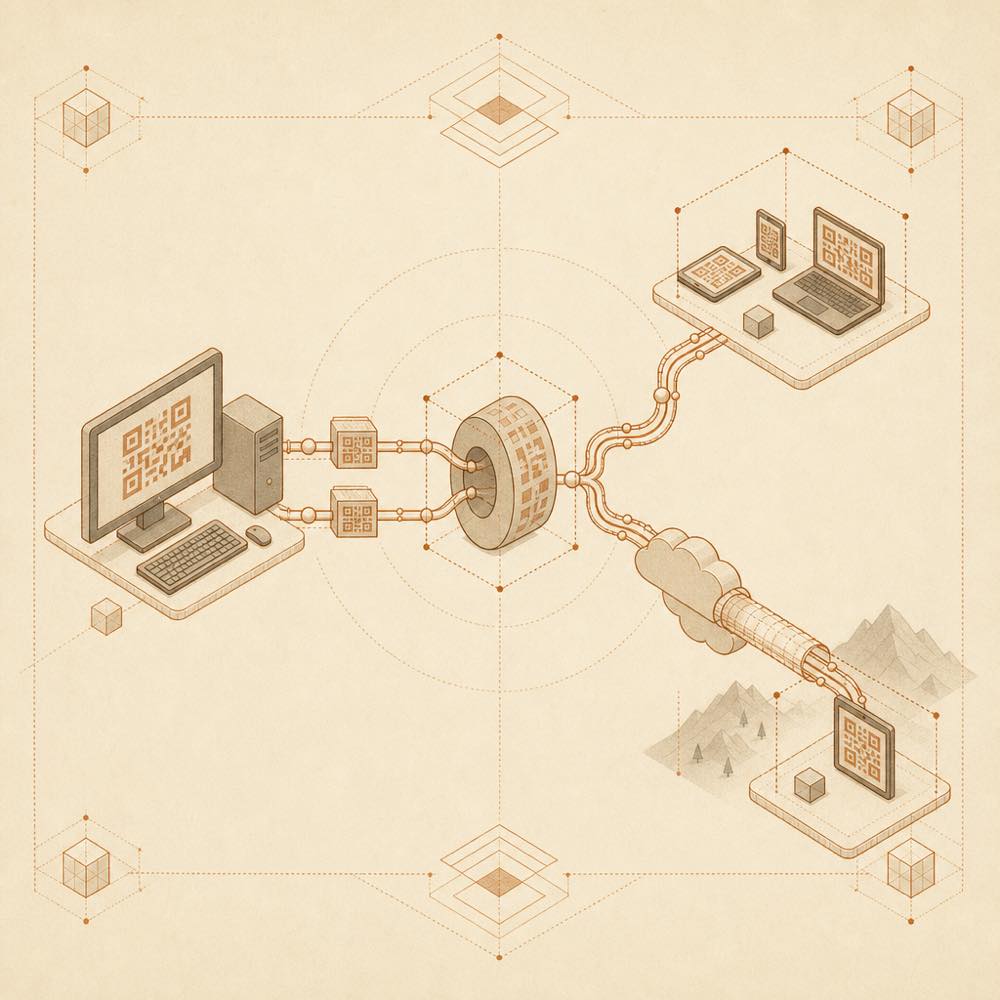
dsh-pocket is a DeepSeek Harness plugin that exposes the existing DSH Web UI for phone access over a local network or a temporary public tunnel.
After dsh web starts, the plugin registers web RPC handlers through the connection and webServer injections. It runs a local reverse proxy that rewrites Host and Origin headers towards loopback, then forwards HTTP and WebSocket traffic, including streaming output. The settings page calls RPC methods such as status, tunnel.start, tunnel.stop, version, update and restart; the service returns status information and QR codes as data URLs. Local access is shown as a LAN QR code. Public access starts cloudflared, downloading it into $DSH_HOME/dsh-pocket/bin/ when needed, and displays the resulting URL and QR code. The client also applies a narrow-screen layout with a drawer-based sidebar and full-width sessions.
This is intended for someone who wants to inspect or operate a computer's DSH agent from a phone without remote desktop or SSH. dsh-pocket is a poor fit for shared access: the QR code or URL acts as the key, the README describes no access token, and the project recommends personal use. Public access also depends on outbound tunnel connectivity; proxies, VPNs, enterprise firewalls and campus networks can cause error 1033. Because the linked DSH interface can execute code on the computer, sharing either QR code is equivalent to sharing that access.
The plugin adds a Phone Access entry to the dsh web settings page. LAN mode presents a QR code for devices on the same Wi-Fi network. Public mode starts a cloudflared quick tunnel and presents a temporary public URL and QR code. The public URL changes after restart. HTTP requests and WebSocket connections pass through the local proxy, so streamed output and interactions remain synchronised with the desktop interface.
The settings page uses these RPC methods:
| Method | Purpose |
|---|---|
status |
Returns service status, including QR-code data |
tunnel.start |
Starts public access |
tunnel.stop |
Stops the public tunnel |
version |
Reports the plugin version |
update |
Handles an update request |
restart |
Restarts dsh web |
The documented update command is:
dsh plugin --profile web update dsh-pocket --latest -w
The --latest option is required when crossing a major version from a ^0.x range. Changes do not appear in an already-running web process; restart it with npx @deepseek-ai/dsh web. The package also includes bin/dsh-pocket.mjs, a CLI for LAN or public mode that prints a URL and QR code.
The host must have DeepSeek Harness installed and a working dsh web command. Public mode uses cloudflared; the plugin can download it on first use, or use a cloudflared executable already available on PATH. The README documents macOS, Linux and Windows download paths. The default download location is $DSH_HOME/dsh-pocket/bin/; $DSH_HOME is generally ~/.dsh, or %USERPROFILE%\.dsh on Windows.
LAN mode is limited to devices on the same network. Public mode may fail when a proxy or VPN takes over routing, or when outbound traffic is blocked. The URL or QR code grants access to the DSH interface, and the README recommends personal use; no access-token mechanism is documented.
Written from the project's own documentation and kept in sync with it. Where the two disagree, the source is authoritative — read the README on GitHub
Same category
xmanrui
Connect IM bots to DeepSeek Harness via QR codes or bot credentials (9 channels: Feishu, WeChat, DingTalk, WeCom, QQ, Slack, Telegram, Discord, and WhatsApp).
Installed cleanly when we ran it
alvinunreal
Bridges DeepSeek Harness lifecycle status, errors, and approval requests to a locally running OpenPets desktop companion.
No one-line install — this plugin lives inside a larger repository and publishes no npm package.
inclusionAI
Connects DeepSeek Harness to Avernet's Bot Collaboration Network over WebSocket V2, with automatic onboarding, isolated agent sessions, tool-call events, and multi-bot routing tools.
No one-line install — this plugin lives inside a larger repository and publishes no npm package.
omdsh-dev
Desktop notifications for turn completions, with per-outcome controls and keyword rules.
Installed cleanly when we ran it
whyihaveyou
IM webhook and local notifications on turn completion, errors, or approval (Feishu/WeCom/DingTalk/Slack/Discord/custom).
No one-line install — this plugin lives inside a larger repository and publishes no npm package.
omdsh-dev
Lark/Feishu bot channel for DeepSeek Harness: each chat drives its own agent, and tool approvals, model questions, and plan reviews return as cards answered by a button or a reply. Switch workspace and model from the chat (`/cd`, `/model`, `/new`), and run several bots that keep separate sessions and can hand turns to each other in one group.
Installed cleanly when we ran it