DSH Marketplace

dsh-purge

YuJunZhiXue/dsh-purge

Adds a Settings card to edit prompt-inject.md, manage AGENTS.md or CLAUDE.md rule sets, check for plugin updates, and apply or restore reversible local package updates.

5,303673JavaScriptMITSource

Install

Add dsh-purge to DeepSeek Harness

Install into

via GitHub · GitHub source

Installing from GitHub runs the project's build script, which pnpm blocks until you allowlist it — run the command once and pnpm prints the exact key to add under `allowBuilds` in ~/.dsh/profiles/web/pnpm-workspace.yaml.

What happened when we ran it

Installed cleanly when we ran it

Every command here is run in a throwaway container against a clean profile, and the result is whatever the harness recorded — not a guess from the source. Last run 6d agoon DeepSeek Harness 0.2.1-rc.5.

Show it in your README

install verified — dshmarketplace

For maintainers: the badge serves this listing's latest sandbox verdict, so a re-run updates it on its own — and it links readers to the full result here.

Due diligence

Before you install dsh-purge

  • Source of record: YuJunZhiXue/dsh-purge — present in the community registry that DSH's own plugin market installs from.
  • Licensed under MIT.

Security

What installing dsh-purge runs

Build scripts

pnpm skipped these dependency build scripts, and the plugin registered without them:

  • dsh-purge@https://codeload.github.com/YuJunZhiXue

Under pnpm 11 the install stops and asks you to approve them instead; an approved script runs with your user account's permissions.

Source: our sandbox install on DeepSeek Harness 0.2.1-rc.5, 6d ago.

Install hooks

package.json declares no preinstall, install or postinstall script.

Source: package.json on GitHub, read at our last sync. prepare is not recorded; it runs only on a GitHub install, and shows up under build scripts when pnpm blocks it.

README mentions

shell commands (bash, exec, spawn …); API keys, tokens or passwords

Source: a keyword match on the README — a hint about what the plugin touches, not an analysis of its code.

Not an audit. These are the record of one install and two text scans; nobody has read this plugin's code on your behalf. Plugins run with your agent's permissions.

The AI take

What it is — dsh-purge equips DeepSeek Harness with a settings interface allowing prompt injection editing, rule set management, update checks, and reversible local package applications.

Who it is for — When using DeepSeek Harness for controlled evaluation to assess if default policies are too strict, users who need to manage local rule sets are suitable for installing dsh-purge. Users who need commercial applications or third-party site interactions would not find this plugin suitable.

Watch out — Sandbox test passed: installed in a fresh profile and registered into Harness. Static checks indicate it will execute shell commands and require an API key or token, with no obvious issues found. Maintenance has been paused with no new releases, but the repository stays usable.

The verdict — I would install it because it separates host policy blocks from model responses in DeepSeek Harness, giving direct value for evaluation.

Generated by grok-4.6, and a starting point rather than a verdict. Where it says a plugin installs or does not, that is from a real run in a clean profile — everything else is read off the repository. Trust the source over this.

What dsh-purge does

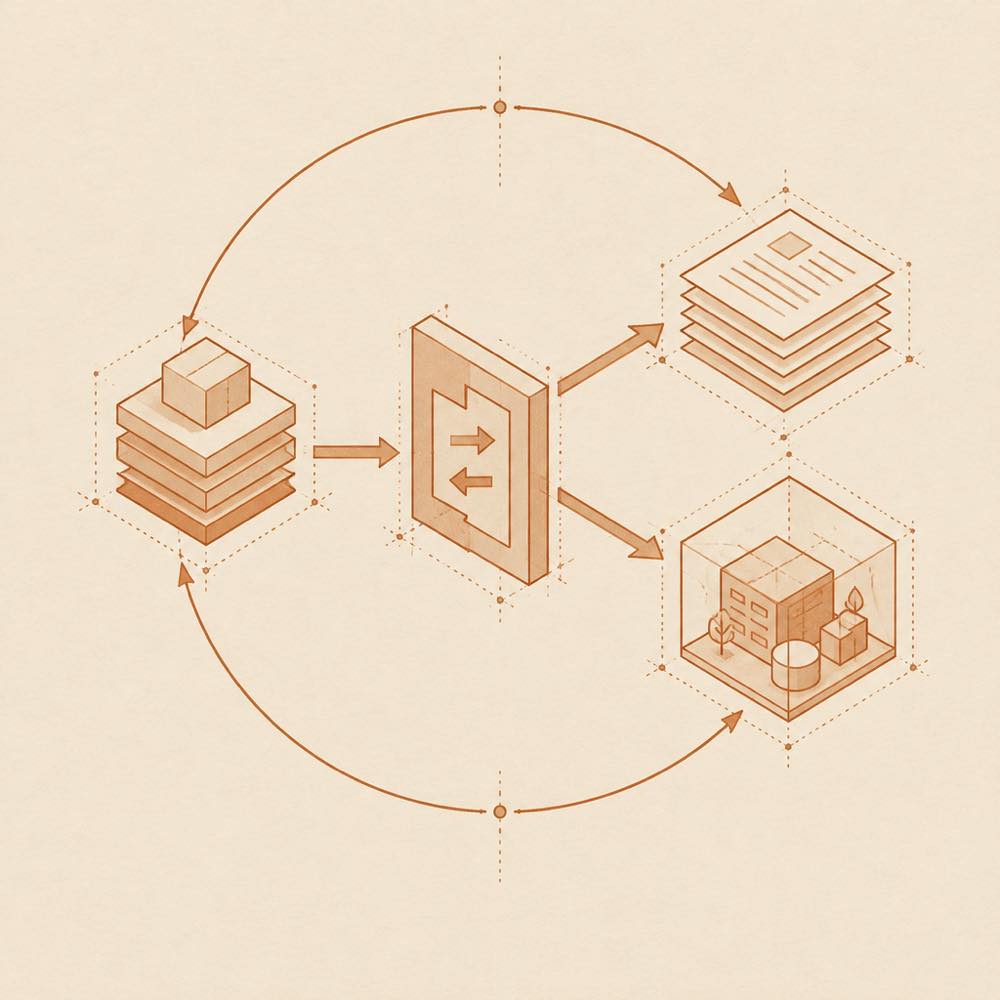
Abstract diagram of package layers passing through a reversible gate into rules and a contained local environment.

dsh-purge is a DeepSeek Harness plugin that adds a settings dock for editing prompt-inject.md, managing AGENTS.md or CLAUDE.md rule sets, checking for plugin updates, and applying or restoring reversible local package changes. The dock is opened beside the session title. On the Clean page, Apply writes changes to the official @deepseek-ai packages and local configuration; Restore and Uninstall reverse or remove the changes. On start, dsh-purge checks and reapplies them after npm overwrites node_modules. The plugin does not patch the DeepSeek Harness source tree.

DeepSeek Harness finds the installation through $DSH_HOME, a .dsh directory beside the launcher, or ~/.dsh. dsh-purge uses the encrypted prompt shipped in the plugin for its default identity and does not read the host prompt file. The Drill page can inspect assets, skills and the local environment after authorisation. This is a local red-team and policy-evaluation tool for an official installation that the operator manages, an offline target, or a written authorised exercise.

The catalogue flags a terminal surface and credential requirements. That matters because Drill reaches the local environment, while Clean modifies locally installed official packages and configuration. dsh-purge is a poor fit for third-party or public targets, community desktop builds, or older DeepSeek Harness versions without their matching plugin release. The README also states that maintenance is paused. Node.js >=18 is required; Windows no-flash requires Node.js >=22.

dsh-purge documentation

Configuring dsh-purge

DeepSeek Harness loads dsh-purge for the profile used by the installation. Official dsh web uses the web profile, while the official desktop EXE uses the desktop profile; the README says to install and apply them separately. DeepSeek Harness does not change the host merely because the plugin is added to a profile. The change begins when Apply is selected on the dock’s Clean page.

The installation lookup order is:

  1. $DSH_HOME
  2. .dsh beside the DeepSeek Harness launcher
  3. ~/.dsh

The settings dock can edit prompt-inject.md, manage multiple AGENTS.md or CLAUDE.md rule sets, and check for plugin updates. The default identity comes from the encrypted prompt bundled with dsh-purge; dsh-purge does not read the host prompt file.

Commands and actions

The dock opens beside the session title and provides two pages:

  • Clean: shows grouped patch status and provides Apply, Restore, and Uninstall.
  • Drill: provides authorised access to assets, skills, and the local environment.

A successful Apply restarts DeepSeek Harness. An unfinished Apply does not. The README instructs operators to start a new chat after the restart for the injection to enter the session. On start, dsh-purge checks and reapplies its changes.

Requirements and supported hosts

DeepSeek Harness 0.2 is the target release. The README documents support for official dsh web and the official desktop EXE, specifically DeepSeek Harness 0.2.0-rc.2. Node.js >=18 is required, and Windows no-flash requires Node.js >=22. Older DeepSeek Harness builds require their matching older plugin. Community Desktop is not maintained.

Known limits and local reach

dsh-purge writes only to official @deepseek-ai packages and local configuration on the machine; it does not patch the DeepSeek Harness source tree. Drill is intended only for a host the operator manages, an offline target, or a written authorised exercise. The catalogue flags terminal access and credential requirements. The README states that maintenance is paused, with no guaranteed support for new DeepSeek Harness versions.

Written from the project's own documentation and kept in sync with it. Where the two disagree, the source is authoritative — read the README on GitHub

Same category

Alternatives to dsh-purge

Enterprise login, colleague mentions, shared text and files, and authenticated business requests for WorkDSH Desktop 2.0.6-alpha.3+ with WorkDSH Admin; distributed as a release archive.

No one-line install — this plugin lives inside a larger repository and publishes no npm package.

GitHub sourceTypeScript18d ago

AI review

enterprise-connection

What it is — Opens company sign-in, colleague mentions, shared text and files, and authenticated business requests inside WorkDSH Desktop.

Who it is for — You already ship project work in WorkDSH Desktop, the models you must use sit behind the company, and you still cannot @ a coworker to pass analysis text or files from the thread. If the agent is plain DeepSeek Harness with no WorkDSH desktop workspace, this archive has nowhere to load.

Watch out — It is not listed in a marketplace: download the GitHub Release archive, paste the local path under Plugins → Add plugin, then sign in at Settings → Enterprise account. It expects WorkDSH Desktop 2.0.6-alpha.3 or newer and a reachable WorkDSH Admin; the plugin build is 0.1.0-alpha.2.

The verdict — I would wait for the company to issue the archive as part of joining the org account, not pick it off a plugin catalog to try.

Generated by grok-4.6, and a starting point rather than a verdict. Where it says a plugin installs or does not, that is from a real run in a clean profile — everything else is read off the repository. Trust the source over this.Read the source
Source
238

Configurable OIDC login and token-authorized model access, including LiteLLM and opt-in oidc-llm integration, with a standalone DSH Web backend.

No one-line install — this plugin lives inside a larger repository and publishes no npm package.

GitHub sourceJavaScript10d ago

dsh-purge

kingcharleslzy-ai

181

Community-maintained dsh-purge fork with host-policy patches, prompt and rule settings, diagnostics, separate update-check and install controls, and local backup/rollback.

Installed cleanly when we ran it

GitHub sourceJavaScript17d ago

dsh-persona-dafeiyu

huaizhuanghub

100

Persona library for DeepSeek Harness: injects the selected persona into the system prompt, offering three built-ins plus import from a file or pasted text, applied either profile-wide or per session from a switcher above the composer.

Installed cleanly when we ran it

npm packageJavaScripttoday

ChatGPT account sign-in for DeepSeek Harness through a Codex browser OAuth flow with no API key and no workspace selection: subscribes the login to pi-ai's Codex provider, lets you set the global default Codex model and reasoning effort for new sessions, refreshes the model list from the signed-in account's own catalog endpoint, and shows the five-hour and weekly usage windows in the composer.

No one-line install — this plugin lives inside a larger repository and publishes no npm package.

GitHub sourceTypeScriptyesterday

ChatGPT account sign-in for DeepSeek Harness through a Codex browser OAuth flow with no API key and no workspace selection: subscribes the login to pi-ai's Codex provider, lets you set the global default Codex model and reasoning effort for new sessions, refreshes the model list from the signed-in account's own catalog endpoint, and shows the five-hour and weekly usage windows in the composer.

No one-line install — this plugin lives inside a larger repository and publishes no npm package.

GitHub sourceShell23d ago

AI review

dsh-codex-auth-plugin

What it is — Plugin adding ChatGPT OAuth authentication and Codex account management to DeepSeek Harness, including model catalog and usage display.

Who it is for — When you need ChatGPT OAuth authentication and Codex account management using DeepSeek Harness, this plugin fits. If you are not using DeepSeek Harness as your agent framework, you do not need this plugin.

Watch out — No sandbox testing has been performed. No obvious issues found.

The verdict — I would not install it, as it has not undergone sandbox testing.

Generated by grok-4.6, and a starting point rather than a verdict. Where it says a plugin installs or does not, that is from a real run in a clean profile — everything else is read off the repository. Trust the source over this.Read the source
1Source