DSH Marketplace

notes

zhaoolee/notes

Export DSH conversations as Smartisan Notes-style PNGs, or create and update Markdown notes in a configured account-scoped workspace.

1423TypeScriptSource

Install

Add notes to DeepSeek Harness

via GitHub · GitHub source

Installing from GitHub runs the project's build script, which pnpm blocks until you allowlist it — run the command once and pnpm prints the exact key to add under `allowBuilds` in ~/.dsh/profiles/web/pnpm-workspace.yaml.

Due diligence

Before you install notes

  • Source of record: zhaoolee/notes — present in the community registry that DSH's own plugin market installs from.
  • No licence file detected. Code without a licence is all-rights-reserved by default.
  • Detected: terminal surface. Read the source before granting these.
  • A listing here is not a security review. Plugins run with your agent's permissions.

What notes does

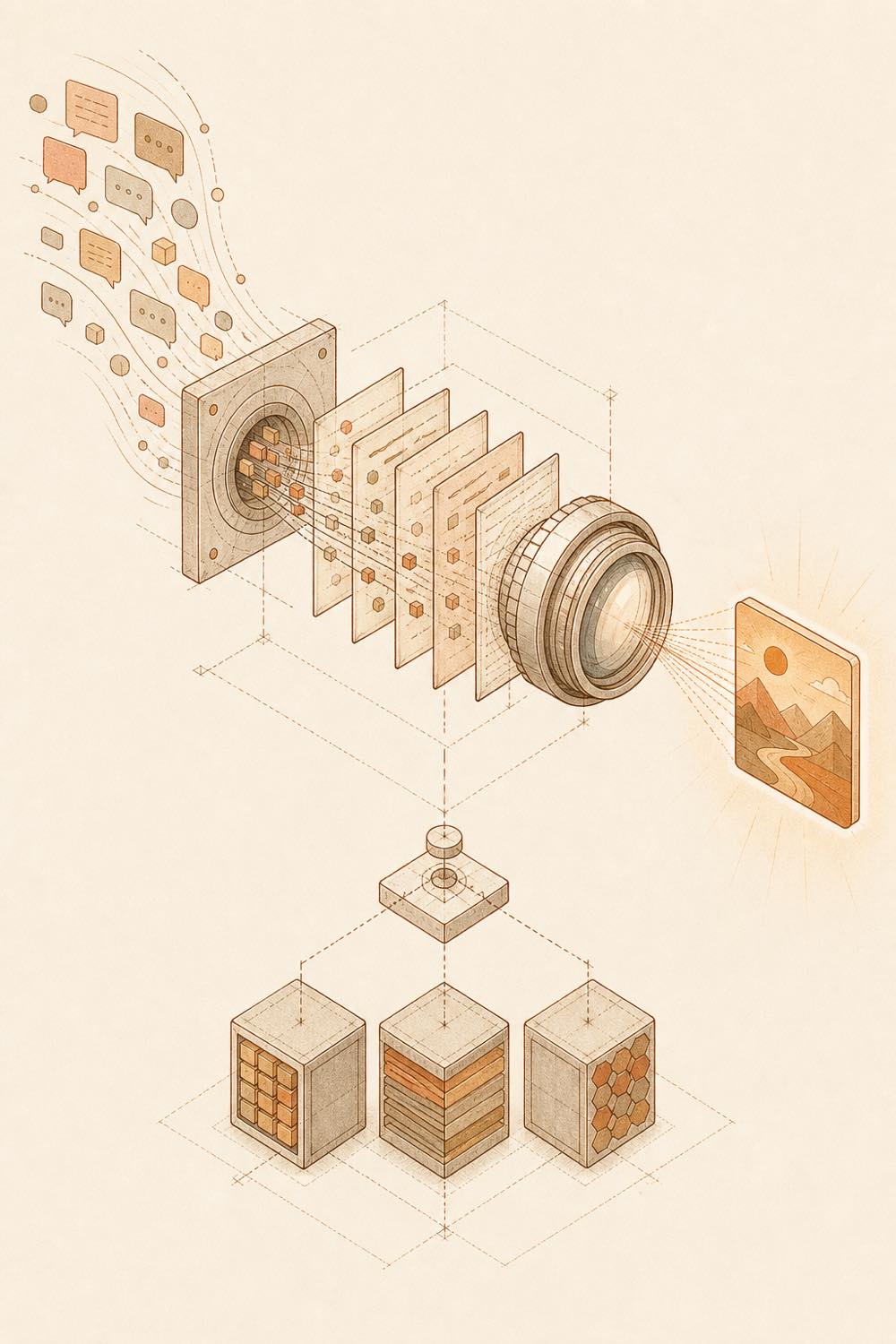
Conversation fragments flow through a terminal aperture into rendered note images and persistent storage.

notes is a DeepSeek Harness plugin that exports conversations as Smartisan Notes-style PNG images or manages Markdown notes in an account-scoped workspace. In a DSH conversation, a request such as “export our conversation as a note” causes the agent to organise the current conversation and call the plugin. The notes service then renders the result as a PNG; its web interface also supports creating and updating notes, inserting images, copying Markdown, and downloading Markdown resources or offline HTML.

The service endpoint is controlled by NOTES_API_BASE_URL, configured in skills/notes-export-api/.env or supplied with --base-url. A local Docker deployment stores images and exported PNGs under storage/images and account or workspace data under storage/data. Account isolation is supported when the service is configured with SUPERADMIN, SUPERADMINPASSWORD, and SESSION_SECRET.

This is intended for developers who want conversation sharing in note-like images, or a persistent note workspace that an agent can update. It is a poor fit when plain conversation output is sufficient, or when no notes service or persistent storage can be provided. The catalogue flags a terminal surface: operating the local service and its storage involves shell commands, Docker, mounted directories, and the agent’s configured API access. The README also says that public deployment should use HTTPS reverse proxying. notes does not replace the harness’s conversation or session facilities; it adds note rendering and workspace management around them.

notes documentation

How it behaves

After installation, restart the target DSH profile so the plugin becomes active. In a conversation, the agent can respond to a request such as “把我们的对话导出成便签” by organising the current conversation and generating a note image. The service supports note creation and updates, multiple notes, category storage, image insertion, Markdown copying, PNG export, and offline HTML download. Export themes documented by the project include warm white paper, night notes, light and dark iPhone Notes styles, and Bear-style minimal layout.

Configuration

The DSH skill and PNG export use one service endpoint.

Setting Purpose
NOTES_API_BASE_URL Base URL for note management and PNG export
--base-url Command-line alternative for supplying the service URL
skills/notes-export-api/.env File where NOTES_API_BASE_URL can be stored

The documented example value is http://127.0.0.1:18080. Authentication and the complete skill configuration are documented in skills/notes-export-api/SKILL.md.

Local deployment and storage

The Docker image contains the web front end and back end. A local deployment can use port 127.0.0.1:18080 mapped to container port 3001. Persistent mounts are:

  • storage/images for uploaded images and exported PNGs
  • storage/data for accounts and cloud workspace data

The README recommends persisting and backing up both directories. Configuration for authenticated, multi-user use includes SUPERADMIN, SUPERADMINPASSWORD, and a high-entropy SESSION_SECRET in .env. Anonymous editing and export can omit that file. LAN access can use 18080:3001; public deployment should use an HTTPS reverse proxy.

Optional services

公众号 copying and AI features require separate service configuration. The README documents DeepSeek-assisted grammar correction, emphasis, and plain-language rewriting, but does not specify those services’ configuration keys.

Written from the project's own documentation and kept in sync with it. Where the two disagree, the source is authoritative — read the README on GitHub

Same category

Alternatives to notes

treg

superdesigndev

425

Tool catalog for agents: search ~2,600 external endpoints (SEO and SERP, backlinks, social, people and company enrichment, ad libraries, scraping) by the task you want done, read each one's parameters and per-call price, then call it with the credential injected server-side. Ships the skill plus an MCP row that stays disabled until TREG_TOKEN is set.

npm packagePythontoday
197

Chrome sidebar extension that lets DSH operate your browser directly, no vision capabilities required.

GitHub sourceTypeScripttoday

modsearch

liustack

111

Web search bridge for text-only agents: ask the web or X, get structured JSON evidence (search, fetch, citations).

npm packageTypeScripttoday

argo

taxueseek

91

Search built for agents: multilingual coverage across web, academic, code, shopping, finance, news, and encyclopedias.

npm packagePython3d ago

ru-marketplace-mcp

Vladimir-Human

63

Skills and optional MCP rows for ten Russian marketplaces: price comparison across Wildberries, Detsky Mir and Yandex Market, plus per-source search, product cards and reviews. The 13 skills load on install; both MCP rows stay disabled until RU_MARKETPLACE_MCP_DIR points at a local clone, which needs Python 3.12+ and uv.

No one-line install — this plugin lives inside a larger repository and publishes no npm package.

GitHub sourcePythontoday
50

Undo/redo & rollback system for DSH: every config change is auto-snapshotted; undo/redo/restore to any version from the WebUI or the offline CLI/GUI tools (works even when DSH fails to boot).

npm packageJavaScripttoday