DSH Marketplace

dsh-git-graph

zhu1090093659/dsh-web#packages/dsh-git-graph

Git branch selector and Git graph for the dsh web GUI: switch branches and explore branch-lane and commit history from the conversation header.

8,594561TypeScriptApache-2.0Source

Install

Add dsh-git-graph to DeepSeek Harness

Install into

via npm

Resolves a published tarball rather than cloning the repository, and installs without any extra setup. Swap `web` for your profile name if you run another one.

What happened when we ran it

Installed cleanly when we ran it

Every command here is run in a throwaway container against a clean profile, and the result is whatever the harness recorded — not a guess from the source. Last run 6d agoon DeepSeek Harness 0.2.1-rc.5.

Show it in your README

install verified — dshmarketplace

For maintainers: the badge serves this listing's latest sandbox verdict, so a re-run updates it on its own — and it links readers to the full result here.

Due diligence

Before you install dsh-git-graph

  • Source of record: zhu1090093659/dsh-web — present in the community registry that DSH's own plugin market installs from.
  • Licensed under Apache-2.0.

Security

What installing dsh-git-graph runs

Build scripts

No build script was blocked in our run.

Source: our sandbox install on DeepSeek Harness 0.2.1-rc.5, 6d ago.

Install hooks

package.json declares no preinstall, install or postinstall script.

Source: package.json on GitHub, read at our last sync. prepare is not recorded; it runs only on a GitHub install, and shows up under build scripts when pnpm blocks it.

README mentions

Neither shell commands nor credentials.

Source: a keyword match on the README — a hint about what the plugin touches, not an analysis of its code.

Not an audit. These are the record of one install and two text scans; nobody has read this plugin's code on your behalf. Plugins run with your agent's permissions.

The AI take

What it is — Puts Git branch switching and a commit graph on DSH Web sessions, and creates an isolated worktree per session.

Who it is for — You are running two agents in DeepSeek Harness Web on one Git repo—one touching the API, one the UI—and checkout plus history still live only in the terminal, with no isolated working trees. If every commit and branch move happens in an IDE and DSH only drafts patches or review notes, this UI never sits on your path.

Watch out — Sandbox: it installed into a fresh profile and DeepSeek Harness registered it. It will create a dedicated worktree directory per session. No other obvious pitfall showed up.

The verdict — I leave it out of chat-only profiles and add it the moment an agent may write the tree; extra directories beat two agents saving over each other.

Generated by grok-4.6, and a starting point rather than a verdict. Where it says a plugin installs or does not, that is from a real run in a clean profile — everything else is read off the repository. Trust the source over this.

What dsh-git-graph does

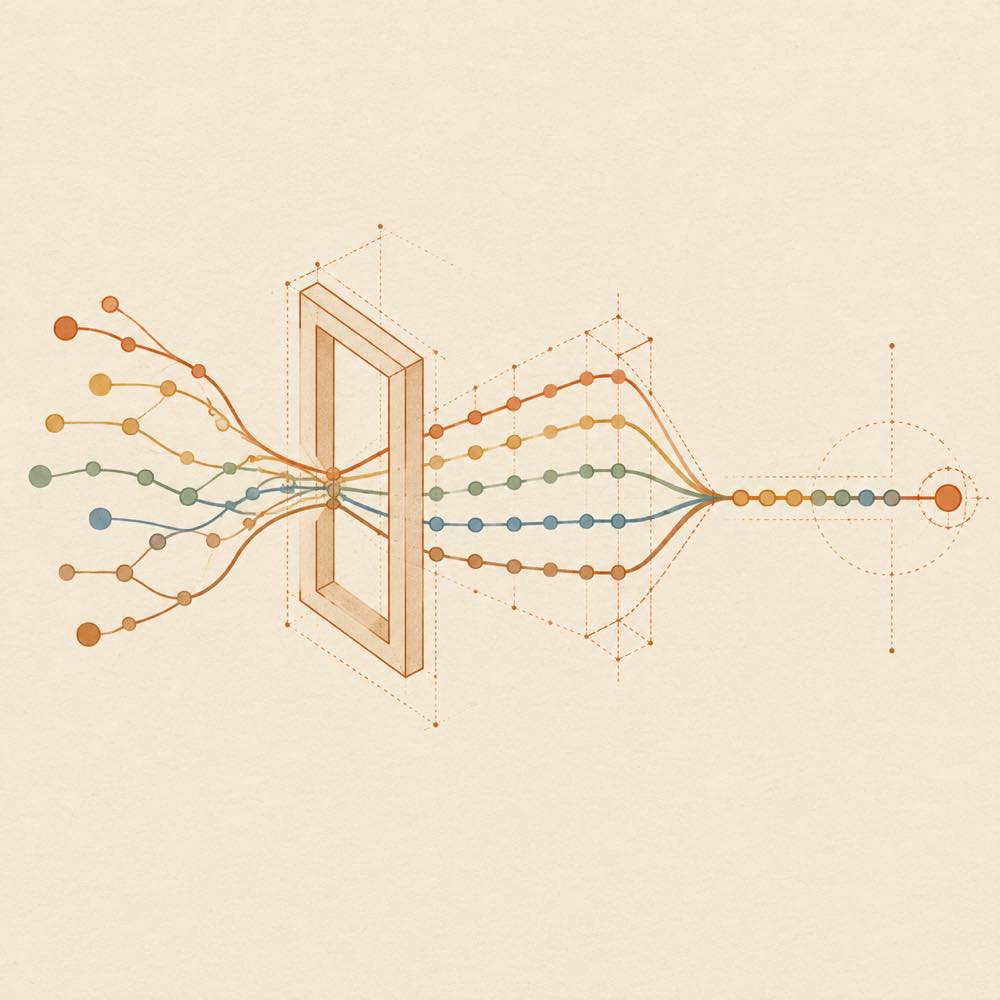
Abstract diagram of branching lines and commit nodes converging into a chronological ribbon.

dsh-git-graph is a DeepSeek Harness plugin that adds a Git branch selector and commit graph to the DeepSeek Harness web GUI.

DeepSeek Harness places the branch selector above the conversation input, in the conversation header. From there, the interface can switch branches and display branch lanes alongside commit history, allowing a developer to follow changes along a timeline. The README describes the visible workflow, but does not specify a separate command, configuration key, file path, or persistence mechanism for this plugin.

dsh-git-graph is intended for developers who inspect repository history while working in the DeepSeek Harness web interface, particularly when several branches need to be compared visually. It is a poor fit for a terminal-only workflow, or for installations that do not use the web GUI and its web profile. It also adds visual Git navigation rather than replacing ordinary Git commands or providing a separate source-control system.

dsh-git-graph documentation

Configuring dsh-git-graph

DeepSeek Harness installs this plugin as part of the web profile through the official profile mechanism used by dsh-web. The plugin is identified by the package name @linxin666/dsh-client-ui-git-graph. The README does not document plugin-specific configuration keys or defaults.

How dsh-git-graph behaves

DeepSeek Harness exposes the branch selector in the conversation header, above the input field. The documented actions are:

  • selecting a Git branch;
  • viewing branch lanes as a graph;
  • exploring commit history along a timeline.

The graph is intended to show branch relationships and commit history in the web GUI. The README does not describe a separate storage layer, a file written by the plugin, or an API used to obtain the Git data, so those implementation details should not be assumed from the interface description.

Requirements and limits

The plugin belongs to the dsh-web web-interface extension set and is intended for a DeepSeek Harness web GUI installation. The repository advertises compatibility with DeepSeek Harness >=0.2.0-rc.2; the README does not provide a more specific version matrix for dsh-git-graph.

The documented scope is Git branch selection and visual history browsing. The README does not list terminal commands, additional environment variables, supported operating systems, authentication settings, or controls for editing commits. Use a normal Git workflow for operations outside the branch-selection and history-graph features described above.

Written from the project's own documentation and kept in sync with it. Where the two disagree, the source is authoritative — read the README on GitHub

Same category

Alternatives to dsh-git-graph

codex-guard

Akimiya-z

136

Pre-submit pull-request hygiene checks inside DeepSeek Harness: scans the current diff for TODO leftovers, hardcoded secrets, and non-conventional commit subjects.

No one-line install — this plugin lives inside a larger repository and publishes no npm package.

GitHub sourceJavaScript1mo ago

AI review

codex-guard

What it is — Scans hygiene issues in AI-generated PRs within DeepSeek Harness.

Who it is for — When using Claude Code or Copilot to generate Pull Requests, automatic scanning of TODOs and secrets in commits is required. If you prefer complete manual control over all PR reviews, you can skip this tool.

Watch out — Sandbox test shows it installs successfully as an ordinary dependency without becoming a profile layer. It will execute shell commands. No obvious issues identified.

The verdict — I would not install it because it functions only as an ordinary dependency without profile layer support.

Generated by grok-4.6, and a starting point rather than a verdict. Where it says a plugin installs or does not, that is from a real run in a clean profile — everything else is read off the repository. Trust the source over this.Read the source
1Source

Adds a Worktree view to DSH Web UI that groups Sessions by Git worktree while keeping DSH as the source of truth.

No one-line install — this plugin lives inside a larger repository and publishes no npm package.

GitHub sourceJavaScript23d ago

AI review

clutch-dsh-worktree

What it is — Provides a Worktree view for DSH Web UI that groups Sessions by Git worktree while keeping DSH as the source of truth.

Who it is for — Users who organize Sessions via Git worktrees in the DSH Web UI should install this plugin. Individuals without Git worktree workflows do not need it.

Watch out — The plugin is not published and requires local source installation. Static analysis indicates it executes shell commands. No sandbox testing was performed.

The verdict — I would not install it, as it is only available via local checkout and involves shell command execution in its static checks.

Generated by grok-4.6, and a starting point rather than a verdict. Where it says a plugin installs or does not, that is from a real run in a clean profile — everything else is read off the repository. Trust the source over this.Read the source
1Source

dsh-github

PerryLink

28

Official-grade GitHub CI integration: a composite action.yml, a polling PR review bot with idempotent inline comments and a status-check gate, plus PR/issues tools with every write gated by human approval.

Installed cleanly when we ran it

npm packageTypeScript8d ago

AI review

dsh-github

What it is — dsh-github provides GitHub PR review, issue management, and CI integration tools for DeepSeek Harness, with every write gated by human approval and token privacy.

Who it is for — When building agent workflows with DeepSeek Harness that require GitHub access, it supplies the full PR lifecycle and tools. If you only handle local files and code without GitHub integration, you do not need to install it.

Watch out — Manual permission is required for build scripts when installing from source. It was tested successfully in a fresh profile and registered with harness. No obvious issues found.

The verdict — I would install it because it keeps all GitHub writes token-secure, which matches the privacy requirement in certain agent workflows.

Generated by grok-4.6, and a starting point rather than a verdict. Where it says a plugin installs or does not, that is from a real run in a clean profile — everything else is read off the repository. Trust the source over this.Read the source
1Source

PiUI-style diff viewer replacing the stock DiffBlock for write/edit tool calls.

Installed cleanly when we ran it

GitHub sourceJavaScript16d ago

AI review

dsh-diff-viewer

What it is — A PiUI-style diff viewer that replaces diff rendering for write/edit tool calls.

Who it is for — When using write/edit tool calls in DeepSeek Harness, this plugin is suitable to install. Users who only want to use the official default diff experience can choose other plugins.

Watch out — Sandbox test passed: successfully installed in a new profile and registered to the harness. No issues found from static checks. No obvious pitfalls discovered.

The verdict — I would install it because it is a pure plugin that restores the official line upon uninstall.

Generated by grok-4.6, and a starting point rather than a verdict. Where it says a plugin installs or does not, that is from a real run in a clean profile — everything else is read off the repository. Trust the source over this.Read the source
1Source
23

Git branch selector and Git graph in the conversation header of the dsh web GUI.

No one-line install — this plugin lives inside a larger repository and publishes no npm package.

GitHub source2mo ago

AI review

dsh-git-graph

What it is — The dsh-git-graph plugin integrates a Git branch selector and commit history graph into the conversation header of the DeepSeek Harness web GUI.

Who it is for — Developers using DeepSeek Harness for code development and debugging in multi-branch projects should install it to quickly switch branches and view commit history in the DSH web interface. Teams that do not use Git version control do not need to install it because their workflows do not involve branch management.

Watch out — No obvious issues found. The plugin cannot be installed with a single npm command and must be installed as a subdirectory plugin from the dsh-web-ui repository.

The verdict — I would install it because it makes branch management seamless in the DSH web GUI.

Generated by grok-4.6, and a starting point rather than a verdict. Where it says a plugin installs or does not, that is from a real run in a clean profile — everything else is read off the repository. Trust the source over this.Read the source
Source

Git worktree Session Targets with isolated task sessions, Ready for Review, reversible Local Preview, human-confirmed delivery, environment retention and recovery, and same-session iteration.

DeepSeek Harness 0.2.1-rc.5 refuses the latest release

npm packageTypeScript16d ago

AI review

dsh-git-worktree

What it is — Provides Git worktree isolation and delivery for DeepSeek Harness sessions.

Who it is for — When you need to isolate code modifications in DeepSeek Harness sessions. Users who do not perform git version control changes are not suitable for it.

Watch out — Sandbox test passed: installed in new profile and registered into profile. No obvious issues found.

The verdict — I would install it because it provides ready-for-review lifecycle management, but only if the agent uses model tools.

Generated by grok-4.6, and a starting point rather than a verdict. Where it says a plugin installs or does not, that is from a real run in a clean profile — everything else is read off the repository. Trust the source over this.Read the source
1Source