DSH Marketplace

dsh-free-search

DDDMUC/dsh-free-search

Free, keyless web search for DSH: 7 engines (DuckDuckGo/Bing/SearXNG free + Exa/Perplexity/DeepSeek paid), auto-failover, settings-page UI with API key inputs and official links, web_fetch, and an engine test tool.

464JavaScriptMITSource

Install

Add dsh-free-search to DeepSeek Harness

via npm

Resolves a published tarball rather than cloning the repository, and installs without any extra setup. Swap `web` for your profile name if you run another one.

via GitHub · npm package

Installing from GitHub runs the project's build script, which pnpm blocks until you allowlist it — run the command once and pnpm prints the exact key to add under `allowBuilds` in ~/.dsh/profiles/web/pnpm-workspace.yaml.

What happened when we ran it

Installed cleanly when we ran it

Every command here is run in a throwaway container against a clean profile, and the result is whatever the harness recorded — not a guess from the source. Last run 6d ago.

Due diligence

Before you install dsh-free-search

  • Source of record: DDDMUC/dsh-free-search — present in the community registry that DSH's own plugin market installs from.
  • Licensed under MIT.
  • Detected: requires credentials. Read the source before granting these.
  • A listing here is not a security review. Plugins run with your agent's permissions.

The AI take

What it is — Adds free multi-engine web search with auto-failover and test tool to DeepSeek Harness.

Who it is for — If you use a gateway like opencode-go that does not support the web_search tool and need web search in DeepSeek Harness, this plugin enables agent networking. If your tasks do not require network search, you do not need to install this plugin.

Watch out — Sandbox test passed, successfully registered in a new profile. No obvious issues found.

The verdict — I would install it if I need to perform searches with gateways that don't support web_search, as it provides multi-engine auto-fallback.

Generated by grok-4.6, and a starting point rather than a verdict. Where it says a plugin installs or does not, that is from a real run in a clean profile — everything else is read off the repository. Trust the source over this.

What dsh-free-search does

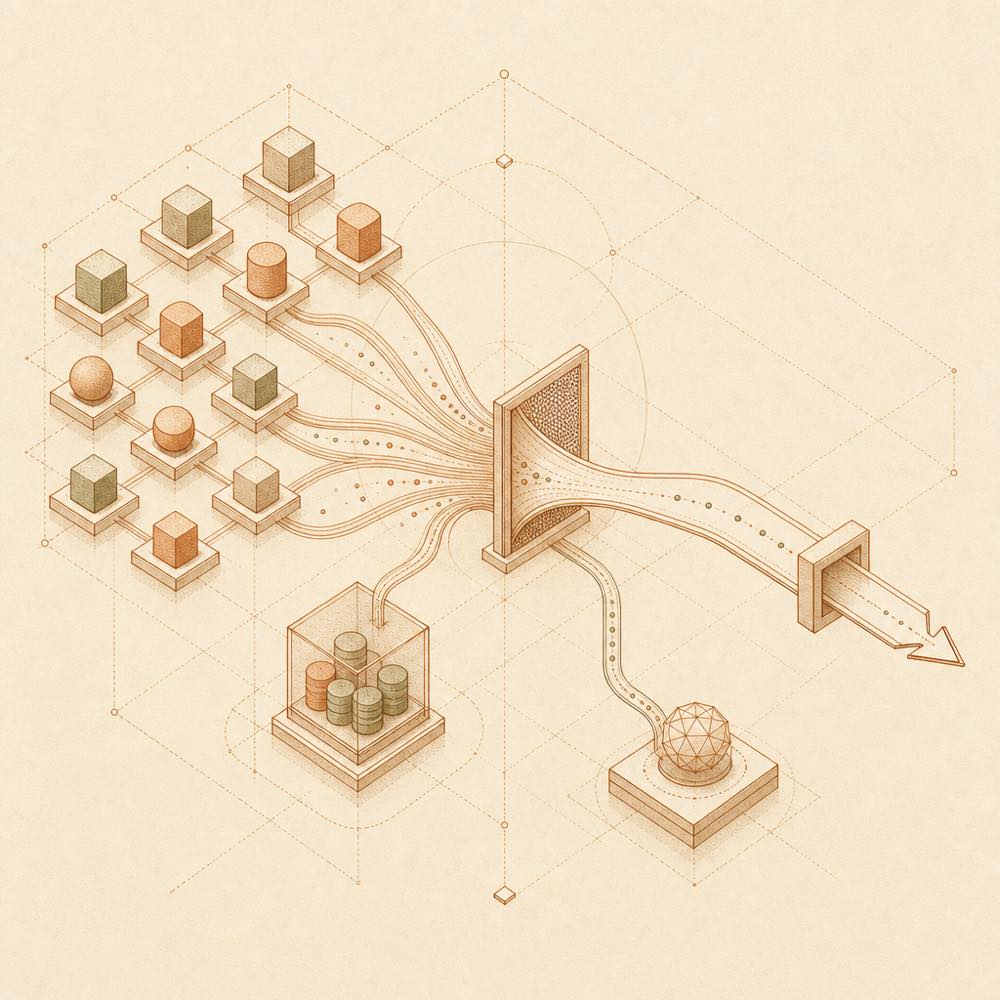
Branching search paths converge through fallback filtering into one output channel.

dsh-free-search is a DeepSeek Harness plugin that adds keyless and API-backed web search providers through the ctx.web seam. DeepSeek Harness can use the registered provider through web_search, with bing selected by default. The plugin tries the preferred engine first and automatically falls back to other engines when a request fails because of missing credentials, authentication errors, rate limits or network errors. Supported providers listed by the project include DuckDuckGo HTML and Lite, Bing, SearXNG, AnySearch, Exa, Tavily, Keenable, Perplexity and DeepSeek Official.

dsh-free-search reads provider settings and API keys from ~/.dsh/settings.yaml. Its settings page can select an engine, store keys, enable platform search and configure a cache of up to five minutes; /free-search-engine changes the preferred provider. It also supplies free_search_test, advanced_search, web_fetch and platform_search tools. Search requests reach external engine endpoints, and configured credentials are used for paid providers such as Perplexity and DeepSeek Official.

This suits installations that need web search without depending on DEEPSEEK_API_KEY, including setups where an OpenAI-compatible gateway does not provide web_search. It is the wrong choice when external search services, anonymous quotas or additional provider credentials are unacceptable, or when the existing DeepSeek Harness search provider already meets the requirement.

dsh-free-search documentation

Configuring dsh-free-search

DeepSeek Harness loads dsh-free-search as a web-profile plugin. The plugin registers a provider through ctx.web and stores its settings in ~/.dsh/settings.yaml under free-search.

Key Meaning
provider Preferred engine; the default is bing
lang Settings-page language, zh or en
bingMarket Bing market; the documented example is zh-CN
region Optional DuckDuckGo region, such as cn-zh
searxngInstances Optional list of custom SearXNG instance URLs
exaApiKey, tavilyApiKey, keenableApiKey Optional credentials for those providers
perplexityApiKey Credential for Perplexity
deepseekApiKey Credential for DeepSeek Official

The settings page can select an engine, save credentials in masked form, test the current engine without fallback, enable platform search and set the result-cache duration from zero to five minutes. A zero-minute cache disables caching. dsh-free-search also documents DEEPSEEK_API_KEY for the official DeepSeek provider, and the paid providers require their corresponding API keys.

Commands and tools

DeepSeek Harness exposes the plugin’s search through web_search. Enter /free-search-engine in the chat box to choose and save the preferred engine. The free_search_test tool tests every engine individually. advanced_search accepts timeRange values such as day, week, 3d, 2mo or 2026-07-01, and can explicitly select engine. The plugin also provides web_fetch and platform_search for supported public platforms.

How dsh-free-search behaves

The preferred engine runs first. On failure, dsh-free-search tries other configured or keyless-capable providers and then the remaining free engines, reporting the engine that actually returned the result. Exa, Tavily and Keenable can be attempted without a key using their documented anonymous paths, while Perplexity and DeepSeek Official require credentials.

Requirements and limits

DeepSeek Harness must provide the @deepseek-ai/dsh-settings and @deepseek-ai/dsh-tools peer dependencies as single runtime instances. The search providers are external services: free engines can be rate-limited, and paid engines can fail when keys are absent or invalid. The README documents no additional runtime platform requirement.

Written from the project's own documentation and kept in sync with it. Where the two disagree, the source is authoritative — read the README on GitHub

Same category

Alternatives to dsh-free-search

treg

superdesigndev

452

Tool catalog for agents: search ~2,600 external endpoints (SEO and SERP, backlinks, social, people and company enrichment, ad libraries, scraping) by the task you want done, read each one's parameters and per-call price, then call it with the credential injected server-side. Ships the skill plus an MCP row that stays disabled until TREG_TOKEN is set.

Installed cleanly when we ran it

GitHub sourcePython5d ago

AI review

treg

What it is — The treg plugin provides DeepSeek Harness agents with a tool catalog to search and call approximately 2600 external endpoints by task.

Who it is for — When using a DeepSeek Harness agent to perform data collection tasks requiring external tools without managing multiple vendor accounts, this plugin is suitable. Developers who only use local CLIs or self-built skills can from another angle achieve the needed functionality through direct configuration.

Watch out — Sandbox test passed: installed in a fresh profile and registered into the profile by Harness. No obvious pits found. Source installation requires manually allowing the build script.

The verdict — I would install it because it enables a DeepSeek Harness agent to access external tools with one token and server-side credential injection.

Generated by grok-4.6, and a starting point rather than a verdict. Where it says a plugin installs or does not, that is from a real run in a clean profile — everything else is read off the repository. Trust the source over this.Read the source
1Details
390

Chrome sidebar extension that lets DSH operate your browser directly, no vision capabilities required.

Installed cleanly when we ran it

GitHub sourceTypeScriptyesterday

AI review

dsh-browser

What it is — A Chrome sidebar extension that lets DSH operate your browser directly without vision capabilities.

Who it is for — When you want the model to operate in your actual browser to fill forms or navigate while preserving login state, you can use this plugin. It registers the DSH bundle in the web profile. If you only run DSH in terminal without browser control needs, you can skip this plugin.

Watch out — Installation requires manual approval of the build script from source. Sandbox testing passed, it registers in a fresh profile.

The verdict — I would install it because it enables model operation in a real browser session with preserved state.

Generated by grok-4.6, and a starting point rather than a verdict. Where it says a plugin installs or does not, that is from a real run in a clean profile — everything else is read off the repository. Trust the source over this.Read the source
1Details

modsearch

liustack

236

Web search bridge for text-only agents: ask the web or X, get structured JSON evidence (search, fetch, citations).

Installed cleanly when we ran it

npm packageTypeScriptyesterday

AI review

modsearch

What it is — ModSearch provides web search, X search, and page fetching capabilities for text models in DeepSeek Harness.

Who it is for — When using DeepSeek-V4-Flash for tasks requiring up-to-date information, it supplements web search capabilities. If you use a model with native web access, it is not needed.

Watch out — Installation requires browser login for the default engine or free API keys from alternatives. Sandbox test passed: works in fresh profile and registered. The plugin executes shell commands. No obvious issues found.

The verdict — I would install it because of the free default engine and automatic failover support.

Generated by grok-4.6, and a starting point rather than a verdict. Where it says a plugin installs or does not, that is from a real run in a clean profile — everything else is read off the repository. Trust the source over this.Read the source
1Details

notes

zhaoolee

144

Export DSH conversations as Smartisan Notes-style PNGs, or create and update Markdown notes in a configured account-scoped workspace.

Installed cleanly when we ran it

GitHub sourceTypeScript6d ago

AI review

notes

What it is — Export DSH conversations to Smartisan Notes-style PNGs or create and update Markdown notes in an account-scoped workspace.

Who it is for — Users who want to organize conversation records with DeepSeek Harness and export them as notes for sharing are suitable for installing this plugin. If you mainly handle static documents rather than conversation records, you can skip installing this plugin.

Watch out — Successfully registered in the profile after installation. No obvious issues found.

The verdict — I would install it because it allows direct export of conversations into notes with a simple trigger in the DSH dialogue.

Generated by grok-4.6, and a starting point rather than a verdict. Where it says a plugin installs or does not, that is from a real run in a clean profile — everything else is read off the repository. Trust the source over this.Read the source
1Details
119

Undo/redo & rollback system for DSH: every config change is auto-snapshotted; undo/redo/restore to any version from the WebUI or the offline CLI/GUI tools (works even when DSH fails to boot).

Installed cleanly when we ran it

npm packageJavaScriptyesterday

AI review

dsh-undo-plugin

What it is — Provide snapshot and rollback functionality for DeepSeek Harness configuration and plugin code, with one-click reversion to any version via WebUI, CLI or offline GUI.

Who it is for — When frequently adjusting profile settings or plugin code in the DeepSeek Harness WebUI, this is suitable. It is not appropriate for users running simple local scripts only, as the plugin targets DeepSeek Harness configuration management.

Watch out — Tested successfully after installation into a fresh profile with harness registration. Static check indicates shell command execution. No obvious issues found.

The verdict — I would install it, as it handles offline recovery when DeepSeek Harness fails to boot, without requiring additional dependencies.

Generated by grok-4.6, and a starting point rather than a verdict. Where it says a plugin installs or does not, that is from a real run in a clean profile — everything else is read off the repository. Trust the source over this.Read the source
1Details

argo

taxueseek

98

Search built for agents: multilingual coverage across web, academic, code, shopping, finance, news, and encyclopedias.

Installs, but not as a profile layer

npm packagePython10d ago

AI review

argo

What it is — Argo is a multilingual search infrastructure for AI agents, delivering structured evidence candidates with credibility decomposition.

Who it is for — If you are developing AI agents using DeepSeek Harness to query topics like finance, sports, or movies requiring structured evidence support, it fits. If you seek only human-readable search summaries or link lists, you do not need it.

Watch out — Successfully installed via command, but treated as ordinary dependency without dsh.bundle so no profile layer added. No obvious issues found in sandbox testing.

The verdict — I would install it because it offers structured evidence for agents to reduce context bloat and costs, but as an ordinary dependency it will not add a profile layer and must be used as per its documentation.

Generated by grok-4.6, and a starting point rather than a verdict. Where it says a plugin installs or does not, that is from a real run in a clean profile — everything else is read off the repository. Trust the source over this.Read the source
1Details