Configuring dsh-connect-workbuddy
DeepSeek Harness exposes the plugin at Settings → WorkBuddy. The page has separate domestic and international tabs, with independent account pools, model catalogues and unsaved drafts. Each provider is enabled by default; clearing its provider checkbox removes that provider’s models and routes from the DeepSeek Harness model selector and model settings, while retaining its accounts, catalogue, credits and selections. Re-enabling it restores them.
Model management starts with a refresh from the upstream catalogue. Refreshing immediately stores and applies catalogue data, including credit multipliers, context and output limits, reasoning modes and activity details. It does not save pending directory edits. Model enablement, context budgets, image-input choices and default reasoning modes require Save; Discard abandons those drafts. Image input is initially enabled only for models covered by the plugin’s verification table. Models without supporting evidence are treated as unverified, but can be selected manually. The off option is controlled per model; nine reviewed models that return an error for this mode cannot enable it.
Accounts and credit actions
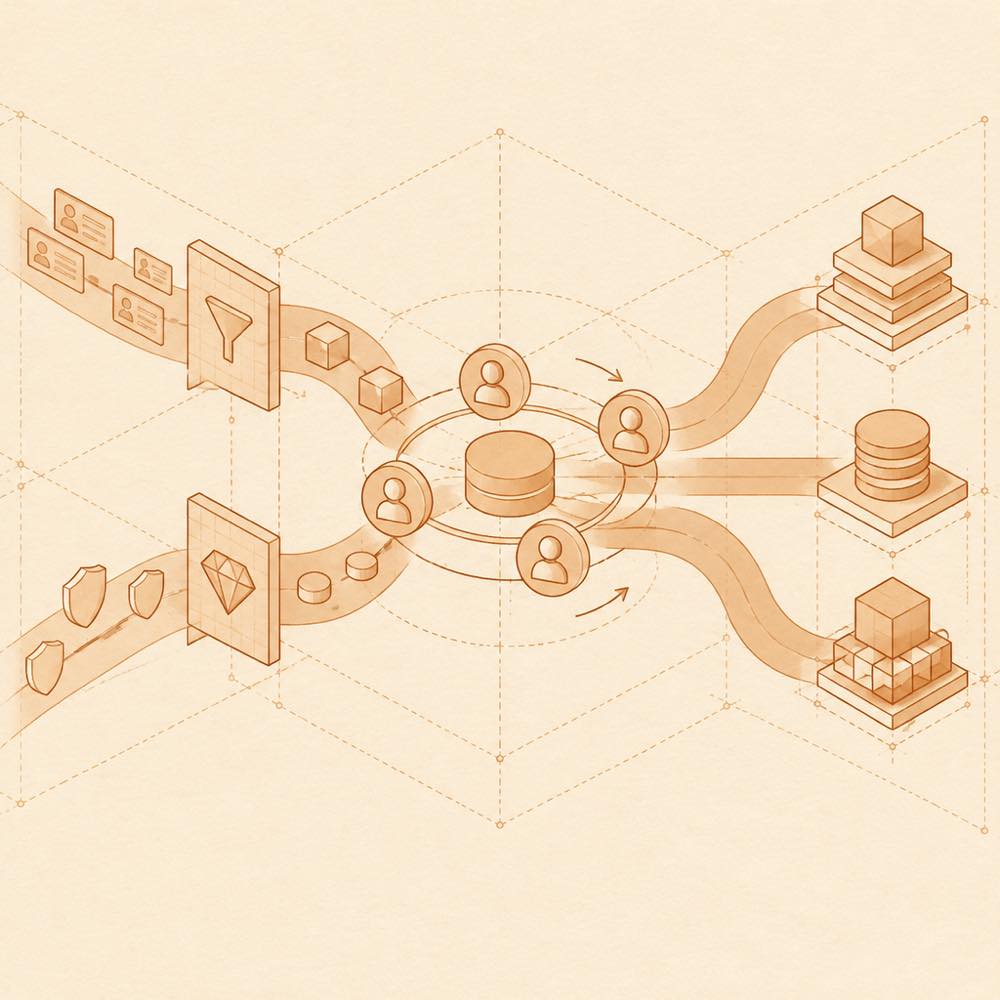
The account-pool section can detect locally signed-in accounts, switch accounts and enable automatic failover. The README also documents a manual daily check-in action. Credit information is read-only. A diagnostics section reports the active region, upstream domain, serving account name, login expiry, catalogue counts, account-pool state and the latest upstream error text.
dsh-connect-workbuddy capabilities
The optional sidebarPanel setting adds a WorkBuddy entry to the DeepSeek Harness sidebar and opens the same page in a full-width panel. It is disabled by default and takes a shared sidebar slot. Capability controls also cover local CodeBuddy CLI calls, model-initiated image generation and credit-pill placement. The README names sidebarPanelEnabled as the host-side value used to seed the sidebar state.
Known limits
The plugin uses WorkBuddy client interfaces rather than an official public API. WorkBuddy may restrict non-official client requests, and upstream changes can make the plugin unusable. Models from a region without a locally signed-in account are not listed. Closing a provider while a session still selects one of its models causes NO_ADAPTER on a later call.
Written from the project's own documentation and kept in sync with it. Where the two disagree, the source is authoritative — read the README on GitHub