
maid-atelier
Small-tailqwq
Whale-girl skin series for the DSH Web UI (maid-atelier).
Installed cleanly when we ran it
npm packageTypeScript17d ago
elysia395/dsh-wallpaper-engine
Requires DeepSeek Harness 0.1.5-rc.1+ (DSH Desktop >= 2.0.7) and dsh-better-sidebar >= 0.19.0 - update both before installing or updating this plugin. Plays local Wallpaper Engine Video/Web wallpapers behind the chat, renders Scene wallpapers as extracted static frames, and adds content-rating/type filters, custom uploads and an iOS-style liquid-glass settings window.
Install
via npm
Resolves a published tarball rather than cloning the repository, and installs without any extra setup. Swap `web` for your profile name if you run another one.
via GitHub · npm package
Installing from GitHub runs the project's build script, which pnpm blocks until you allowlist it — run the command once and pnpm prints the exact key to add under `allowBuilds` in ~/.dsh/profiles/web/pnpm-workspace.yaml.
The desktop app keeps its own profile, desktop, and only the dsh command it ships may change it — the npm-installed dsh refuses that profile. Install the command from the app menu (Manage dsh Command…), open Desktop once, quit it fully, run the line below, then reopen Desktop.
via npm
Resolves a published tarball rather than cloning the repository.
via GitHub · npm package
Installing from GitHub runs the project's build script, which pnpm blocks until you allowlist it — run the command once and pnpm prints the exact key to add under `allowBuilds` in ~/.dsh/profiles/desktop/pnpm-workspace.yaml.
Our install check ran in a web profile on npm's dsh, not in the desktop app.
What happened when we ran it
Installed cleanly when we ran it
Every command here is run in a throwaway container against a clean profile, and the result is whatever the harness recorded — not a guess from the source. Last run 6d agoon DeepSeek Harness 0.2.1-rc.5.
Show it in your README
For maintainers: the badge serves this listing's latest sandbox verdict, so a re-run updates it on its own — and it links readers to the full result here.
Due diligence
Security
No build script was blocked in our run.
Source: our sandbox install on DeepSeek Harness 0.2.1-rc.5, 6d ago.
package.json declares no preinstall, install or postinstall script.
Source: package.json on GitHub, read at our last sync. prepare is not recorded; it runs only on a GitHub install, and shows up under build scripts when pnpm blocks it.
Neither shell commands nor credentials.
Source: a keyword match on the README — a hint about what the plugin touches, not an analysis of its code.
Not an audit. These are the record of one install and two text scans; nobody has read this plugin's code on your behalf. Plugins run with your agent's permissions.
What it is — Integrates local Wallpaper Engine wallpapers behind the DSH chat interface with liquid glass settings.
Who it is for — When using DeepSeek Harness desktop edition for web chatting, it is suitable to install this plugin. Users of web version DSH can skip installation because it requires DSH Desktop version >= 2.0.7.
Watch out — The installation requires updating DeepSeek Harness to 0.1.5-rc.1+ and installing dsh-better-sidebar >= 0.19.0, and a restart of the corresponding host is needed after installation. Sandbox testing passed in a new profile and it was registered into the profile by harness. No obvious issues found.
The verdict — I would install it because it provides an iOS-style liquid glass settings window.
Generated by grok-4.6, and a starting point rather than a verdict. Where it says a plugin installs or does not, that is from a real run in a clean profile — everything else is read off the repository. Trust the source over this.
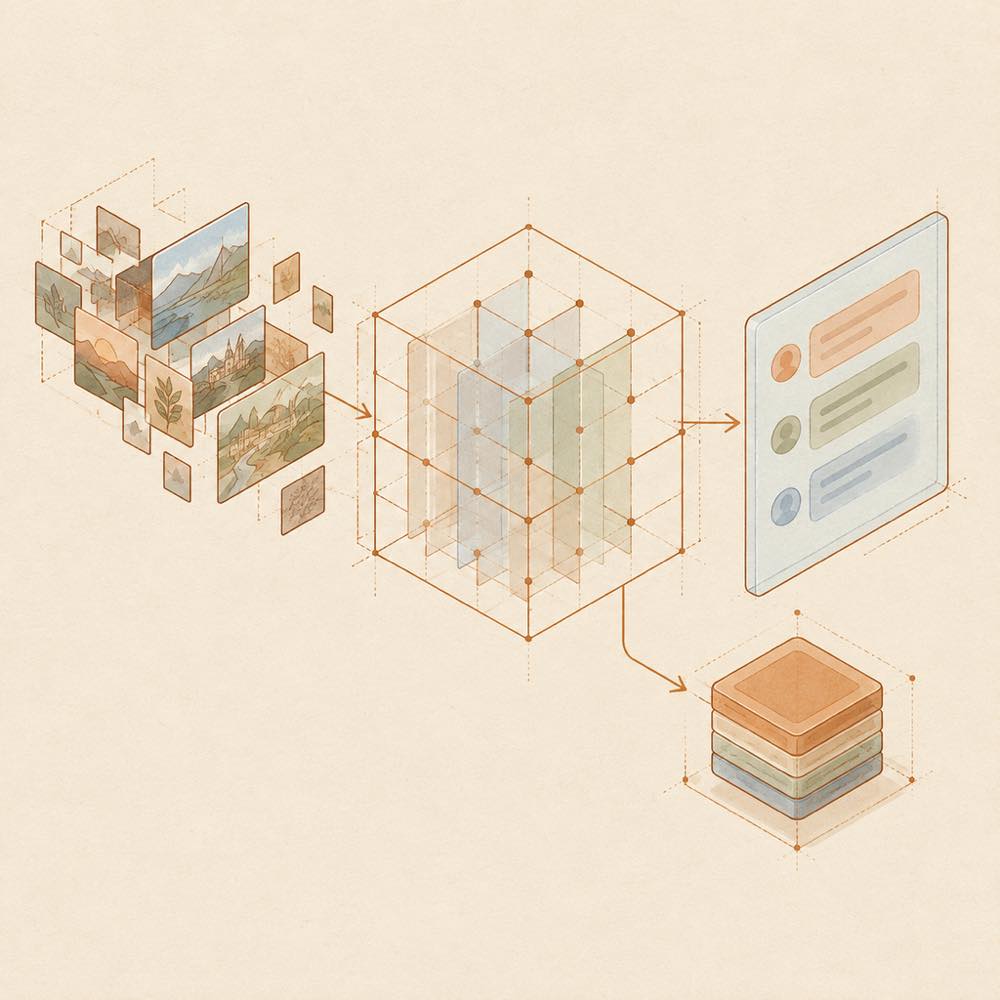
dsh-wallpaper-engine is a DeepSeek Harness plugin that places local Wallpaper Engine wallpapers behind the chat interface and provides controls for playback and appearance. It supports Scene, Web and Video wallpapers, plus uploaded JPG, PNG and MP4 files. Scene wallpapers are rendered by the built-in WebWallGL renderer; Web wallpapers are mounted with Wallpaper Engine API injection and sandbox isolation; videos use browser playback. Application wallpapers are excluded.
DeepSeek Harness loads the plugin in the web or desktop profile and stores the selected settings on the host. The plugin reads local Wallpaper Engine project directories, including projects containing project.json, and can write uploaded media and transcoding caches to local storage. Its settings are opened from Settings → Wallpaper Engine or the mascot’s wallpaper drawer. It does not register agent tools or inject prompt text, so it does not add model token usage.
dsh-wallpaper-engine is intended for users who want local animated wallpapers, filtering, automatic rotation and extensive interface customisation inside DeepSeek Harness. It is not suitable for Application wallpapers that require third-party executables, and Scene output is not guaranteed to match Wallpaper Engine for every workshop item. Installation requires DeepSeek Harness 0.1.5-rc.1 or later, Node.js >=18, and dsh-better-sidebar >=0.19.0; desktop builds require DSH Desktop >=2.0.7.
Open Settings → Wallpaper Engine in DeepSeek Harness, or pull down the mascot’s cord to open the wallpaper drawer. The settings window has six areas:
Changes take effect immediately and are saved to the host. Presets can include fonts, mascot assets and avatars, and can be exported or imported as JSON. The README documents settings through this interface rather than listing configuration keys or environment variables.
After installation or an update, restart the relevant host. For the web host, restart dsh web; desktop users must fully quit and reopen the application. DeepSeek Harness loads the package through the selected web or desktop profile. The plugin does not register agent tools or add prompt text.
DeepSeek Harness must be >=0.1.5-rc.1; DSH Desktop must be >=2.0.7 for desktop use, and Node.js must be >=18. The plugin supports Windows, macOS and Linux. dsh-better-sidebar must be >=0.19.0.
The plugin can read Wallpaper Engine project directories and recognises projects with project.json, scene packages, web entry points or video content. Uploaded JPG, PNG and MP4 files are stored locally. macOS has no official Wallpaper Engine client, so the plugin uses uploaded media or a configured directory containing compatible projects.
Scene wallpapers use WebWallGL and fall back through a degradation chain when rendering fails; a preview may appear while the first frame is prepared. Rendering depends on each wallpaper’s resources and scripts, so workshop output may differ from Wallpaper Engine. Application wallpapers are unsupported and are not added to the library or rotation candidates.
Written from the project's own documentation and kept in sync with it. Where the two disagree, the source is authoritative — read the README on GitHub
Same category
Small-tailqwq
Whale-girl skin series for the DSH Web UI (maid-atelier).
Installed cleanly when we ran it
WYH66666666
是一层高自由度的玻璃质感主题,套在 DeepSeek Harness 网页端。顶栏、侧边栏、输入框、统计行、轨迹视图都成了磨砂玻璃片。玻璃模糊度、磨砂度、背景(流体或自定义壁纸,壁纸还能单独调模糊和磨砂)全都能在设置卡片里自由调节。关掉开关就回到原生界面,不改 DSH 任何一行源码。
DeepSeek Harness 0.2.1-rc.5 refuses the latest release
d-dev0101
Realtime WebGPU ocean skin with quick controls for waves, daylight, glass opacity, and an automatic day cycle.
Installed cleanly when we ran it
kingOfSoySauce
Adaptive reasoning slider skin that maps each model's available reasoning efforts onto a 0–30 visual intensity scale, with synchronized portraits, background, and interface colors.
Installed cleanly when we ran it
RevolutionLA
One-command skin plugin: 8 original themes, translucent wallpaper with opacity/blur, per-user accent, and shareable theme-pack import/export, favorites and surprise-me — purely native on DSH's token system.
Installed cleanly when we ran it
Nwflower
Claude Code Desktop look-and-feel for the DSH Web GUI — ivory/warm-black dual canvas, clay accent, three-font typography, permission segmented control and brand switcher, via CSS overrides and client DOM overrides.
Installed cleanly when we ran it