DSH Marketplace

dsh-codex-connect

franksong2702/dsh-codex-connect

Connect ChatGPT OAuth and OpenAI Codex models to DeepSeek Harness, with opt-in search and image tools.

4110TypeScriptApache-2.0Source

Install

Add dsh-codex-connect to DeepSeek Harness

via npm

Resolves a published tarball rather than cloning the repository, and installs without any extra setup. Swap `web` for your profile name if you run another one.

via GitHub · npm package

Installing from GitHub runs the project's build script, which pnpm blocks until you allowlist it — run the command once and pnpm prints the exact key to add under `allowBuilds` in ~/.dsh/profiles/web/pnpm-workspace.yaml.

What happened when we ran it

Installed cleanly when we ran it

Every command here is run in a throwaway container against a clean profile, and the result is whatever the harness recorded — not a guess from the source. Last run 6d ago.

Due diligence

Before you install dsh-codex-connect

  • Source of record: franksong2702/dsh-codex-connect — present in the community registry that DSH's own plugin market installs from.
  • Licensed under Apache-2.0.
  • Detected: terminal surface. Read the source before granting these.
  • A listing here is not a security review. Plugins run with your agent's permissions.

The AI take

What it is — Adds OpenAI Codex model support and ChatGPT OAuth login to DeepSeek Harness with optional search and image tools.

Who it is for — When using an agent to execute tool calling tasks in DeepSeek Harness, it is suitable to install this plugin because it adds the Codex model catalog. Users who do not want to perform OAuth login with ChatGPT can continue using the current model configuration.

Watch out — Sandbox test passed: installed in a new profile and registered by Harness. Requires manual completion of ChatGPT OAuth login. No obvious pitfalls found.

The verdict — If Codex model access is needed, I would install it because it integrates without changing Harness core controls.

Generated by grok-4.6, and a starting point rather than a verdict. Where it says a plugin installs or does not, that is from a real run in a clean profile — everything else is read off the repository. Trust the source over this.

What dsh-codex-connect does

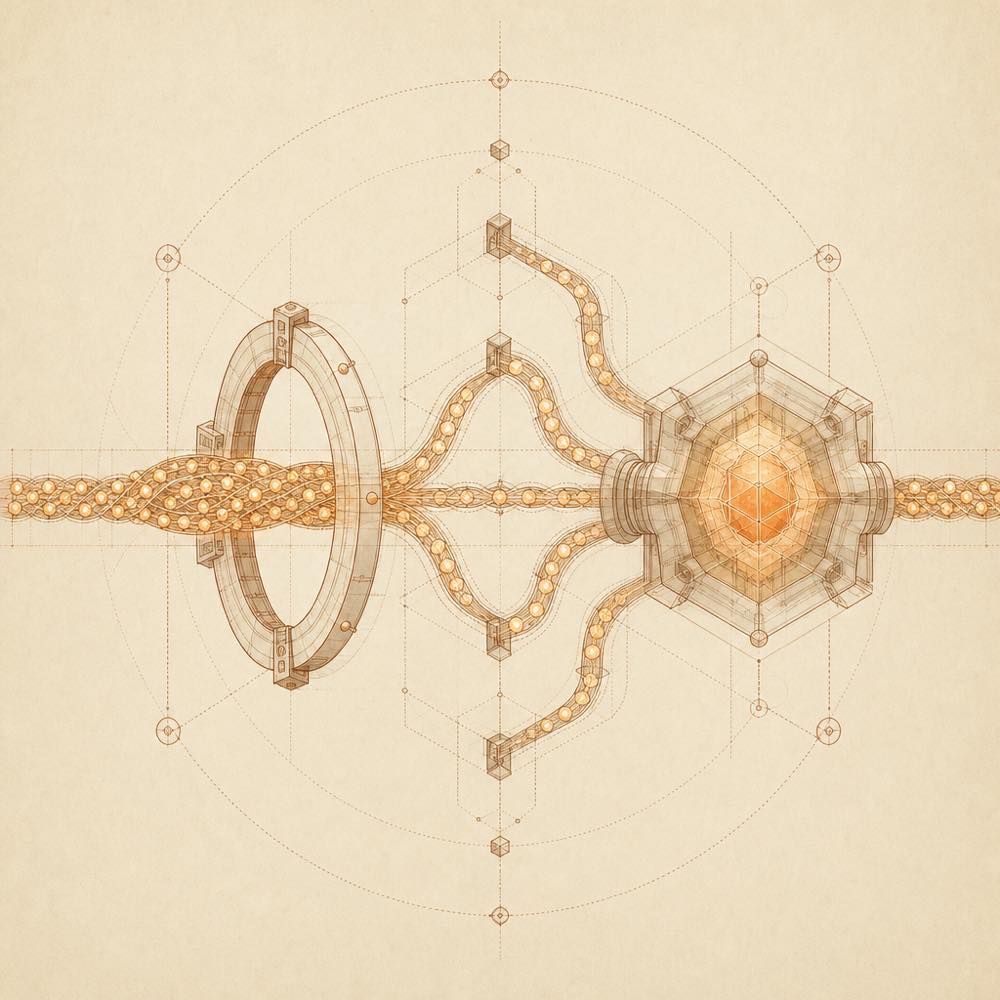
Abstract streams converge through an orbital ring into a translucent processing core.

dsh-codex-connect is a DeepSeek Harness plugin that connects a ChatGPT OAuth account and OpenAI Codex models to an agent session. It adds an openai-codex model catalogue and a separate ChatGPT sign-in flow under Settings → Plugins → Plugin configuration → Codex Connect. Selected models run through DeepSeek Harness's normal LLM service, so streaming, tool calls, reasoning replay, compaction, filesystem controls, permission gates and approval prompts remain managed by DeepSeek Harness.

The installation is additive: it does not change the profile's default model or global search route. Standalone search, view_image and GPT Image generation stay disabled until enabled in the plugin card. The plugin also reads public package metadata, local package metadata and the repository's verified-compatibility.json to report plugin/DeepSeek Harness version compatibility and available updates. It does not run an upgrade command itself.

This is for users with a ChatGPT subscription who want eligible Codex models inside DeepSeek Harness without replacing its existing model and search settings. It is the wrong choice for applications needing an OpenAI Platform API credential: the README explicitly says ChatGPT OAuth is not one. The listed terminal surface is used by the documented dsh installation and update commands; browser approval is also required for sign-in.

dsh-codex-connect documentation

Configuring dsh-codex-connect

DeepSeek Harness loads dsh-codex-connect into a selected profile. Open Settings → Plugins → Plugin configuration → Codex Connect to start the separate ChatGPT OAuth login and manage optional capabilities. The README does not document named configuration keys or environment variables. A new installation displays Not signed in; after browser approval it displays Signed in.

The bundle is additive. DeepSeek Harness keeps the current default model and global search route. Standalone search, view_image and image generation are disabled until explicitly enabled. When an eligible GPT Codex model is selected, the Composer exposes a conversation-scoped Fast Mode toggle and a weekly-quota indicator.

Commands

dsh web starts the web UI for the selected profile. The documented manual update command is dsh plugin --profile web update dsh-codex-connect; web can be replaced with the profile name in use. The plugin does not execute upgrade commands automatically. After an update, restart the profile's DeepSeek Harness Web process if the running process still reports the old version.

Compatibility and updates

The DeepSeek Harness Web server periodically checks public package metadata and verified-compatibility.json from the repository. That file records exact plugin and DeepSeek Harness version pairs. The status can be green for a verified pair, yellow when the latest plugin should be installed first, red when no matching record exists, or gray when the version is unrecorded or the public check fails. A newer-version notice shows user-facing changes and technical release notes, but updating remains manual.

Requirements and limits

A working dsh installation, a ChatGPT account with the required subscription access, and a browser capable of completing OAuth approval are required. If an embedded WebView blocks the sign-in window, the displayed Open ChatGPT sign-in page link opens the flow in the system browser. The plugin does not convert a ChatGPT subscription into an OpenAI Platform API credential.

Written from the project's own documentation and kept in sync with it. Where the two disagree, the source is authoritative — read the README on GitHub

Same category

Alternatives to dsh-codex-connect

dsh-auto-mode

NanmiCoder

87

Safe automatic permissions for DeepSeek Harness.

Installed cleanly when we ran it

npm packageTypeScript6d ago

AI review

dsh-auto-mode

What it is — Provides safe automatic permissions management for DeepSeek Harness.

Who it is for — Users who need broad access to build, test, and inspect a project without stopping every few steps in DeepSeek Harness can use this plugin. Users who want to avoid all approval dialogs can choose the Read Only mode.

Watch out — Sandbox test passed: it was installed in a fresh profile and registered by Harness. No obvious issues found. The Windows backend reports partial enforcement and the file sandbox does not restrict reads, network access, or external services.

The verdict — I would install it because it adds automatic risk classification to the workspace-write sandbox.

Generated by grok-4.6, and a starting point rather than a verdict. Where it says a plugin installs or does not, that is from a real run in a clean profile — everything else is read off the repository. Trust the source over this.Read the source
1Source

anysearch-dsh

anysearch-team

87

AnySearch web search provider and advanced search tools for DeepSeek Harness (DSH)

Installed cleanly when we ran it

npm packageTypeScript6d ago

AI review

anysearch-dsh

What it is — Connects AnySearch to DeepSeek Harness for real-time web search, vertical search and concurrent batch search.

Who it is for — When executing web search tasks in DeepSeek Harness AI Agent mode, users who need real-time web search and vertical search support are suitable to install this plugin. If users are in Human mode and do not need batch search functions, they do not need this plugin.

Watch out — Sandbox test passed: installed successfully in a new profile and registered with harness. Installation requires Node.js 22.19 or Node.js 24+ and pnpm 11.7.

The verdict — I would install it because it supports concurrent batch search and individual failures do not affect other results.

Generated by grok-4.6, and a starting point rather than a verdict. Where it says a plugin installs or does not, that is from a real run in a clean profile — everything else is read off the repository. Trust the source over this.Read the source
Source

DSH适用的Codex风格的思考强度滑块,以及大肥鱼跑步滑块。Codex-style model and reasoning-effort slider for DeepSeek Harness

Installed cleanly when we ran it

GitHub sourceTypeScript6d ago

AI review

dsh-reasoning-effort

What it is — Adds model entry below input and provides reasoning-effort slider plus running man slider in DeepSeek Harness.

Who it is for — Users needing to control reasoning intensity during multi-step tasks in DeepSeek Harness. Those whose models already have built-in reasoning-effort options do not need it.

Watch out — Requires manually allowing the build script when installing from source. Must restart DSH Web Host after installation to see the slider. Sandbox test passed: installed in new profile and registered by harness. No obvious issues found.

The verdict — I would install it because it enables direct slider adjustment synced with model efforts and includes running man slider by default, but only after restarting the host.

Generated by grok-4.6, and a starting point rather than a verdict. Where it says a plugin installs or does not, that is from a real run in a clean profile — everything else is read off the repository. Trust the source over this.Read the source
Source

Unofficial Command Code LLM provider: registers a `commandcode` route with a live model catalog and reasoning-effort support.

Installed cleanly when we ran it

npm packageTypeScript4d ago

AI review

dsh-commandcode-provider

What it is — Integrates Command Code as a provider for DeepSeek Harness, registering a commandcode route with live model catalog and reasoning-effort support.

Who it is for — Users using Command Code models for reasoning tasks benefit from this. If your workflow already includes reasoning-effort through official CLI, you can skip it.

Watch out — Sandbox test passed: installed in a new profile and registered into the profile. No obvious issues found. Configuration applies to the next request without restart.

The verdict — I would install it because it provides reasoning-effort support and Image markers, but only if I have a Command Code subscription.

Generated by grok-4.6, and a starting point rather than a verdict. Where it says a plugin installs or does not, that is from a real run in a clean profile — everything else is read off the repository. Trust the source over this.Read the source
LINUX DODetails
60

A macOS-only native account-pool and provider plugin for DeepSeek Harness.

Installed cleanly when we ran it

GitHub sourceJavaScript6d ago

AI review

dockyard-dsh

What it is — Dockyard DSH is a macOS-only native plugin that provides account pool and provider integration for DeepSeek Harness.

Who it is for — In a macOS environment where DeepSeek Harness needs unified management of multiple official OAuth accounts and real-time model quotas, Dockyard DSH can be used. If operating on a non-macOS platform or only using a single provider, this plugin is not needed.

Watch out — Sandbox testing confirmed successful registration in a fresh profile. Static checks note shell command execution. It is macOS-specific with Windows version still in development and un-released.

The verdict — I would not install it because it is macOS-only and requires source installation, but only if operating on macOS where account pool and provider integration is required.

Generated by grok-4.6, and a starting point rather than a verdict. Where it says a plugin installs or does not, that is from a real run in a clean profile — everything else is read off the repository. Trust the source over this.Read the source
1Source
44

Open-source quantum Agent workspace with a desktop client, Web UI, messaging, Qiskit/MCP tools, and scientific validation

Installed cleanly when we ran it

GitHub sourceJavaScripttoday