How it behaves
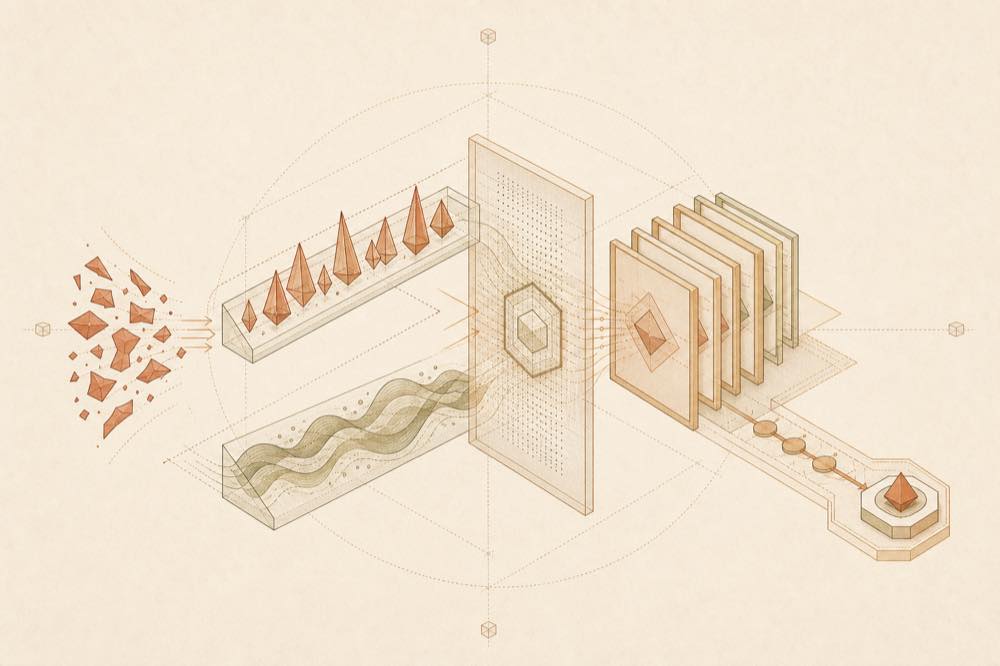
MisakaNet models recovery as a lookup-and-apply flow. An agent searches for a failure, reads a matching lesson, and applies the documented fix. If no lesson matches, it can opt in to send a redacted failure report. Accepted reports are reviewed and converted into draft lessons. The README states that prompts are not leaked and raw logs are not stored.
The lesson set is Git-backed and contains 289 lessons in the documented release. The repository examples cover DCO sign-off, pip install timeout or SSL errors, secret-scan findings, GitHub API 401 errors, MCP, encoding and CI failures.
Commands and interfaces
| Purpose |
Command or endpoint |
| Run the smoke check |
python3 scripts/misakanet_cli.py smoke |
| Search from the repository |
python3 search_knowledge.py "your error here" |
| Start the local MCP server |
python3 scripts/mcp_server.py |
| Start the DeepSeek Harness adapter |
python3 scripts/mcp_deepseek_adapter.py |
| Remote MCP |
https://misakanet.org/mcp |
The adapter is MCP-compatible and exposes deepseek.recovery.* tools. The local server is added to an agent's MCP configuration; the README does not specify a universal configuration schema because that depends on the MCP client.
Requirements
The repository advertises Python 3.10+. Its local quickstart describes cloning the repository and running the Python scripts directly. The local mode is described as requiring zero dependencies, zero server and zero database. The README also documents Docker and a remote MCP option, but does not provide their full setup details in the supplied material.
Known limits
MisakaNet is purpose-built for failure-recovery knowledge. It is explicitly not a general-purpose memory system, agent runtime, vector database or skill marketplace. Local operation uses the terminal to launch Python scripts, so the server and adapter run with the permissions available to the agent environment. The documented local search mechanism is BM25 keyword search; the supplied README does not specify configuration keys or their defaults.
Written from the project's own documentation and kept in sync with it. Where the two disagree, the source is authoritative — read the README on GitHub