DSH Marketplace

dsh-webui-market-plugin

Sanqi-normal/dsh-webui-market-plugin

In-harness plugin market for the dsh web GUI: browse the awesome-dsh-plugin.com catalog and install/uninstall plugins into a profile from Settings → Plugins → Plugin Market.

783JavaScriptMITSource

Install

Add dsh-webui-market-plugin to DeepSeek Harness

via npm

Resolves a published tarball rather than cloning the repository, and installs without any extra setup. Swap `web` for your profile name if you run another one.

via GitHub · npm package

Installing from GitHub runs the project's build script, which pnpm blocks until you allowlist it — run the command once and pnpm prints the exact key to add under `allowBuilds` in ~/.dsh/profiles/web/pnpm-workspace.yaml.

What happened when we ran it

Installed cleanly when we ran it

Every command here is run in a throwaway container against a clean profile, and the result is whatever the harness recorded — not a guess from the source. Last run yesterday.

Due diligence

Before you install dsh-webui-market-plugin

  • Source of record: Sanqi-normal/dsh-webui-market-plugin — present in the community registry that DSH's own plugin market installs from.
  • Licensed under MIT.
  • Detected: terminal surface. Read the source before granting these.
  • A listing here is not a security review. Plugins run with your agent's permissions.

The AI take

What it is — Provides a plugin market for dsh web GUI, allowing browse and install from Settings → Plugins → Plugin Market.

Who it is for — When users need to manage plugins in dsh web GUI settings, this plugin applies. Users who prefer command-line dsh management won't need this plugin.

Watch out — The web service must be restarted after installation. Sandbox test passed in a new profile. It will execute shell commands.

The verdict — I would install it because it provides a plugin market for the dsh web GUI, but only if the user is already using the web interface.

Generated by grok-4.6, and a starting point rather than a verdict. Where it says a plugin installs or does not, that is from a real run in a clean profile — everything else is read off the repository. Trust the source over this.

What dsh-webui-market-plugin does

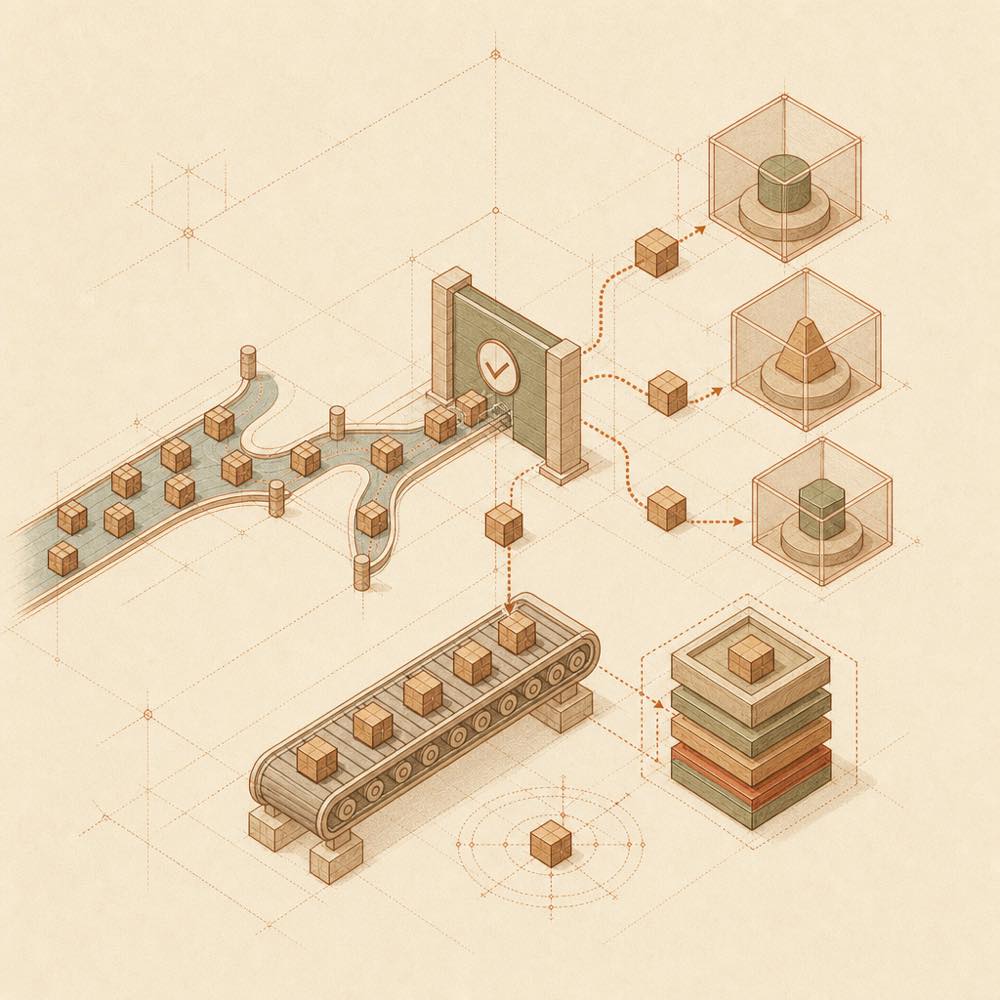
Abstract diagram of package verification, profile installation queues, and rollback snapshots.

dsh-webui-market-plugin is a DeepSeek Harness plugin that adds a community plugin market to the DSH web interface. It places a Plugin Market tab in Settings → Plugins, where the catalogue from awesome-dsh-plugin.com can be searched, filtered, sorted and used to install, update, disable, enable or uninstall plugins across initialised profiles.

The host side registers the /api/dsh-market route. It reads the catalogue’s plugins.json, with cached and bundled snapshot fallbacks, inspects profile package.json files and installed package manifests, and runs dsh plugin operations in a FIFO queue. It writes profile package and bundle configuration, records disabled plugins in dsh.market.disabled, creates pre-operation package.json snapshots, and may start a web trial boot before accepting an installation. The client side loads through dsh.client and the settings.plugins.tab slot.

This is for DSH web users who want catalogue-based plugin management and profile synchronisation. It is not a standalone npm application: the DSH host must provide its peer packages and the web service normally needs a restart for changes to take effect. The plugin also reaches the terminal surface because it spawns dsh plugin and pnpm processes to modify profiles and install packages. Its curated-source checks and trial boot do not remove the need to review plugins that will run with the agent’s permissions.

dsh-webui-market-plugin documentation

Requirements

The plugin runs inside a DSH web profile and is not an independent npm application. The host supplies these peer dependencies:

  • @deepseek-ai/cordis
  • @deepseek-ai/dsh-client-runtime
  • @deepseek-ai/dsh-client-ui-slots

The documented target versions are DSH 0.0.1-rc.2+ (excluding 0.0.1-rc.1) and 0.1.0-rc.2+. After changes that cannot be hot-mounted, restart the web service with pnpm dsh web.

Configuration

Setting Effect
DSH_MARKET_OP_TIMEOUT_MS Operation timeout; defaults to 120000 ms
DSH_MARKET_FETCH_TIMEOUT_MS pnpm fetch timeout override; the default is 30000 ms
DSH_MARKET_FETCH_RETRIES Fetch retry count override; the default is 1
DSH_MARKET_FETCH_RETRY_MINTIMEOUT_MS Minimum retry backoff override
DSH_MARKET_FETCH_RETRY_MAXTIMEOUT_MS Maximum retry backoff override

With pnpm 11 or later, the profile’s pnpm-workspace.yaml may contain allowBuilds and minimumReleaseAgeExclude decisions. The plugin inherits these settings during web trial installation. A release younger than the default 24-hour minimumReleaseAge is automatically added to minimumReleaseAgeExclude and retried once.

How it behaves

The client is loaded through exports["./client"] and dsh.client, then registers the settings.plugins.tab slot. The host exposes catalogue, environment, installed-package, synchronisation and queue operations through /api/dsh-market. Catalogue data comes from plugins.json, then cached data, then data/catalog-snapshot.json.

Install, update and uninstall tasks run through a FIFO queue and spawn the dsh plugin CLI. Tasks can be cancelled or terminated, and retain pnpm logs. The plugin saves pre-operation copies as <profile>/.mkts-snapshot-<timestamp>.json. It can hot-mount simple web patches; otherwise changes take effect after restarting the relevant application.

Known limits

Curated installations accept listed github: sources; npm mappings are preferred when present. Non-web profiles do not receive trial boot validation. Cross-profile synchronisation only adds missing plugins and does not remove or downgrade existing ones. Same-origin checks apply to write requests.

Written from the project's own documentation and kept in sync with it. Where the two disagree, the source is authoritative — read the README on GitHub

Same category

Alternatives to dsh-webui-market-plugin

dsh-market

dsh-market

839

(Recommended) The plugin market inside DSH: a Settings page to browse and search the full community catalog by category, with confirmed one-click installs and an installed-plugins view.

Installed cleanly when we ran it

npm packageTypeScriptyesterday

AI review

dsh-market

What it is — DeepSeek Harness plugin market supports searching community plugins and one-click install from settings.

Who it is for — When using DeepSeek Harness web profile for plugin management, this plugin applies. If you do not use the web profile, this plugin is not applicable.

Watch out — It requires providing an API key or token. Sandbox test passed; it was installed and registered in a new profile.

The verdict — I would install it because it supports one-click theme switching.

Generated by grok-4.6, and a starting point rather than a verdict. Where it says a plugin installs or does not, that is from a real run in a clean profile — everything else is read off the repository. Trust the source over this.Read the source
1Details

GitHub-topic-driven plugin & skill marketplace: a Settings page that browses the auto-collected registry (the whole dsh-plugin topic plus the skills index, CI-refreshed every 2 hours) with one-click install, type detection, install-script and host-shadow-dependency safety confirmations, env-key management, and the STANDARD.md recognition spec.

Installed cleanly when we ran it

GitHub sourceJavaScriptyesterday

AI review

DSH-Plugins-Marketplace

What it is — The DSH-Plugins-Marketplace provides a settings page in DeepSeek Harness Web GUI for browsing and installing plugins and skills from the dsh-plugin topic.

Who it is for — When using DeepSeek Harness Web GUI for plugin management, it is suitable to browse dsh-plugin topic plugins. If not using the web GUI settings page, it may not be necessary.

Watch out — Sandbox test passed: installed in new profile and registered into harness. Requires providing API key or token. No obvious pits found.

The verdict — If I were you, I would install it from source because the sandbox test passed.

Generated by grok-4.6, and a starting point rather than a verdict. Where it says a plugin installs or does not, that is from a real run in a clean profile — everything else is read off the repository. Trust the source over this.Read the source
2Details

zat-dsh-engine

mishibeikejie

70

Visual plugin marketplace for DeepSeek Harness — browse, search and install community plugins

Installed cleanly when we ran it

GitHub sourceTypeScript2d ago

AI review

zat-dsh-engine

What it is — Adds a plugin marketplace tab to DeepSeek Harness for browsing, searching, and installing community plugins.

Who it is for — When using DeepSeek Harness to build vision-enabled agents, this plugin allows installing plugins for image processing capabilities. If your needs do not involve model-based translation of plugin intros, the bilingual feature is irrelevant.

Watch out — Sandbox test passed: installed in a new profile and registered by harness. Will execute shell commands but safe by default with automatic rollback. No obvious pitfalls found.

The verdict — I would install it because it automatically rolls back on failure and provides a last-known-good backup.

Generated by grok-4.6, and a starting point rather than a verdict. Where it says a plugin installs or does not, that is from a real run in a clean profile — everything else is read off the repository. Trust the source over this.Read the source
1Source

自动分类、收录和验证 DeepSeek-Harness 社区插件的市场。 Automatically categorize, curate, and validate the DeepSeek-Harness community plugin marketplace.

Installed cleanly when we ran it

GitHub sourceTypeScriptyesterday

AI review

dsh-plugins-store

What it is — The DSH plugin marketplace offering automatic categorization and validation of community plugins.

Who it is for — If you are using DeepSeek Harness in a web profile and Agent sessions, this plugin is suitable for directory and ranking features. If you primarily use the command line without web profiles, this plugin's web-focused directory features are not useful.

Watch out — Sandbox testing passed with installation and profile registration. No obvious issues detected. The site provides a public API for directory access.

The verdict — I won't install it because it focuses on web-based browsing and Agent interactions rather than command-line use.

Generated by grok-4.6, and a starting point rather than a verdict. Where it says a plugin installs or does not, that is from a real run in a clean profile — everything else is read off the repository. Trust the source over this.Read the source
1Source

dsh-plugin-hub

Noob-stupid

40

A plugin management panel: one-click enable/disable for installed plugins plus a GitHub dsh-plugin marketplace with details and one-click installs.

Installed cleanly when we ran it

GitHub sourceJavaScriptyesterday

AI review

dsh-plugin-hub

What it is — It adds a plugin management panel to DeepSeek Harness, supporting one-click enable/disable for installed plugins and integration with the GitHub dsh-plugin marketplace.

Who it is for — It is suitable for users managing plugins through the DeepSeek Harness web interface. Users who do not use the web interface do not need it.

Watch out — It executes shell commands according to static checks. Sandbox testing passed. Installing from the marketplace may incur DeepSeek API costs.

The verdict — I would install it if I need to manage plugins in the web interface, but only if I am okay with potential API fees for fallback installation and use DSH 0.1.0 series.

Generated by grok-4.6, and a starting point rather than a verdict. Where it says a plugin installs or does not, that is from a real run in a clean profile — everything else is read off the repository. Trust the source over this.Read the source
1Source

plugin-manager

whyihaveyou

37

In-app plugin store for the DSH Web UI: browse, search, one-click install, compat badges.

No one-line install — this plugin lives inside a larger repository and publishes no npm package.

GitHub sourceHTMLyesterday

AI review

plugin-manager

What it is — DSH Web UI settings page adds a plugin store supporting directory browsing, plugin search, compatibility badge viewing, and one-click installation.

Who it is for — If you manage plugins in the DSH Web UI settings page, installing this plugin allows you to browse and search for plugins in the dsh-suite directory. If you only use the official plugins provided and do not need a plugin store, you do not need to install this.

Watch out — It requires providing an API key or token and can execute shell commands. No obvious issues found.

The verdict — I would not install it because it cannot be installed via a command.

Generated by grok-4.6, and a starting point rather than a verdict. Where it says a plugin installs or does not, that is from a real run in a clean profile — everything else is read off the repository. Trust the source over this.Read the source
2Source