DSH Marketplace

dsh-mobile

saya-ch/dsh-mobile

Access DeepSeek Harness from the Android app or a mobile browser with secure LAN and remote connections, persistent device pairing, and a customizable mobile interface.

47939TypeScriptApache-2.0Source

Install

Add dsh-mobile to DeepSeek Harness

Install into

via npm

Resolves a published tarball rather than cloning the repository, and installs without any extra setup. Swap `web` for your profile name if you run another one.

via GitHub · npm package

Installing from GitHub runs the project's build script, which pnpm blocks until you allowlist it — run the command once and pnpm prints the exact key to add under `allowBuilds` in ~/.dsh/profiles/web/pnpm-workspace.yaml.

What happened when we ran it

Installed cleanly when we ran it

Every command here is run in a throwaway container against a clean profile, and the result is whatever the harness recorded — not a guess from the source. Last run 8d agoon DeepSeek Harness 0.2.2-rc.1.

Show it in your README

install verified — dshmarketplace

For maintainers: the badge serves this listing's latest sandbox verdict, so a re-run updates it on its own — and it links readers to the full result here.

Due diligence

Before you install dsh-mobile

  • Source of record: saya-ch/dsh-mobile — present in the community registry that DSH's own plugin market installs from.
  • Licensed under Apache-2.0.

Security

What installing dsh-mobile runs

Build scripts

No build script was blocked in our run.

Source: our sandbox install on DeepSeek Harness 0.2.2-rc.1, 8d ago.

Install hooks

package.json declares no preinstall, install or postinstall script.

Source: package.json on GitHub, read at our last sync. prepare is not recorded; it runs only on a GitHub install, and shows up under build scripts when pnpm blocks it.

README mentions

shell commands (bash, exec, spawn …)

Source: a keyword match on the README — a hint about what the plugin touches, not an analysis of its code.

Not an audit. These are the record of one install and two text scans; nobody has read this plugin's code on your behalf. Plugins run with your agent's permissions.

The AI take

What it is — DSH Mobile allows mobile browsers and Android apps to securely access DeepSeek Harness via LAN or remote connections while synchronizing sessions and workspaces.

Who it is for — If you want to use DeepSeek Harness for dialogue and tool operations on an Android device, dsh-mobile is suitable. If you primarily use DeepSeek Harness on the desktop, you don't need to install it.

Watch out — Sandbox testing passed: after installation in a new profile, it was registered by harness. It executes shell commands. No obvious issues found.

The verdict — I would install it because it supports persistent device pairing for mobile access to DeepSeek Harness.

Generated by grok-4.6, and a starting point rather than a verdict. Where it says a plugin installs or does not, that is from a real run in a clean profile — everything else is read off the repository. Trust the source over this.

What dsh-mobile does

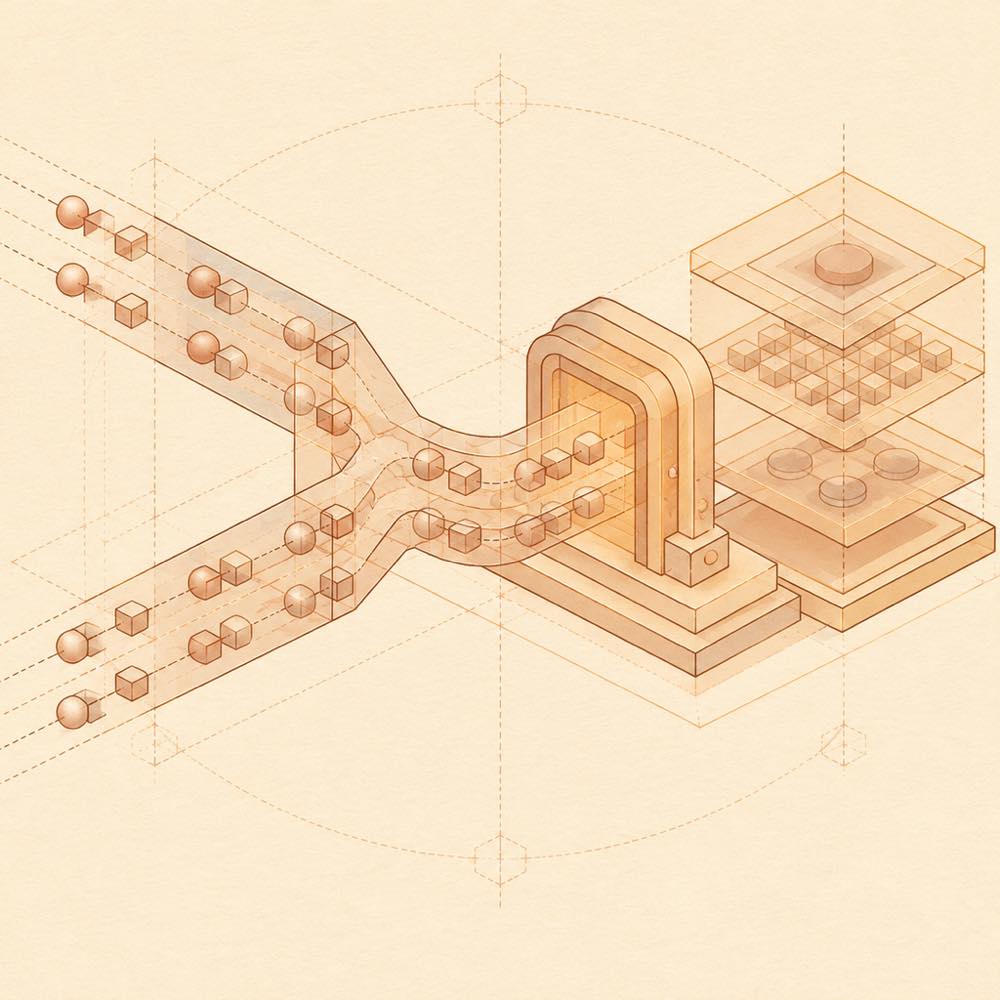
Paired nodes pass through local and remote paths into a secure gateway and shared workspace.

dsh-mobile is a DeepSeek Harness plugin that provides mobile access to a computer's DeepSeek Harness sessions, workspaces, messages and tools through an Android app or mobile browser. DeepSeek Harness loads dsh-mobile as a web-profile plugin; the plugin runs a separate mobile HTTPS endpoint and pairs devices using a QR code, link or key. Its settings, certificates, paired devices and custom files are stored under $DSH_HOME/mobile-access/. dsh-mobile setup configures the LAN address, while dsh-mobile setup --port changes the mobile listener from its default port of 3443; the upstream DeepSeek Harness web port is controlled separately with dsh web --port.

DeepSeek Harness users who need to continue work away from a desktop can use a local network connection or an optional remote route through Tailscale Funnel, cpolar, cloudflared, self-hosted FRP or a reverse proxy. The Android app is native; a browser can be used instead, but LAN access may show a private-certificate warning. Windows and Linux x64 can use plugin-managed Caddy HTTPS and certificates.

This is not a suitable choice where mobile access is unnecessary, where a trusted LAN or reliable HTTPS remote route cannot be provided, or where Android support is required but only a non-Android device is available. The terminal-surface risk is material: a paired device can operate the computer's DeepSeek Harness, including its sessions, workspaces and tools. Treat paired devices as fully trusted and revoke lost devices from the computer.

dsh-mobile documentation

Configuring dsh-mobile

DeepSeek Harness loads dsh-mobile in the web profile. Run dsh-mobile setup to select and remember the current LAN address. Use dsh-mobile setup --address 192.168.x.x only when automatic selection fails, or dsh-mobile setup --port to change the mobile HTTPS listener from 3443. The upstream DeepSeek Harness Web port is changed separately with dsh web --port; dsh-mobile follows that port automatically. Settings, certificates, devices and custom files are stored in $DSH_HOME/mobile-access/.

Commands and access

The DeepSeek Harness mobile-access panel separately controls LAN and remote access and their pairing authorisations. It can generate a pairing key and QR code, or copy a pairing link. A browser can use the link without the Android app. Remote access is optional and can use Tailscale Funnel, cpolar, cloudflared, self-hosted FRP or an owned reverse proxy. On Windows and Linux x64, dsh-mobile can manage Caddy HTTPS and certificates.

Requirements and security

The native app supports Android 10+. The phone can instead use a mobile browser. LAN access requires the phone and computer to share a trusted network; remote access requires a reliable HTTPS route. LAN uses a private CA, while public remote routes use system-trusted certificates. Credentials are kept in the Android Keystore, device tokens are sent only to the exact Origin, and third-party WebSocket connections are blocked by default.

Known limits

A paired device is fully trusted and can operate the computer's DeepSeek Harness, so lost devices should be revoked immediately. Remote providers may impose bandwidth or connection limits. LAN and remote access are independent, and the remote service is disabled by default. The plugin does not modify DeepSeek Harness source code.

Written from the project's own documentation and kept in sync with it. Where the two disagree, the source is authoritative — read the README on GitHub

Same category

Alternatives to dsh-mobile

dsh-ssh

zhu1090093659

10k

SSH ops panel for DSH: web terminal, SFTP transfer with progress, local port forwarding, and one-command cluster execution across hosts; agents share the same host config.

Installed cleanly when we ran it

npm packageTypeScripttoday

AI review

dsh-ssh

What it is — A DSH panel for an in-browser SSH shell, SFTP with progress, local port forwarding, and one command run across many hosts.

Who it is for — You have DSH agents changing configs, moving files, or debugging a live Linux service, and stock dsh web has no remote-ops surface. Leave it if the work stays in a local repo plus chat, and every server is handled by tools that never touch DSH.

Watch out — A blank-profile install succeeded and DSH registered it into that profile. No obvious traps.

The verdict — I'll add it. One host list for the panel and the agents is the part I will not keep in two places.

Generated by grok-4.6, and a starting point rather than a verdict. Where it says a plugin installs or does not, that is from a real run in a clean profile — everything else is read off the repository. Trust the source over this.Read the source
1Details

dsh-remote-web-ui

zhu1090093659

10k

Remote control of a dsh web workspace from phone or PC: QR-code pairing through a token-gated channel, SSE real-time sync, and separate mobile and full desktop GUI modes.

Installed cleanly when we ran it

npm packageTypeScripttoday

AI review

dsh-remote-web-ui

What it is — Adds a phone and second-PC front-end onto a live DSH Web workspace, using QR pairing behind a token gate, SSE for live updates, and two GUI modes.

Who it is for — An agent job is still streaming in DSH Web on the machine you just left, and you need to keep reading it or send the next instruction from a phone or another PC. If the work never leaves the DeepSeek Harness CLI, skip this: there is no web workspace for pairing to attach to.

Watch out — The sandbox only showed a clean-profile install that DSH registered; QR pairing, live sync, and both GUIs were not run. The family README names WebSocket where this package blurb names SSE — go by what actually runs.

The verdict — I would spend the plugin slot only when an unfinished workspace has to travel with me, not to get another place to start new chats.

Generated by grok-4.6, and a starting point rather than a verdict. Where it says a plugin installs or does not, that is from a real run in a clean profile — everything else is read off the repository. Trust the source over this.Read the source
1Details

dsh-ssh

zhu1090093659

8.8k

SSH ops panel for DSH: web terminal, SFTP transfer with progress, local port forwarding, and one-command cluster execution across hosts; agents share the same host config.

Installed cleanly when we ran it

npm packageTypeScript29d ago

AI review

dsh-ssh

What it is — Adds a browser SSH terminal, progress-tracked SFTP, local port forwarding, and cross-host one-shot execution to DSH, with agents reusing that host list.

Who it is for — You send DeepSeek-V3 or DeepSeek-R1 agents at Linux boxes from DSH, and the session cannot reach those hosts. If DSH is only local coding and chat for you, and SSH stays in your own terminal or jump host, this panel sits off your path.

Watch out — In a blank profile it installed and DeepSeek Harness registered it. Nothing on the panel itself was exercised in that run. No install-level snag showed up.

The verdict — I'll turn it on now and keep production hosts out of the profile until a throwaway machine proves the session can actually land.

Generated by grok-4.6, and a starting point rather than a verdict. Where it says a plugin installs or does not, that is from a real run in a clean profile — everything else is read off the repository. Trust the source over this.Read the source
Details
1.9k

Multi-device remote access for DeepSeek Harness and supported coding workspaces through an end-to-end encrypted channel, with adaptive Relay/WebRTC transport, device authorization, workspace files, read-only previews, terminals, and optional Codex Remote.

Installed cleanly when we ran it

npm packageTypeScript9d ago

AI review

ds-harness-remote

What it is — Keeps DeepSeek Harness running on the work machine and joins that same session from a phone, browser, or another PC over an end-to-end encrypted channel, with workspace files, read-only previews, and a remote terminal.

Who it is for — A desk host already has models and workspaces configured in DeepSeek Harness, and you keep continuing that session from a phone or a second computer without exposing a public listener. If Harness only ever runs on the machine that travels with you, there is no separate Host to open.

Watch out — It installed on a fresh profile and DeepSeek Harness registered it. An API key or token must be provided. iOS is TestFlight-only, with no public release.

The verdict — I would enable it when the far end can be Android, Web, or DeepSeek Harness Desktop, and I would not enable it for an iPhone-only remote screen.

Generated by grok-4.6, and a starting point rather than a verdict. Where it says a plugin installs or does not, that is from a real run in a clean profile — everything else is read off the repository. Trust the source over this.Read the source
1Details

Multi-device remote access for DeepSeek Harness: continue an active session from your phone, tablet, browser, or another computer over an end-to-end encrypted channel (Noise IK + adaptive relay/WebRTC transport), with device authorization, ApiProxy-only remote capabilities, and read-only file preview via dsh-file-viewer — no shell, remote desktop, or write access.

Installed cleanly when we ran it

GitHub sourceTypeScript19d ago

AI review

deepseek-harness-remote

What it is — Joins a phone, browser, or second computer to the DeepSeek Harness session that is already running on your Host, over an end-to-end encrypted channel.

Who it is for — A DeepSeek model job is live on the office tower—workspaces and tools already wired—and you still need that exact thread after you walk away. If the only Harness you use already sits in the backpack that leaves with you, remote access is not the missing piece.

Watch out — A fresh profile install completed and DeepSeek Harness registered the plugin. You must supply an API key or token; setup runs shell, and the Linux script path runs the Host as root. The catalog text (ApiProxy-only, read-only preview, no shell or writes) does not match the README list of remote terminals and dev-service previews—trust the live session; iOS is still unreleased TestFlight.

The verdict — Worth it on a machine that never sleeps. I am not putting DeepSeek Harness on a public listener just to peek at a session from the couch.

Generated by grok-4.6, and a starting point rather than a verdict. Where it says a plugin installs or does not, that is from a real run in a clean profile — everything else is read off the repository. Trust the source over this.Read the source
2Details

dsh-ios

ZSeven-W

360

A live iOS Simulator or USB-connected iPhone inside the conversation: 22 agent tools for booting, building, driving the UI by accessibility identity or OCR text, list-row actions and SwiftUI preview hot reload, plus a streaming sidebar panel you can tap and drag on.

Installed cleanly when we ran it

npm packageTypeScript1mo ago

AI review

dsh-ios

What it is — Provides live iOS Simulator and USB iPhone integration inside DeepSeek Harness conversations.

Who it is for — Developers testing iOS apps with Xcode or SwiftUI who need real-time UI driving can use this plugin. Users focused exclusively on web or backend development will not benefit from its iOS-specific tools.

Watch out — Sandbox testing confirmed successful registration in a fresh profile. No obvious issues were detected.

The verdict — I would install it to enable direct interaction with iOS devices in the conversation, but only on macOS hosts where full tool functionality is available.

Generated by grok-4.6, and a starting point rather than a verdict. Where it says a plugin installs or does not, that is from a real run in a clean profile — everything else is read off the repository. Trust the source over this.Read the source
1Details