Configuring dsh-workbuddy-xdpool
The plugin uses the WorkBuddy desktop App's existing local sign-in state. Each account signed into the App is discovered and retained across restarts; credentials do not need to be entered in the plugin. dsh-workbuddy-xdpool stores its data in ~/.dsh/.xdpool. On upgrade, DeepSeek Harness copies data from ~/.dsh/.workbuddy-xdpool without deleting the old directory. This preserves API keys, ignored accounts, account pins, and startup logs.
Account allocation can be changed between these modes:
| Mode |
Behaviour |
priority |
Uses one account until it cannot continue; the default |
round-robin |
Rotates through accounts in order |
balanced |
Selects accounts with a bias towards those idle longer |
sticky |
Keeps one conversation on one account and changes account for a new conversation |
Each account can also have a retained-credit floor. Accounts below that floor are not assigned work.
How dsh-workbuddy-xdpool behaves
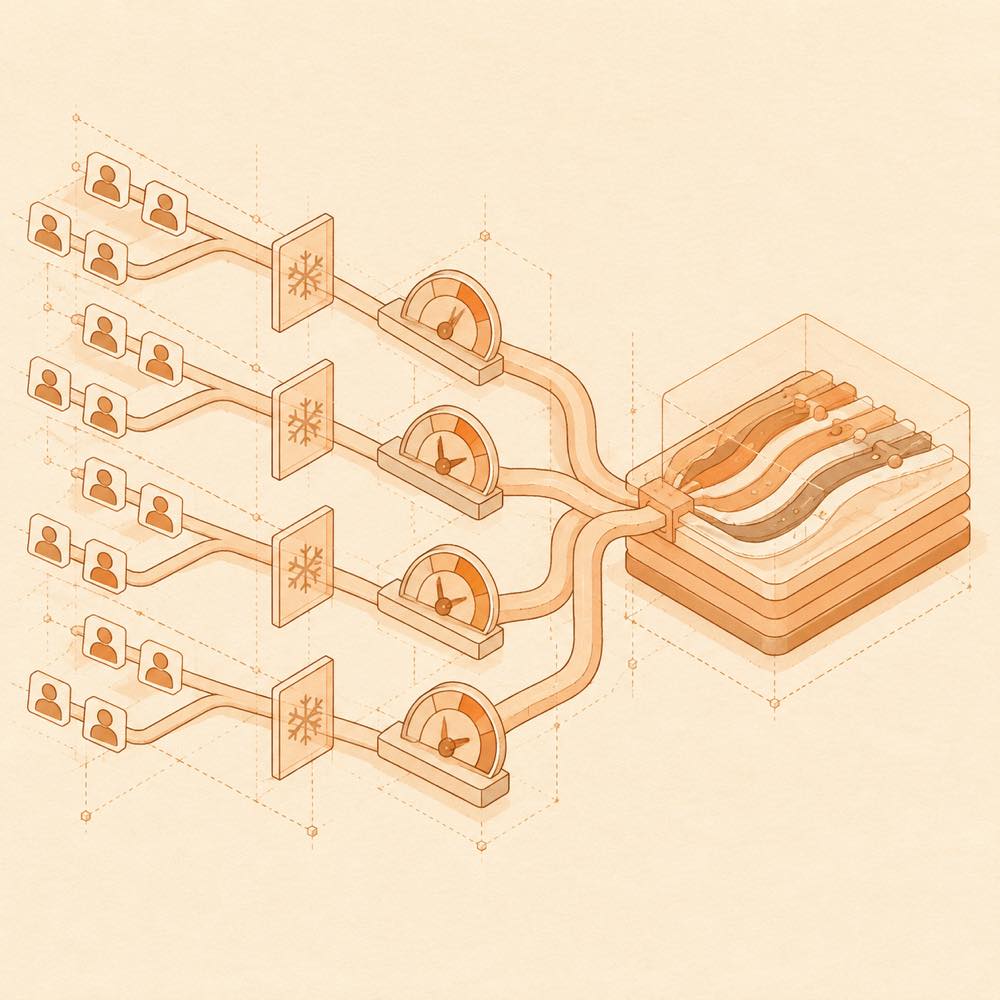
DeepSeek Harness presents the pool as XD Pool(国内版) and XD Pool(国际版), with additional groups appearing when applicable. The login domain selects the upstream: workbuddy.ai uses www.workbuddy.ai; the default domestic route uses copilot.tencent.com. A 429 response cools an account, and requests wait when every account is cooling down. The model catalogue reports credit multipliers, free or time-limited free status, night discounts, image support, and context-window size.
Commands and controls
The settings panel provides 重新检测账号, 清除所有冷却, and per-account sign-in actions. The plugin also exposes these operations through its command-line surface. Credit automation can run on its schedule or through 立即运行; the documented jobs include daily sign-in, activity reporting, task rewards, consecutive-login rewards, and cat travel.
DeepSeek Harness requirements
DeepSeek Harness supports host 0.1.1-rc.2 through the 0.1.x series and 0.2.0-rc.2. The plugin can be used with the desktop, web, and dsh-tui profiles. The settings panel is opened from the sidebar gear or Ctrl+Alt+,; on 0.2.0, XD Pool is a top-level tab.
Written from the project's own documentation and kept in sync with it. Where the two disagree, the source is authoritative — read the README on GitHub