
dsh-im
xmanrui
Connect IM bots to DeepSeek Harness via QR codes or bot credentials (9 channels: Feishu, WeChat, DingTalk, WeCom, QQ, Slack, Telegram, Discord, and WhatsApp).
Installed cleanly when we ran it
npm packageJavaScript24d ago
zaofan-make/dsh-qqbot
QQ official bot channel (enhanced fork of tencent-connect/dsh-qqbot): full agent chat in groups and DMs, rich media, an auto-tagged sticker library with AI image replies, join approval, mute and broadcast, scheduled wakeups, remote approvals over QQ, interactive cards, multi-account instances, extensions, member profiles, and token-saving value-scored wakeups.
Install
via npm
Resolves a published tarball rather than cloning the repository, and installs without any extra setup. Swap `web` for your profile name if you run another one.
via GitHub · npm package
Installing from GitHub runs the project's build script, which pnpm blocks until you allowlist it — run the command once and pnpm prints the exact key to add under `allowBuilds` in ~/.dsh/profiles/web/pnpm-workspace.yaml.
The desktop app keeps its own profile, desktop, and only the dsh command it ships may change it — the npm-installed dsh refuses that profile. Install the command from the app menu (Manage dsh Command…), open Desktop once, quit it fully, run the line below, then reopen Desktop.
via npm
Resolves a published tarball rather than cloning the repository.
via GitHub · npm package
Installing from GitHub runs the project's build script, which pnpm blocks until you allowlist it — run the command once and pnpm prints the exact key to add under `allowBuilds` in ~/.dsh/profiles/desktop/pnpm-workspace.yaml.
Our install check ran in a web profile on npm's dsh, not in the desktop app.
What happened when we ran it
Installed cleanly when we ran it
Every command here is run in a throwaway container against a clean profile, and the result is whatever the harness recorded — not a guess from the source. Last run 11d agoon DeepSeek Harness 0.2.2-rc.1.
Show it in your README
For maintainers: the badge serves this listing's latest sandbox verdict, so a re-run updates it on its own — and it links readers to the full result here.
Due diligence
Security
pnpm skipped these dependency build scripts, and the plugin registered without them:
onnxruntime-node@1.30.0protobufjs@7.6.6Under pnpm 11 the install stops and asks you to approve them instead; an approved script runs with your user account's permissions.
Source: our sandbox install on DeepSeek Harness 0.2.2-rc.1, 11d ago.
package.json declares no preinstall, install or postinstall script.
Source: package.json on GitHub, read at our last sync. prepare is not recorded; it runs only on a GitHub install, and shows up under build scripts when pnpm blocks it.
shell commands (bash, exec, spawn …)
Source: a keyword match on the README — a hint about what the plugin touches, not an analysis of its code.
Not an audit. These are the record of one install and two text scans; nobody has read this plugin's code on your behalf. Plugins run with your agent's permissions.
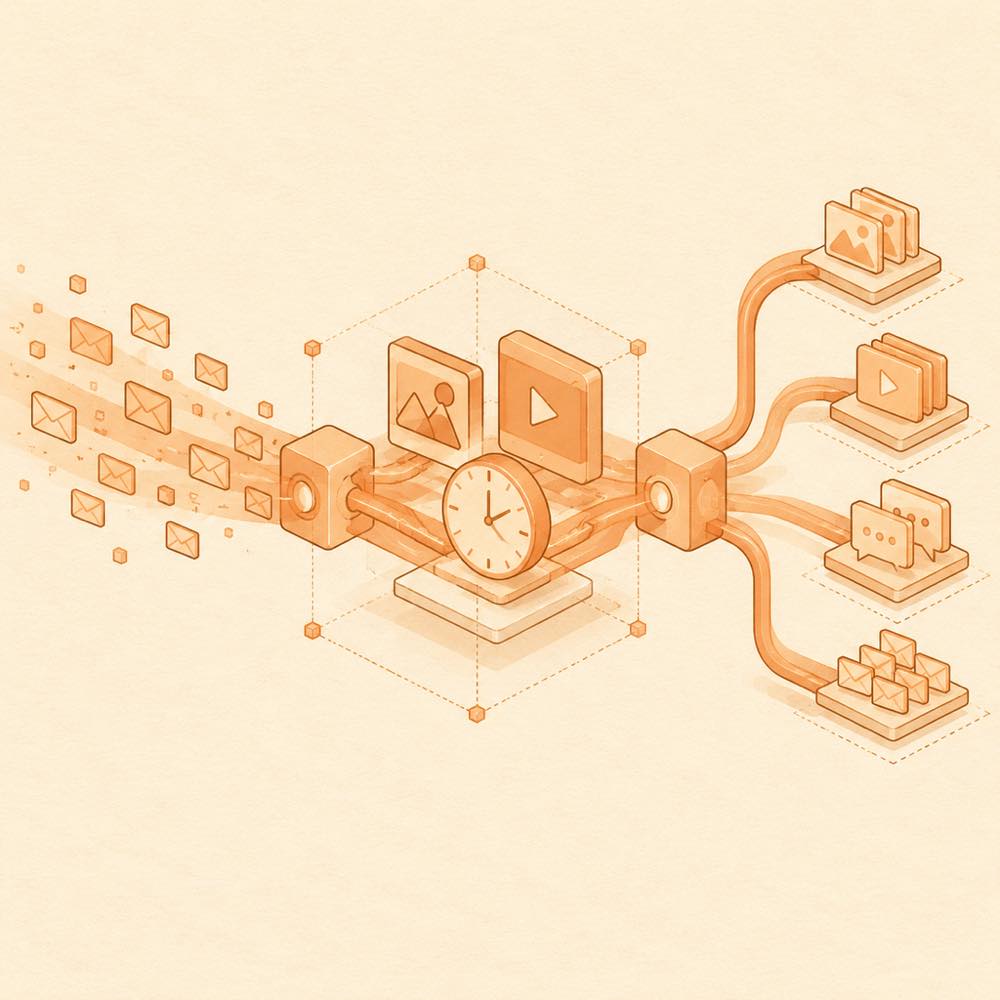
dsh-qqbot is a DeepSeek Harness plugin that connects QQ group and direct messages to an agent, with media handling, scheduled messages, group administration and multiple account instances. DeepSeek Harness receives QQ events through the plugin, which sends relevant messages into the agent context and returns text, images, videos, audio or files to the originating conversation. Markdown images in replies are uploaded from local paths through qqbot-media; [MEDIA:image|path], [MEDIA:file|path] and [RECALL] provide additional message controls. When the host exposes present, the plugin also sends presented files automatically.
DeepSeek Harness loads optional .mjs extensions from {data root}/.qqbot-extensions/. Extensions can add AI tools, slash commands and settings, and can use the same message, persistence, identity and official QQ API wrappers as built-in modules. The plugin also stores and searches sticker images, schedules wakeups, applies reply gating and value-scored wakeups, and provides a web settings panel for account and behaviour changes.
This is intended for developers who want an agent to participate in QQ groups or DMs, including moderation workflows and several independent bot identities. It is the wrong choice for a non-QQ channel, or where local media access and executable extensions are unacceptable. The plugin reaches local files to read media and generated files, and its .mjs extensions can send messages, call QQ APIs and persist data. Kicking members additionally requires logging in with the operator’s own QQ account because QQ does not provide an official kick-member API.
The web settings panel controls reply behaviour, media sending, scheduled wakeups, reply gating, personalities and extensions. Changes take effect after saving; adding or removing accounts requires a restart. Each account has its own AppID, personality, sticker library, schedules and gates. The README does not provide a complete list of configuration keys.
The plugin stores user extensions under {data root}/.qqbot-extensions/. A tool belongs in tools/ and exports run; a slash command belongs in commands/ and exports handler. Extension packages use qqbot-pack.json, with required name, author and version fields. Their inputSchema is a flat field map, not a standard JSON Schema object.
The documented agent-facing interfaces include list_stickers for searching the sticker library and send_media for media delivery. Reply text can contain:
[MEDIA:image|path] or [MEDIA:file|path] to send local media[RECALL] to recall a messageMarkdown image paths are also forwarded to QQ as image messages. present(file) is handled when the host provides the present tool. sendFile.maxFiles limits automatic file delivery to four files per turn by default.
Incoming group and direct messages can be aggregated and scored before the agent is woken. Reply gating can keep the agent silent in low-value situations, while scheduled tasks can produce proactive messages. Sticker images are deduplicated and placed in pending, favourite or recycle-bin categories. The panel includes chat history, join approval, muting and member lookup. Kicking uses the operator’s QQ login through the QQ group website rather than an official QQ Bot endpoint.
DeepSeek Harness supplies the agent, host events and present integration. QQ Bot access is required. The optional dsh-mobile-apk setup runs on Android, where ONNX is usually unavailable; the README recommends enabling “program fallback” in that environment. Local image delivery is capped at 100 stored qqbot-media images, with the oldest removed when the quota is full. File messages can fail after the proactive-message window expires and then fall back to text.
Written from the project's own documentation and kept in sync with it. Where the two disagree, the source is authoritative — read the README on GitHub
Same category
xmanrui
Connect IM bots to DeepSeek Harness via QR codes or bot credentials (9 channels: Feishu, WeChat, DingTalk, WeCom, QQ, Slack, Telegram, Discord, and WhatsApp).
Installed cleanly when we ran it
shaobeichen
Remote phone access to the DSH Web UI: scan a QR code for LAN or public (cloudflared tunnel) access with real-time sync, a mobile-adaptive layout, and a settings tab.
Installed cleanly when we ran it
OpenPetsHQ
Bridges DeepSeek Harness lifecycle status, errors, and approval requests to a locally running OpenPets desktop companion.
No one-line install — this plugin lives inside a larger repository and publishes no npm package.
inclusionAI
Connects DeepSeek Harness to Avernet's Bot Collaboration Network over WebSocket V2, with automatic onboarding, isolated agent sessions, tool-call events, and multi-bot routing tools.
No one-line install — this plugin lives inside a larger repository and publishes no npm package.
Oscar-Williams
Evidence-first attention supervision for DeepSeek Harness with C0–C3 policy, deduplicated Inbox alerts, quiet hours, and redacted outcome records.
Installed cleanly when we ran it
Yuuyuko-uu
Bridges a DSH session and QQ over NapCat HTTP, forwarding agent replies to QQ and feeding messages you send in QQ back into the session.
Installed cleanly when we ran it