Configuring dsh-pet
The README documents dsh-pet as a pet asset in the dsh-web creative workshop. From the Web GUI’s “Creative Workshop” settings card, a pet can be downloaded to the DSH main directory and then selected on the relevant settings page. The README does not name a dsh-pet-specific configuration key or default.
How dsh-pet behaves
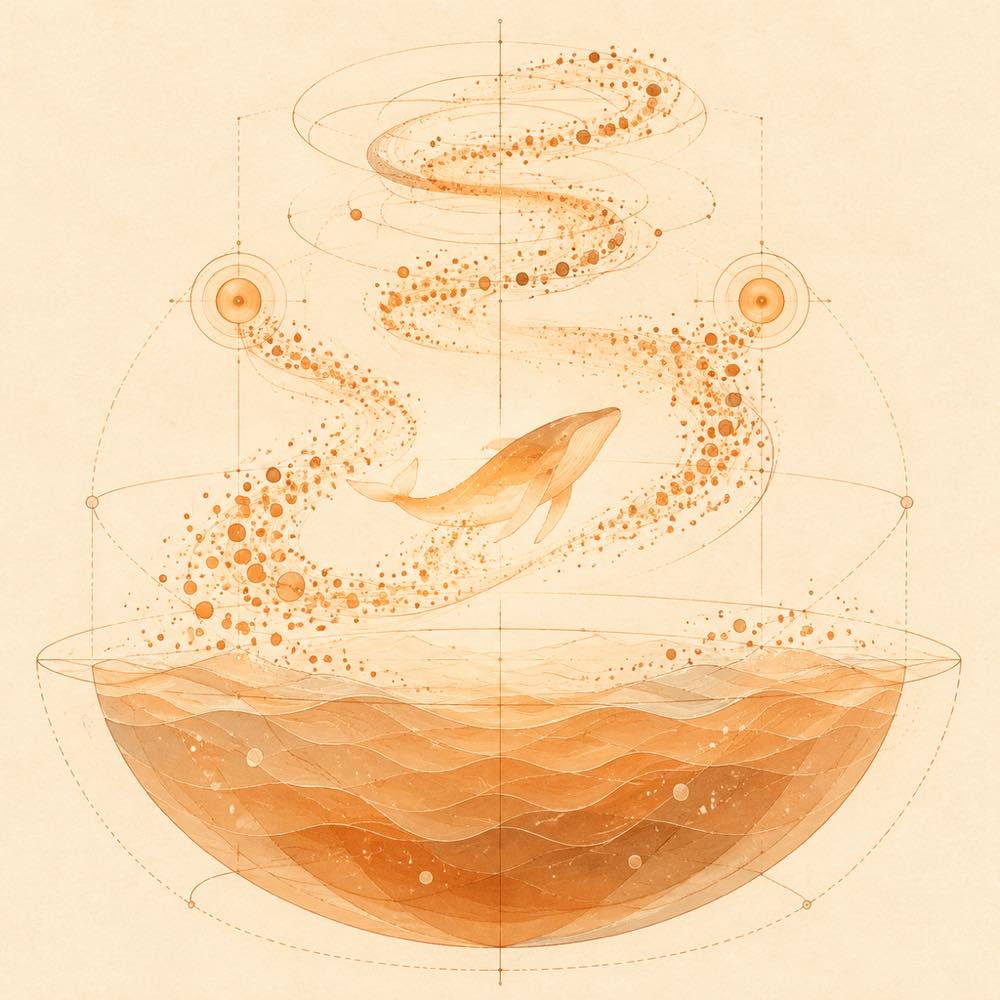
dsh-pet keeps the whale-girl companion visible in the interface. Its animations follow the agent’s current state. The companion accepts pat interactions and can be fed small dried fish. Feeding increases intimacy through a progression described as moving from a calf to deep-sea bonds.
DeepSeek Harness provides the host environments documented for dsh-web. The web GUI can receive the ecosystem through DeepSeek Harness’s official profile mechanism. The official DeepSeek Harness desktop client uses the desktop profile and provides an in-application plugin screen for installing the dsh-web collection. The README does not specify a separate dsh-pet command, event name, API, or data file.
Requirements for dsh-pet
The documented usage context is the dsh-web Web GUI or the official DeepSeek Harness desktop client. The README describes the creative workshop as the distribution point for pets and says that downloaded pets are placed in the DSH main directory before selection. It does not state a minimum DeepSeek Harness version or list operating-system requirements for dsh-pet.
Known limits
dsh-pet is a visual companion and interaction feature, not a task, remote-control, SSH, Git, session-archive, or usage-statistics plugin. The README does not document how intimacy is persisted, whether the companion can be customised beyond selection, or what happens when the host agent is unavailable.
Written from the project's own documentation and kept in sync with it. Where the two disagree, the source is authoritative — read the README on GitHub