Configuring dsh-memory-evolve
DeepSeek Harness registers dsh-memory-evolve from the bundled cordis.patch.yml after dsh plugin add; no manual insert entry is needed. Profile configuration belongs in cordis.patch.yml and overrides the bundle entry by id:
| Key |
Default |
Effect |
reviewEnabled |
false |
Enables in-turn memory review |
reviewInterval |
10 |
Reviews memory after this many user turns when review is enabled |
Set disabled: true on the dsh-memory-evolve entry to stop loading the plugin temporarily. The README also describes settings for enabling individual capabilities, including memory synchronisation, but does not provide a complete key list for those settings.
Commands for dsh-memory-evolve
DeepSeek Harness manages the package with dsh plugin. The documented removal command is dsh plugin --profile web remove dsh-memory-evolve; removing the plugin cleans up its effects. After adding or changing the plugin, restart dsh web for the change to take effect. Existing profiles that manually inserted the plugin must remove that old insert entry, or the duplicate loader ID can prevent startup.
How dsh-memory-evolve behaves
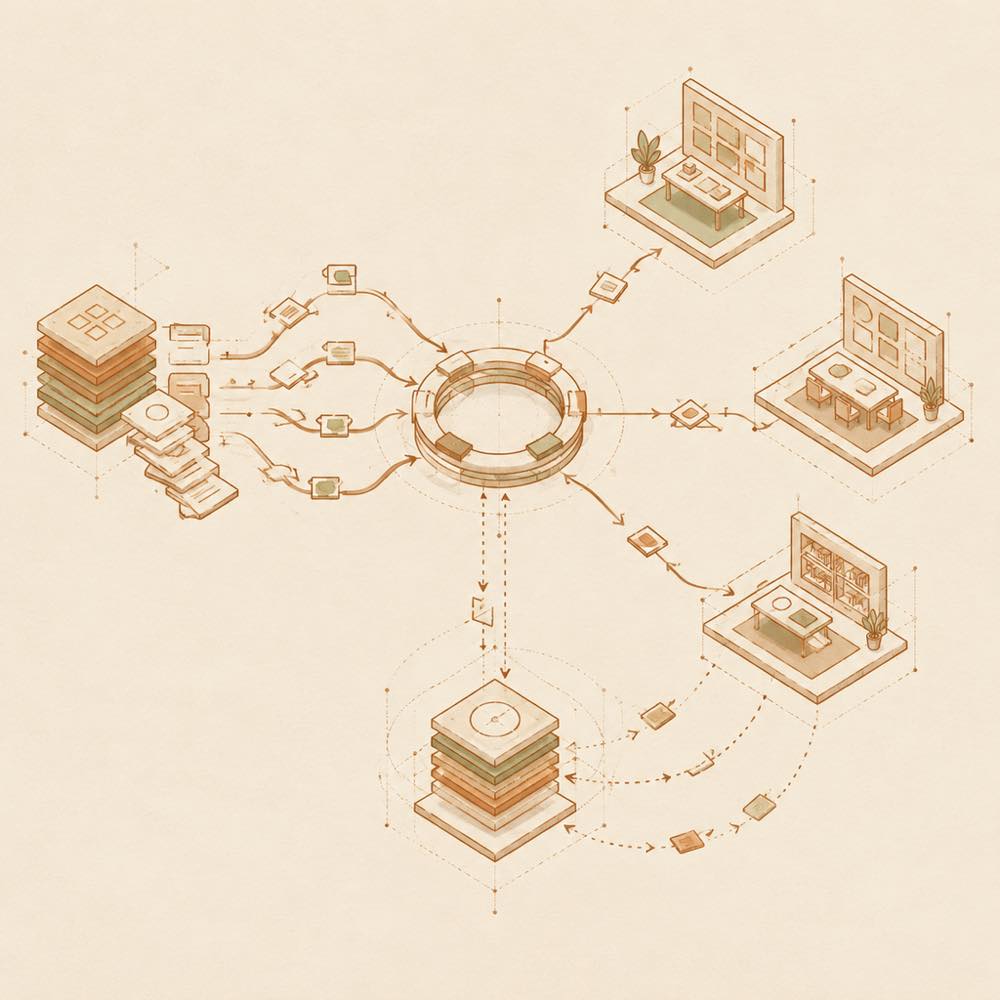
At the end of turns, the plugin records progress in project and daily logs. Project data is separated by working directory, and logs can include the current Git branch. Important project memories require confirmation before they become active context. Archived memories stop being injected until restored. Optional synchronisation stores selected memory tracks in dedicated Git branches, with an optional shared memory repository separate from project code.
The plugin can create internal sessions, place them in collaboration rooms, send broadcasts and coordinate external agents. Results can be written to project and daily logs. The README does not specify a minimum DeepSeek Harness version, operating-system support, environment variables or a complete on-disk file layout.
Written from the project's own documentation and kept in sync with it. Where the two disagree, the source is authoritative — read the README on GitHub