How it behaves
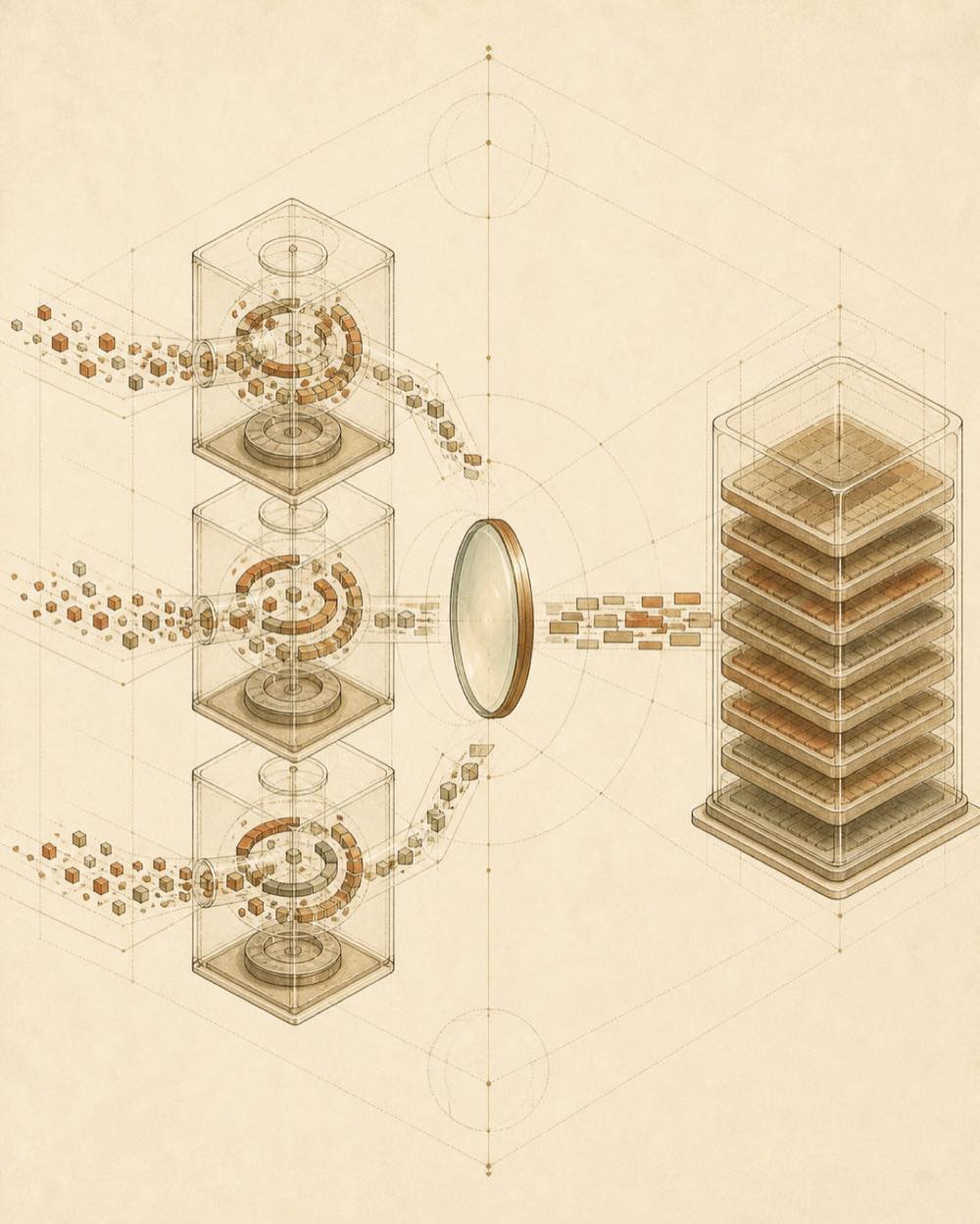
Hindsight stores information with retain, searches stored memories with recall, and generates a disposition-aware response with reflect. Each operation takes a bank_id; the README uses my-bank. Memory banks can therefore be selected per repository or other scope by the calling agent. An LLM wrapper is also available: it replaces the existing LLM client and stores and retrieves memories automatically during LLM calls.
Configuration
The Docker quick start exposes the following settings:
| Setting |
Meaning |
OPENAI_API_KEY |
Shell variable used in the example as the provider credential |
HINDSIGHT_API_LLM_API_KEY |
API container variable receiving the LLM API key |
HINDSIGHT_API_LLM_PROVIDER |
Selects the LLM provider |
The README lists these provider values for HINDSIGHT_API_LLM_PROVIDER: openai, anthropic, gemini, groq, ollama, lmstudio, minimax, and atlas.
Interfaces and storage
The Docker deployment serves the API at http://localhost:8888 and the UI at http://localhost:9999. The recommended container mounts the named volume hindsight-data at /home/hindsight/.pg0. An external PostgreSQL deployment is documented through docker/docker-compose; Oracle AI Database is also listed as supported for enterprise deployments.
Python clients use Hindsight from hindsight_client, while Node.js clients use HindsightClient from @vectorize-io/hindsight-client. The README also documents embedded Python operation through HindsightServer, which starts a local server for the client to use.
Platform note
The embedded package is hindsight-all. On Intel (x86_64) Macs, the README directs users to hindsight-all-slim instead. The examples use Python packages hindsight-client and hindsight-all, or the npm package @vectorize-io/hindsight-client.
Written from the project's own documentation and kept in sync with it. Where the two disagree, the source is authoritative — read the README on GitHub