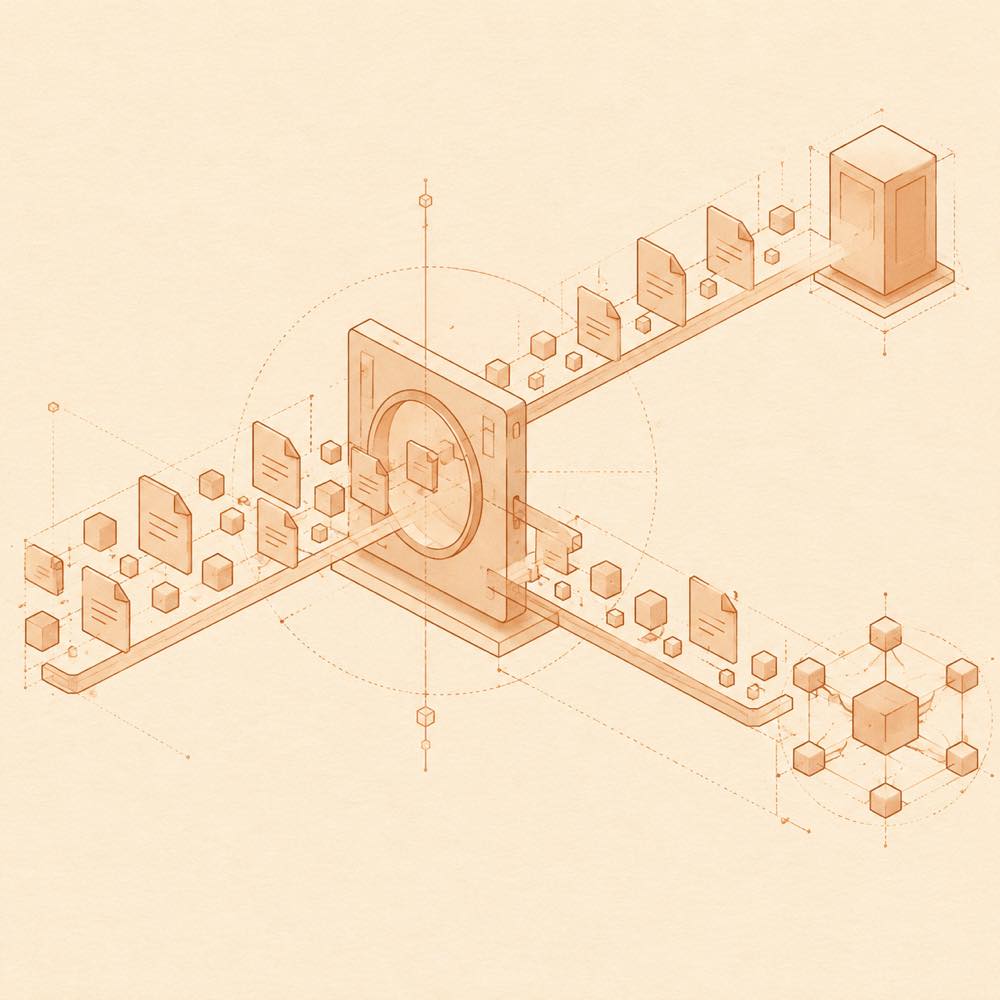
How dsh-skill-mcp-panel works
DeepSeek Harness loads the plugin’s web panels through the sidebar.panellist and main keyed slots. The combined Skill/MCP sidebar entry opens a full-page panel, while the panel’s tabs switch between skills and MCP servers. The selected tab is retained in browser localStorage under dsh-skill-mcp-panel:last-tab.
The skills view reads global skills from ~/.dsh/skills and workspace skills from each workspace’s .dsh/skills directory. Operations are scoped by name and location. Groups are display-only metadata stored in ~/.dsh/skills/.system/skill-viewer/groups.json; they do not modify skill directories.
Configuring dsh-skill-mcp-panel
DeepSeek Harness reads MCP server entries from a profile’s cordis.patch.yml. The panel manages the plugin’s MCP blocks and preserves content outside those blocks byte-for-byte. It supports Stdio and HTTP (streamable-http) entries, including commands, arguments, environment variables, working directories, addresses and headers. Saved changes are hot-loaded through DSH HMR.
${NAME} in an environment value is formatted as a cordis.patch.yml !!js expression that reads process.env.NAME. An existing !!js expression is also passed through. env and headers secrets are redacted in RPC responses and the interface; leaving a key blank retains its previous value.
Commands provided by dsh-skill-mcp-panel
DeepSeek Harness installs the unified dsh-panel command. dsh-panel skill … covers the skill panel’s operations and does not use profiles. dsh-panel mcp … covers MCP operations and requires an existing, explicitly named --profile; an unknown name is rejected rather than creating a profile. Skill operations involving duplicate names require an explicit --global, --project or --workspace scope.
dsh-panel update updates every profile with this plugin when no --profile is supplied. With --profile, it targets that profile. The desktop profile is skipped because the desktop application owns it.
Requirements and limits
The panel requires a DeepSeek Harness host that provides sidebar.panellist and main. The README reports tested panel-slot support from 0.1.6-alpha.2 through 0.2.0-rc.2; earlier listed versions are marked unverified for those slots. The package is distributed with prebuilt output through npm or a release tarball, so local building is not required.
Written from the project's own documentation and kept in sync with it. Where the two disagree, the source is authoritative — read the README on GitHub