modlens
liustack
Vision bridge for text-only models: paste an image, get structured JSON evidence (OCR, layout, semantics).
hisence999/DSH-vison
DSH-vison is a DeepSeek Harness plugin that adds image understanding for text-only models by converting images into descriptions from a configured vision-capable model.
Install
via GitHub · GitHub source
Installing from GitHub runs the project's build script, which pnpm blocks until you allowlist it — run the command once and pnpm prints the exact key to add under `allowBuilds` in ~/.dsh/profiles/web/pnpm-workspace.yaml.
Due diligence

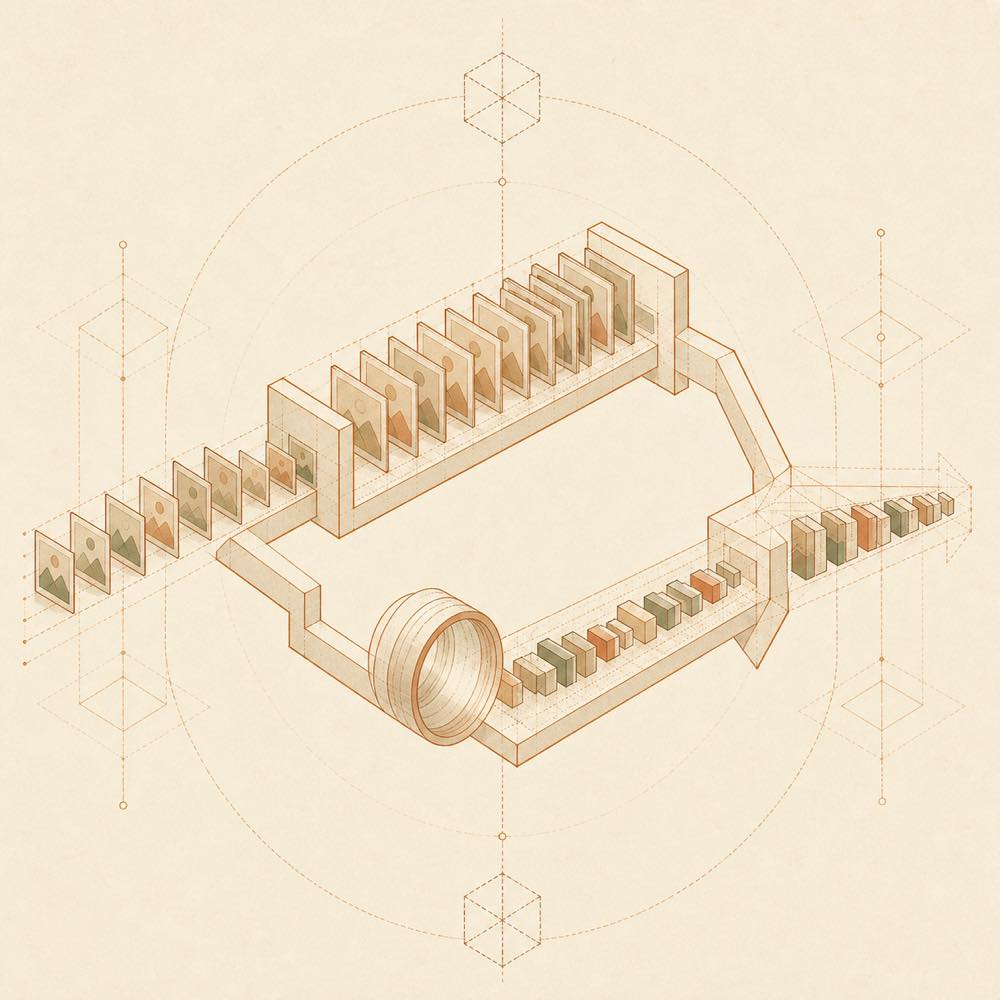
DSH-vison is a DeepSeek Harness plugin that adds image understanding for text-only models by converting images into descriptions from a configured vision-capable model. It wraps llm.resolveModelInfo so image admission and tool checks can be allowed for text-only models, then listens to agent/pre-step to process image-bearing user messages. The image remains in session history for UI display, while a session-surface replacement and deriveMessages wrapper present the generated description to the model. tools/post-execute applies the same conversion to read_image results, and system-prompt/assemble identifies the model active for the current step.
The plugin is intended for installations where an agent may receive images but the selected model is not multimodal. Multimodal models are detected and passed through without interception. Configuration is stored in the dsh-image-vision settings namespace; the profile patch uses enabled: true and patchAdmission: true as fallback settings.
DSH-vison requires at least one configured image-capable model and does not cache descriptions, so images are sent for recognition again in later turns. Its terminal surface includes the Windows PowerShell and Unix shell installation and removal scripts, which copy files and modify $DSH_HOME profiles, cordis.patch.yml, and the DSH dsh-host-apiproxy whitelist. It is a poor fit where a multimodal model already handles all images directly, or where modifying those host files is not acceptable.
The plugin stores settings in the dsh-image-vision namespace. The settings page exposes an enable switch, the recognition model, and the prompt. Its profile patch can provide these fallback values:
| Key | Value |
|---|---|
enabled |
true |
patchAdmission |
true |
patchAdmission controls the reversible wrapper around the shared llm service. The plugin also requires dsh-image-vision to be added to the dsh-host-apiproxy setting namespace whitelist; otherwise the settings page cannot find its namespace.
The plugin package consists of index.js, client.js, and package.json. For a profile installation, these files are placed under $DSH_HOME/profiles/<profile>/node_modules/dsh-image-vision/; the README gives web as the usual Web profile and shows the corresponding Windows path under C:\Users\<user>\.dsh\profiles\web\.... The profile’s $DSH_HOME/profiles/<profile>/cordis.patch.yml contains an image-vision entry naming dsh-image-vision.
The setup scripts patch the WEB_SETTINGS_NAMESPACES list in dsh-host-apiproxy. Reinstalling or upgrading DSH can overwrite that host file, requiring the patch to be applied again.
The repository supplies install.ps1 and uninstall.ps1 for Windows PowerShell, plus install.sh and uninstall.sh for Linux and macOS. Uninstallation removes the package, the image-vision patch entry, and the API proxy whitelist change. Configuration remains unless the removal script receives -PurgeConfig on Windows or --purge-config on Unix. Restart DSH after installation or removal.
At least one configured model that supports images is required. Descriptions are not cached; the same image is recognised once per turn, but later sends invoke the vision model again. Failed recognition retries other configured image-capable models at 0.6-second intervals. If all attempts fail, placeholder text is used instead of sending the image to a text-only model.
Written from the project's own documentation and kept in sync with it. Where the two disagree, the source is authoritative — read the README on GitHub
Same category
liustack
Vision bridge for text-only models: paste an image, get structured JSON evidence (OCR, layout, semantics).
Anionex
Vision tasks for text-only models: intent-aware image Q&A, long-screenshot OCR, UI reproduction, grounding, and pixel diff.
ysr666
Free vision for text-only agents: built-in keyless vision chain plus pixel tools (Q&A, grounding, crop, pixel diff, colors, OCR, SVG trace, cutout, screenshots); paste an image to use it.
linenxi-ctrl
External vision plugin for DeepSeek Harness: whale-button config panel, image recognition with auto-reply, and agent screenshot/recognize tools.
Flyvhidbwo
DeepSeek brain + automatic image transcription: attach images in the GUI and each one is transcribed to text via any OpenAI-compatible VLM before reaching the text-only DeepSeek — a keyed fast path (default qwen3.7-flash; DashScope/Zhipu/OpenRouter or any OpenAI-compatible endpoint) with your own key, or local Ollama auto-detected with zero config.
jyh20030112
Gives text-only models vision: forwards user images to an OpenAI-compatible vision model and shows the descriptions in a Web UI right panel.