How dsh-undo-savepoint integrates
DeepSeek Harness loads dsh-undo-savepoint from its installed package and profile bundle. The package declares dsh.bundle.patch; after installation, the bundle is registered in the profile and becomes active after restart. The host component expects a DeepSeek Harness profile providing tools, systemPrompt, and webServer services. If the installation root cannot be resolved, set DSH_ROOT to the DeepSeek Harness installation root.
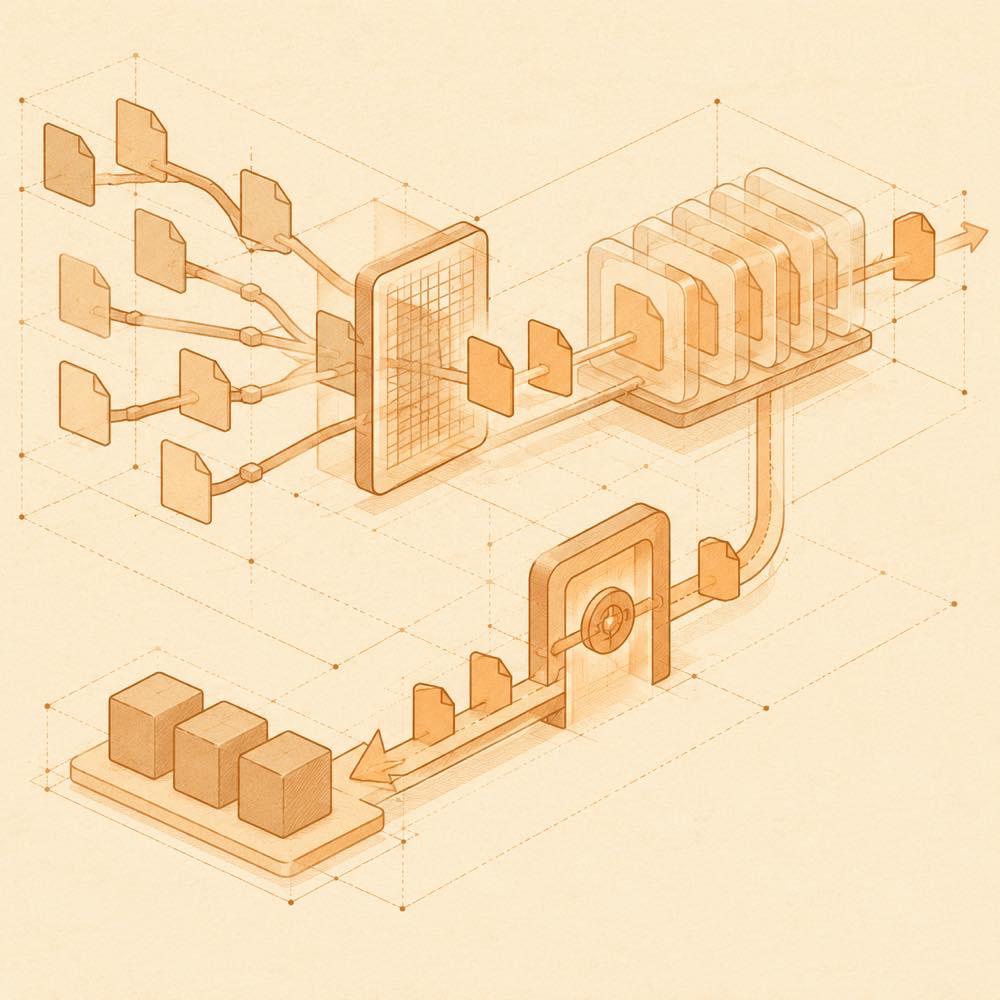
The plugin writes a local snapshot store containing configuration, selected user-plugin code trees, and tracked workspace changes. .env files, credentials, and home-level settings are redacted in snapshots and ZIP exports; the original values are kept in the local vault. Snapshot archives can use AES-256-GCM encryption. The README describes settings for automatic saving, retention, sensitive-data mode, plugin allowlists, scheduled snapshots, and tracked workspace directories. It does not specify the corresponding setting-key names or default values.
Commands and offline tools
The WebUI and conversation tools expose undo, redo, restore, undo_recent, undo_note, undo_scan, undo_doctor, and undo_compact. restore accepts a snapshot id, while undo_scan can quarantine or repair supported session damage and undo_doctor can report or fix supported startup and storage problems. The offline PowerShell entry point is dsh-undo.ps1; documented forms include scan [--fix], doctor -Fix, and safe-mode -Label on. Offline tools remain available when DeepSeek Harness fails to boot.
Requirements and supported systems
DeepSeek Harness checks the package’s declared DSH engine ranges, covering releases in the 0.1.x and 0.2.x lines, with the final range beginning at >=0.2.1-0. The README verifies DSH 0.2.0-rc.2 and 0.2.1-rc.3. Node.js >=20 is required; session repair requires Node.js >=22.15, while Node.js 20 falls back to a prompt. Windows, macOS, and Linux support the core features, offline tools, and offline WebUI, with platform-specific launcher and file-picker implementations.
Written from the project's own documentation and kept in sync with it. Where the two disagree, the source is authoritative — read the README on GitHub