How dsh-mneme behaves
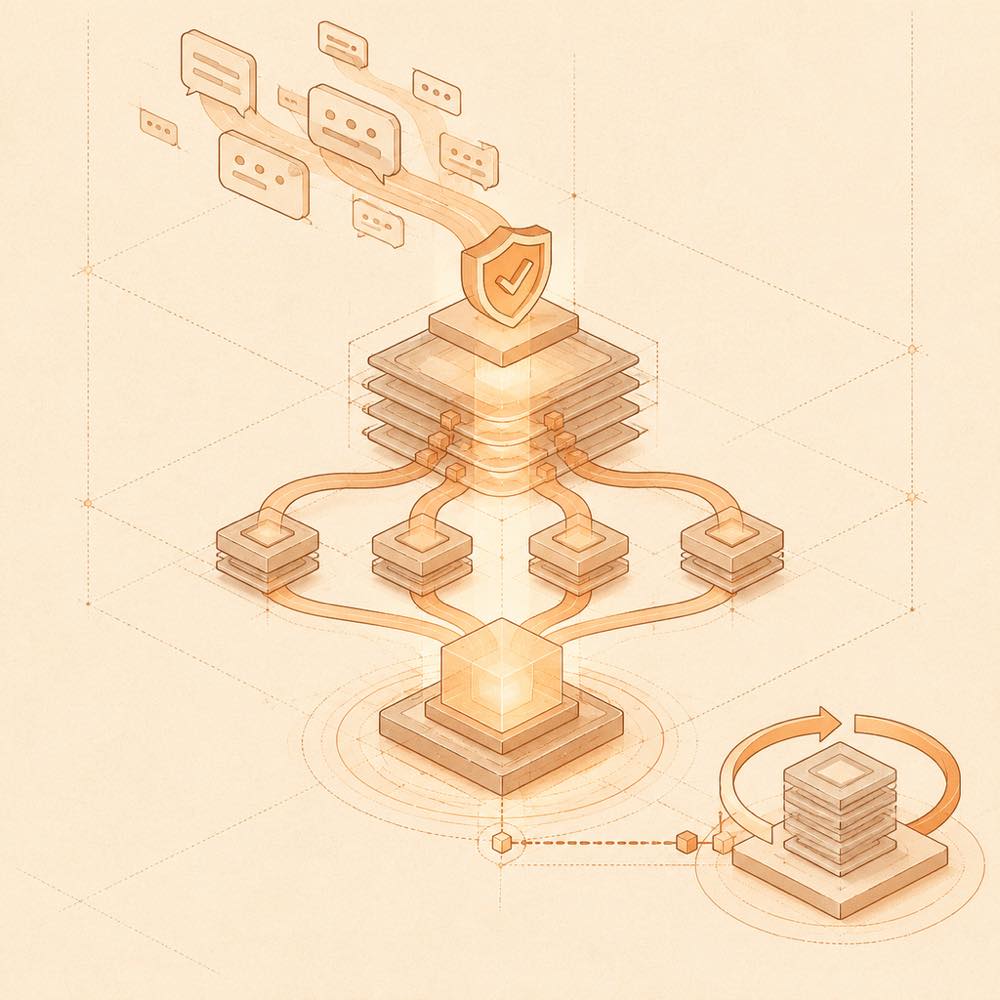
At conversation end, dsh-mneme extracts facts, preferences and decisions that qualify as durable memories. During a later session, retrieval combines relevance with recency, importance and usage so selected memories are injected into the session context. autoDream runs during idle periods to merge duplicates, compress stale records and archive old material. Conflicting memories are frozen for review rather than silently choosing one.
Each record is stored in local SQLite under ~/.dsh/memory, with ten Markdown mirrors in the same directory. Manual edits to the mirrors take precedence when the files are merged back into the database. The settings panel supports recording, browsing, filtering, searching, editing and deleting memories, as well as viewing an entity graph and audit state.
Configuring dsh-mneme
autoDream and autoSummarize are enabled by default. Consolidation and summarisation use the host model by default. Setting dreamProvider and dreamModel selects a direct provider and model for dreaming; summarizeProvider and summarizeModel does the same for summarisation. To keep these operations offline, use a local host model and clear those four provider/model settings, or disable autoDream and autoSummarize.
The local embedding model and runtime cache are stored in ~/.dsh/mneme and are downloaded again if that directory is removed. Connection configuration for the CLI and MCP integration is stored in ~/.dsh-mneme.
Commands and integrations
DeepSeek Harness loads the plugin in the web profile; dsh web starts the web interface. The standalone dsh-mneme-serve daemon keeps the memory store available when DeepSeek Harness is closed. The mneme-memory package provides a zero-dependency stdio MCP server with six memory tools. An HTTP API is also available for other plugins, and the CLI can access the store.
Requirements and data handling
DeepSeek Harness requires version 0.1.x or 0.2.x, and dsh-mneme requires Node 24+ because it uses node:sqlite. The plugin stores SQLite data, Markdown mirrors, embeddings, runtime cache, CLI/MCP connection details and audit information locally. The README states that it has no telemetry, analytics or remote logging. Removing the plugin does not remove ~/.dsh/memory; that directory must be deleted separately to erase the stored memories.
Written from the project's own documentation and kept in sync with it. Where the two disagree, the source is authoritative — read the README on GitHub