
dsh-im
xmanrui
Connect IM bots to DeepSeek Harness via QR codes or bot credentials (9 channels: Feishu, WeChat, DingTalk, WeCom, QQ, Slack, Telegram, Discord, and WhatsApp).
Installed cleanly when we ran it
npm packageJavaScript5d ago
omdsh-dev/dsh-notification
Desktop notifications for turn completions, with per-outcome controls and keyword rules.
Install
via GitHub · GitHub source
Installing from GitHub runs the project's build script, which pnpm blocks until you allowlist it — run the command once and pnpm prints the exact key to add under `allowBuilds` in ~/.dsh/profiles/web/pnpm-workspace.yaml.
What happened when we ran it
Installed cleanly when we ran it
Every command here is run in a throwaway container against a clean profile, and the result is whatever the harness recorded — not a guess from the source. Last run 5d ago.
Show it in your README
For maintainers: the badge serves this listing's latest sandbox verdict, so a re-run updates it on its own — and it links readers to the full result here.
Due diligence
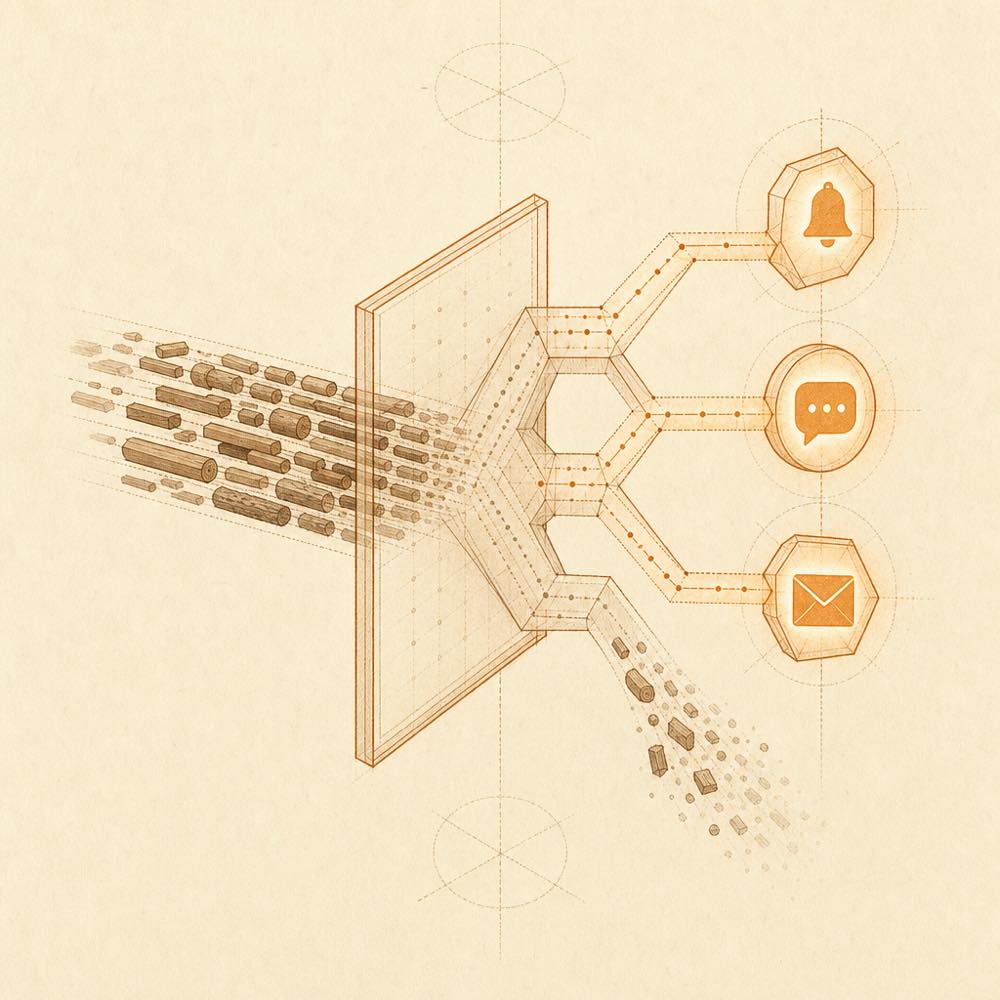
dsh-notification is a DeepSeek Harness plugin that shows desktop notifications when a session finishes a turn. DeepSeek Harness provides a bounded session projection containing the last turn’s reason, reply text and tool names; the browser client watches the session list’s live completion reminder, applies persisted preferences, and calls the browser Notification API. The host reads the existing session log without adding events, while preferences are stored in browser localStorage.
DeepSeek Harness loads the host and client parts through the web profile. Settings under Settings > Notifications control outcome toggles, literal or regular-expression keyword rules, manual dismissal, visibility filtering and a test notification. The host-side maxBodyChars setting in cordis.yml bounds the projected reply text; the default is 400.
This suits developers who keep the DeepSeek Harness web page open but work in another tab, session or workspace. It is not suitable for notifications after the page is closed, or for reconnect recovery: completions that occur while the page is disconnected are not re-notified. The plugin reaches the existing session log through a read-only projection and reaches the browser’s notification surface to display completion status; it adds no model-facing tool, prompt content or log event.
DeepSeek Harness reads the host configuration for dsh-notification from cordis.yml:
| Key | Default | Behaviour |
|---|---|---|
maxBodyChars |
400 |
Maximum size of the projected reply snippet; longer text is ellipsised by the host. |
The web client stores preferences in browser localStorage. Under Settings > Notifications, Enable notifications is the master switch. Outcome controls default to notifications for completed and error, with aborted, blocked and token limit disabled. Keyword rules match the session title, the latest reply text and the latest tool names. Include rules require at least one match; an exclude match suppresses the notification. Rules can use literal or regular-expression matching and may be case-sensitive.
DeepSeek Harness installs the plugin with dsh plugin --profile web add. After installation, restart the web server so DeepSeek Harness loads both the host portion and the served client bundle. The default dsh web profile supplies the session list, settings shell and locale required by the client composition. The settings section can grant browser notification permission and send a test notification.
DeepSeek Harness computes a session-list completion reminder for a live running-to-idle transition. The client deduplicates that reminder, checks notification permission and the current-session visibility gate, then creates a notification titled DSH finished. With Only notify when the task is out of view enabled, the current session is suppressed, while hidden pages and other sessions or workspaces can still notify. Notifications for one session replace one another. Require manual dismiss keeps a notification visible until dismissed.
The plugin does not change prompts or session logs, register tools, or add token usage. The model receives no new capability.
The page must remain open, and browser Notification permission must be granted. A denied site permission cannot be overridden inside the page. Notifications fire once per finished turn; disconnected completions are not replayed. Rules inspect only the title and latest turn, and clicking focuses the window without linking to the turn.
Written from the project's own documentation and kept in sync with it. Where the two disagree, the source is authoritative — read the README on GitHub
Same category
xmanrui
Connect IM bots to DeepSeek Harness via QR codes or bot credentials (9 channels: Feishu, WeChat, DingTalk, WeCom, QQ, Slack, Telegram, Discord, and WhatsApp).
Installed cleanly when we ran it
shaobeichen
Remote phone access to the DSH Web UI: scan a QR code for LAN or public (cloudflared tunnel) access with real-time sync, a mobile-adaptive layout, and a settings tab.
Installed cleanly when we ran it
alvinunreal
Bridges DeepSeek Harness lifecycle status, errors, and approval requests to a locally running OpenPets desktop companion.
No one-line install — this plugin lives inside a larger repository and publishes no npm package.
inclusionAI
Connects DeepSeek Harness to Avernet's Bot Collaboration Network over WebSocket V2, with automatic onboarding, isolated agent sessions, tool-call events, and multi-bot routing tools.
No one-line install — this plugin lives inside a larger repository and publishes no npm package.
whyihaveyou
IM webhook and local notifications on turn completion, errors, or approval (Feishu/WeCom/DingTalk/Slack/Discord/custom).
No one-line install — this plugin lives inside a larger repository and publishes no npm package.
omdsh-dev
Lark/Feishu bot channel for DeepSeek Harness: each chat drives its own agent, and tool approvals, model questions, and plan reviews return as cards answered by a button or a reply. Switch workspace and model from the chat (`/cd`, `/model`, `/new`), and run several bots that keep separate sessions and can hand turns to each other in one group.
Installed cleanly when we ran it