Configuring dsh-memory-meow
DeepSeek Harness exposes the plugin settings through its settings page and profile patch or cordis.patch.yml. The documented options include:
| Key |
Default or documented behaviour |
enabled |
true |
projectDir |
.dsh-meow, relative to the workspace |
promptLang |
zh; also supports en and pt-br |
hitTopK |
2 |
dream.enabled |
true |
dream.idleMinutes |
180 |
Additional documented fields include titleMax, autoMigrate, homeDir, disabledWorkspaces, backup, and delegate. promptLang selects the language of injected text, reflection and tool descriptions, and affects the language used for memory entries and keyword extraction. Invalid directory names silently fall back to the Chinese prompt set.
Commands and tools
DeepSeek Harness provides these plugin tools:
memory_remember writes a memory with content, project, keywords, and importance; duplicate entries are merged.memory_search performs keyword retrieval with level, project, status, and days filters.memory_project returns a complete project injection section and requires project.memory_find_similar, memory_read, and memory_update support duplicate detection, metadata reads, and status or keyword corrections.memory_dream starts consolidation for the current window.memory_home views or switches the global data directory.
Typing /dream in the input starts consolidation immediately, without peak-hour suppression.
How dsh-memory-meow behaves
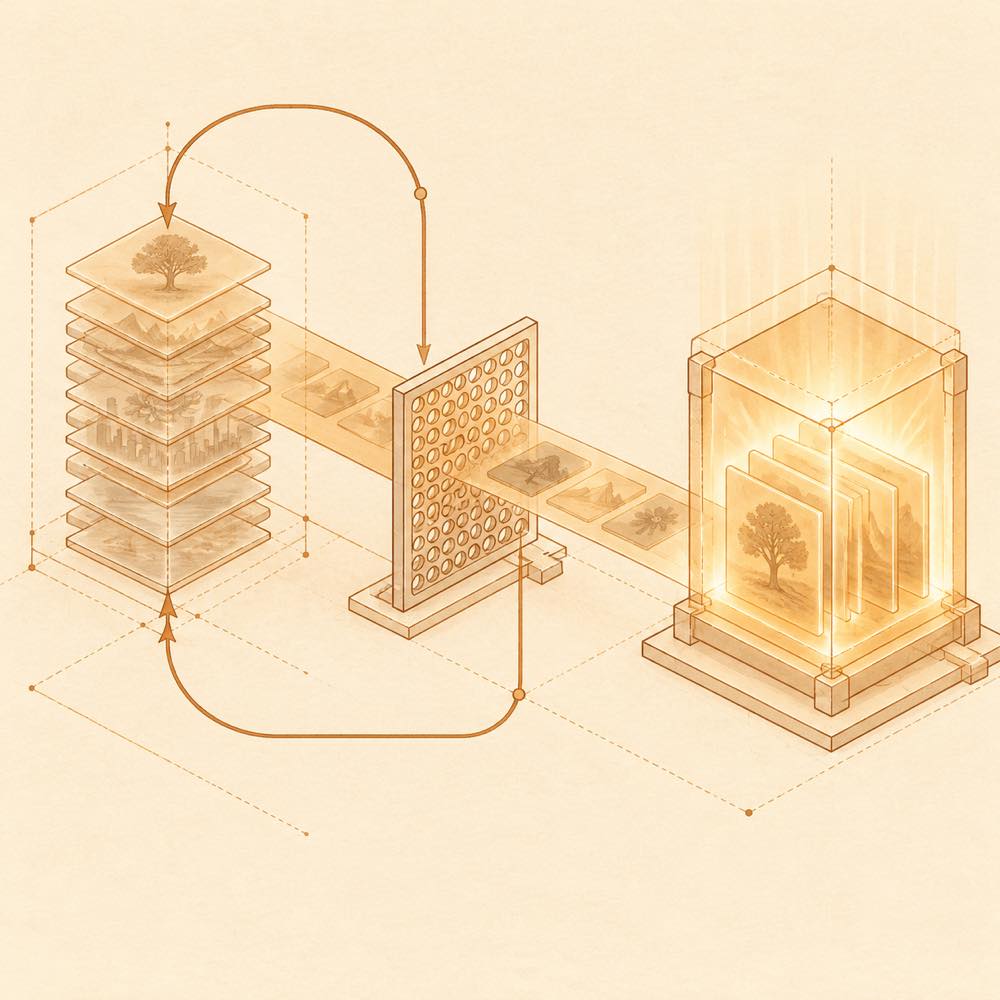
The plugin injects memory as an independent plugin snapshot before the actual user message and does not rewrite the user prompt. After compression, the next turn re-injects the long-term snapshot, the project overview consulted in the session, and memories written during that session. Session-level seen-entry tracking is stored in sessions/<id>.json.
Requirements and limits
DeepSeek Harness compatibility is documented for 0.1.5, including 0.1.5-rc.1, with older-version compatibility also described. The runtime build uses node:sqlite and a self-contained lib/index.js produced by esbuild, with no native modules. Automatic dream requires a window idle period of at least 180 minutes and is suppressed during the default peak periods of 09:00–12:00 and 14:00–18:00 Beijing time.
Written from the project's own documentation and kept in sync with it. Where the two disagree, the source is authoritative — read the README on GitHub