DSH Marketplace

humanizer-ru

Vladimir-Human/humanizer-ru#dsh

Cleans AI traces from Russian text: finds chatbot copy-paste artefacts (ChatGPT, Gemini, Grok, Perplexity, DeepSeek) and rewrites the text into natural prose on request; 39 regex markers with an evidence registry, offline, text-only bundle.

1016PythonMITSource

Install

Add humanizer-ru to DeepSeek Harness

This plugin lives in a subdirectory of a larger repository, and `dsh plugin add` cannot reach it — it forwards to pnpm, which reads everything after `#` as a git branch or commit. Clone the repository and add the plugin through DSH's plugin panel using a repository source, or ask the author to publish it to npm.

Due diligence

Before you install humanizer-ru

  • Source of record: Vladimir-Human/humanizer-ru — present in the community registry that DSH's own plugin market installs from.
  • Licensed under MIT.
  • A listing here is not a security review. Plugins run with your agent's permissions.

The AI take

What it is — Tool to detect and rewrite AI traces in Russian text into natural prose on request.

Who it is for — If you need to remove AI generation traces from Russian text when analyzing or editing content in DeepSeek Harness, this plugin is suitable. Users who require a plugin that supports interactive interfaces or code execution may find it unsuitable, as this is an offline text-only solution.

Watch out — No obvious pitfalls found. Static checks reported no issues. Sandbox testing has not been conducted.

The verdict — I would install it because it offers an offline text-only solution with evidence registry, but the premise is that my tasks involve processing Russian AI-generated text.

Generated by grok-4.6, and a starting point rather than a verdict. Where it says a plugin installs or does not, that is from a real run in a clean profile — everything else is read off the repository. Trust the source over this.

What humanizer-ru does

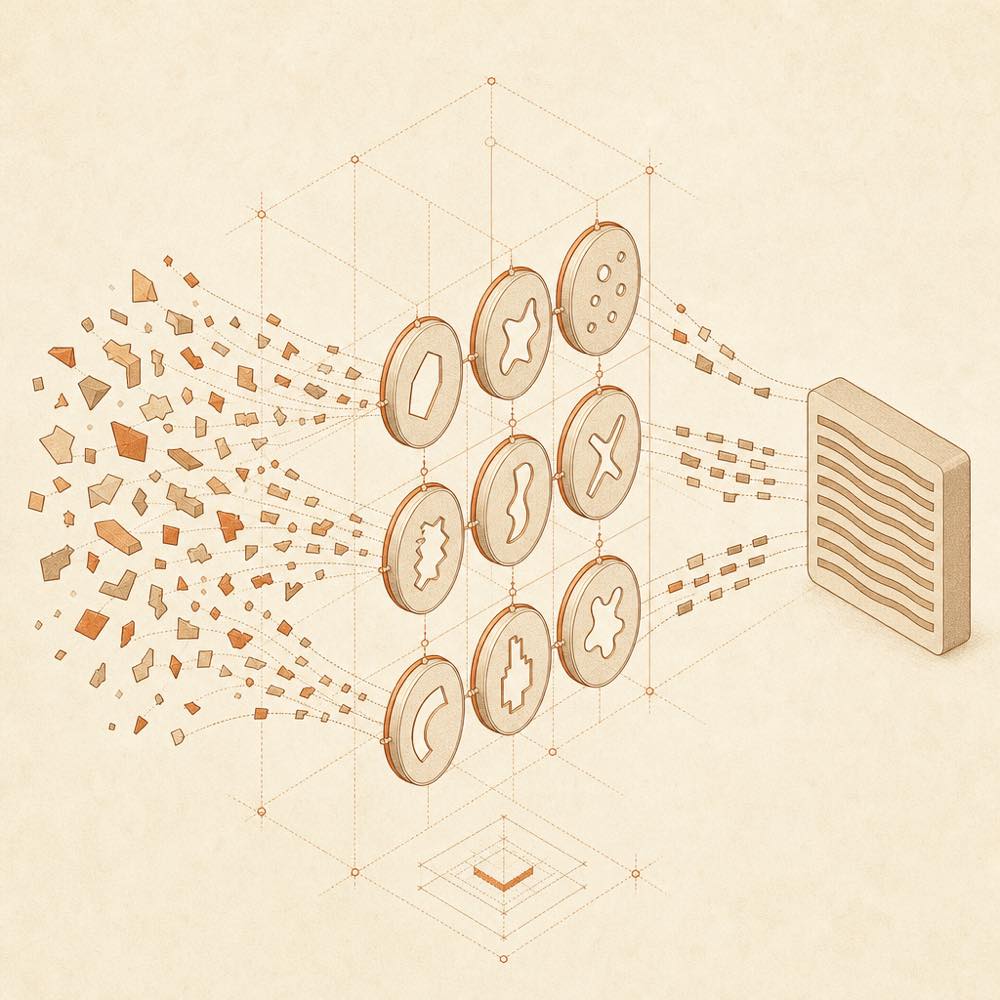
Abstract text fragments pass through regex-like filters and merge into a smooth paragraph block.

humanizer-ru is a DeepSeek Harness plugin that detects and removes traces of machine-generated Russian prose, then rewrites supplied text into more natural language when requested.

It works as an agent skill rather than a runtime service. The agent loads SKILL.md for the analysis or editing task, together with the relevant files from references/. The skill defines 38 patterns—25 basic and 13 extensions—and 39 checkable regular-expression markers in classes A and B. Its evidence registry records support for 37 of the 39 markers, and the repository runs its checks in CI. The agent receives a prepared Russian text fragment, identifies the markers, and performs a meaning-preserving rewrite without adding facts that were not present. PERSONA.md is separate: it supplies conversational tone guidance and is not a text-checking reference.

This plugin is intended for agents editing Russian-language copy where avoiding false positives matters more than catching every possible signal. It is not a detector-bypass tool and does not tune text for a detector’s verdict; use it when the goal is natural prose, not a green score. It is also not a general conversational persona: loading SKILL.md into a chat client’s system prompt is specifically discouraged because it adds token cost without making dialogue more natural. The working bundle is text-only and does not execute code when activated; the repository’s Python scripts are for manual or GitHub Actions testing.

humanizer-ru documentation

How it behaves

Provide humanizer-ru with a prepared Russian text fragment. The agent uses SKILL.md to analyse it and, when asked, rewrite it into more natural prose while preserving the source meaning. It removes stylistic clichés and chatbot copy-and-paste residue, but does not add facts. The documented examples remove wording such as promotional labels, inflated claims and stock descriptions while retaining the concrete features already present in the input.

The detection material contains 38 patterns: 25 basic patterns and 13 extensions. These correspond to 39 checkable regex markers in classes A and B. The repository maintains an evidence registry for the markers, with evidence recorded for 37 of 39, and checks the patterns in CI.

Files and activation

The working skill is made up of text files. Load SKILL.md for a text-analysis or editing task, along with the required reference files in references/. PERSONA.md contains short rules for a natural conversational tone; it is intended for dialogue, not for checking supplied text.

The skill does not execute code when activated. Auxiliary Python files under scripts/ are used only when run manually or by GitHub Actions. A release archive contains SKILL.md, README.md, README.en.md, SECURITY.md, SECURITY.en.md, CHANGELOG.md, PERSONA.md, LICENSE, references/ and scripts/.

Deployment notes

The README documents use with Claude.ai, Claude Code, API clients that support container.skills, organisation-managed skill libraries, and agent environments supporting the Agent Skills format. For local Claude Code use, it documents placing the skill under ~/.claude/skills/humanizer-ru; copying only SKILL.md omits references/ and reduces the checking depth. The README does not provide a separate runtime command or configuration-key reference for invoking the skill.

Written from the project's own documentation and kept in sync with it. Where the two disagree, the source is authoritative — read the README on GitHub

Same category

Alternatives to humanizer-ru

vox-director

Alisa0808

1.3k

Turn one topic into a finished Vox-style paper-collage explainer/ad video — automated end to end on Atlas Cloud + ffmpeg. An agent skill.

Installed cleanly when we ran it

GitHub sourcePython7d ago

AI review

vox-director

What it is — Automatically turns one topic into a finished Vox-style paper-collage explainer/ad video, end-to-end on Atlas Cloud + ffmpeg as an agent skill.

Who it is for — If you are a coding agent user who wants the agent to automatically generate video explainers from a topic using Atlas Cloud models and ffmpeg, then this plugin suits your scenario. If your work does not involve Atlas Cloud integration or ffmpeg-based video generation, this plugin does not match your workflow.

Watch out — Sandbox test passed: installed in a new profile and registered into harness. It will execute shell commands. No other obvious issues found.

The verdict — I would install it because it automates end-to-end explainer video generation from a topic and passed sandbox verification; premise is access to Atlas Cloud API key and ffmpeg environment.

Generated by grok-4.6, and a starting point rather than a verdict. Where it says a plugin installs or does not, that is from a real run in a clean profile — everything else is read off the repository. Trust the source over this.Read the source
1Source

Aegis

GanyuanRan

1.0k

Software-engineering method pack for coding agents, with skills for baseline-first planning, systematic debugging, prompt hygiene, verification before completion, and repair/retirement tracking.

Installed cleanly when we ran it

GitHub sourcePythonyesterday

AI review

Aegis

What it is — Aegis is a method pack for coding agents providing baseline-first planning, systematic debugging, and verification tracking.

Who it is for — If you are using DeepSeek Harness to manage AI coding agents that require baseline-first planning and verification before completion, Aegis is suitable. If you prefer agents without retirement tracking and risk proof, you can skip Aegis.

Watch out — When installing from source code, you need to manually allow its build script to run. The sandbox test passed in a new profile and was registered by DeepSeek Harness. No obvious pitfalls were found.

The verdict — I would install it because the benchmark showed unsafe outcomes reduced to 0%.

Generated by grok-4.6, and a starting point rather than a verdict. Where it says a plugin installs or does not, that is from a real run in a clean profile — everything else is read off the repository. Trust the source over this.Read the source
1Details

superdesign-skill

superdesigndev

429

Design skill for UI and marketing graphics on the Superdesign canvas: reads the repo for context, extracts its design system, then generates and iterates branchable design drafts, flow pages, and reusable components through the Superdesign CLI.

Installed cleanly when we ran it

GitHub sourceJavaScriptyesterday

AI review

superdesign-skill

What it is — Design skill that reads repository context, extracts design system, generates and iterates branchable design drafts, flow pages, and reusable components on the Superdesign canvas via the Superdesign CLI.

Who it is for — When redesigning a settings page in Claude Code, lacking design system extraction and draft iteration capabilities. Users who only need to complete design tasks in the web app are not suitable.

Watch out — Sandbox test passed: successfully installed in a new profile and registered into the profile. No obvious pitfalls discovered.

The verdict — I would install it because it remembers project context for cross-session iteration, rather than rediscovering the codebase each time.

Generated by grok-4.6, and a starting point rather than a verdict. Where it says a plugin installs or does not, that is from a real run in a clean profile — everything else is read off the repository. Trust the source over this.Read the source
1Details

MisakaNet

Ikalus1988

402

Failure-recovery memory: search and record failure-recovery lessons from real engineering sessions, with BM25 + semantic RAG retrieval and a lessons knowledge base.

Installed cleanly when we ran it

GitHub sourcePythonyesterday

AI review

MisakaNet

What it is — MisakaNet provides a DeepSeek Harness adapter for failure recovery.

Who it is for — When using DeepSeek Harness for AI coding tasks that encounter failures, you can search lessons from real engineering sessions to get a fix path. If you do not need to help AI coding agents avoid repeating known failures, you do not need to install it.

Watch out — Sandbox testing passed: installed in a fresh profile and registered by the harness. No obvious issues found.

The verdict — I would install it because it has zero dependencies, zero servers, and zero databases.

Generated by grok-4.6, and a starting point rather than a verdict. Where it says a plugin installs or does not, that is from a real run in a clean profile — everything else is read off the repository. Trust the source over this.Read the source
1Details

Awesome-AI-Pedia

Awesome-AI-Pedia

173

AI skills大全 mcp ai知识库 Agent 全维度 AI 资源百科,DSH插件 收录大模型、智能 Agent、RAG 检索增强、多模态、MLOps、AI 应用工具、AI面试集、Vibe coding 大全、零基础学习路线,持续更新前沿 AI 开源项目,开发者一站式 AI 导航库

Installed cleanly when we ran it

GitHub sourceTypeScriptyesterday

AI review

Awesome-AI-Pedia

What it is — It is a knowledge base and blog platform covering categories such as coding assistants, Agent, MCP, skills, and Vibe coding.

Who it is for — If you need guides for using Claude Code or Cursor in AI development along with Agent, MCP, and Skills, this plugin is suitable to install. If you already have sufficient AI tool documentation, you may not need this organized knowledge base.

Watch out — Installation requires granting execute permission to start.sh. From source code installation, the build script needs to be manually allowed first. Sandbox test passed with successful registration in a new profile. No obvious issues found.

The verdict — I would install it because it offers a structured set of AI resources useful for tool usage and engineering practices, with sandbox verification confirming success.

Generated by grok-4.6, and a starting point rather than a verdict. Where it says a plugin installs or does not, that is from a real run in a clean profile — everything else is read off the repository. Trust the source over this.Read the source
1Source
141

帮 DSH 搜索、安装并验证插件的 Skill|A DSH skill that finds, installs, and verifies GitHub plugins

Installed cleanly when we ran it

GitHub sourceJavaScript3d ago

AI review

dsh-find-plugins

What it is — It helps DSH search GitHub dsh-plugin repositories and install and verify the plugins.

Who it is for — When you need to expand DSH capabilities but do not know where to find new plugins, this tool can help. If your plugins are already verified in the local project and do not require external search, you do not need this tool.

Watch out — It passed sandbox test in a new profile after being installed and registered into the profile by harness. No obvious issues were found.

The verdict — I would install it because it provides a mechanism for discovering plugins, but the premise is trusting public GitHub plugins.

Generated by grok-4.6, and a starting point rather than a verdict. Where it says a plugin installs or does not, that is from a real run in a clean profile — everything else is read off the repository. Trust the source over this.Read the source
Source