esp32-iphone-agent
onehumanbeing
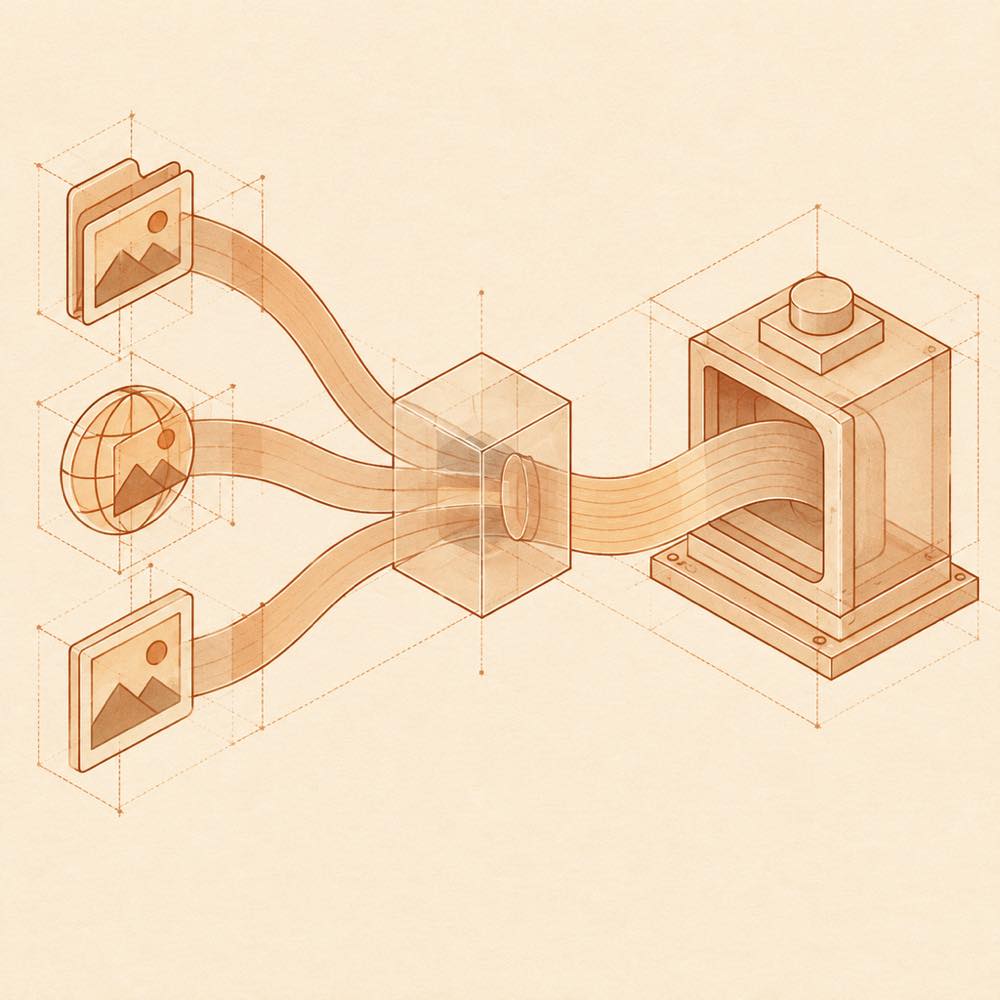
Let an AI model use a real iPhone with a $7 ESP32: AirPlay eyes, USB HID hands, any OpenAI-compatible vision model. No Mac, no developer account, no jailbreak.
Installed cleanly when we ran it
zhu1090093659/dsh-web-ui#packages/dsh-tool-describe-image
A `describe_image` vision tool for text-only models: images (local path, URL, attachment) go to a configurable OpenAI-compatible vision endpoint and only the returned text enters the session.
Install
This plugin lives in a subdirectory of a larger repository, and `dsh plugin add` cannot reach it — it forwards to pnpm, which reads everything after `#` as a git branch or commit. Clone the repository and add the plugin through DSH's plugin panel using a repository source, or ask the author to publish it to npm.
What happened when we ran it
Installed cleanly when we ran it
Every command here is run in a throwaway container against a clean profile, and the result is whatever the harness recorded — not a guess from the source. Last run 1mo ago.
Show it in your README
For maintainers: the badge serves this listing's latest sandbox verdict, so a re-run updates it on its own — and it links readers to the full result here.
Due diligence
Security
No build script was blocked in our run.
Source: our sandbox install, 1mo ago.
package.json declares no preinstall, install or postinstall script.
Source: package.json on GitHub, read at our last sync. prepare is not recorded; it runs only on a GitHub install, and shows up under build scripts when pnpm blocks it.
Neither shell commands nor credentials.
Source: a keyword match on the README — a hint about what the plugin touches, not an analysis of its code.
Not an audit. These are the record of one install and two text scans; nobody has read this plugin's code on your behalf. Plugins run with your agent's permissions.
What it is — dsh-tool-describe-image is an image description tool for text-only models. It sends local paths, URLs or attachments to a configurable OpenAI-compatible vision endpoint and only the returned text enters the session.
Who it is for — When using text-only models in DeepSeek Harness on tasks involving image inputs, this plugin is suitable for installation. Users who rely on built-in vision capabilities in their models can choose not to install it, as they have native image support.
Watch out — Sandbox testing in a new profile showed successful installation and registration with no obvious pitfalls found. No issues were detected in static checks.
The verdict — I would install it because it allows text-only models to handle image inputs in the session.
Generated by grok-4.6, and a starting point rather than a verdict. Where it says a plugin installs or does not, that is from a real run in a clean profile — everything else is read off the repository. Trust the source over this.

dsh-tool-describe-image is a DeepSeek Harness plugin that adds a describe_image vision tool for text-only models. It accepts an image from a local path, URL or attachment, sends that image to a configurable OpenAI-compatible vision endpoint, and passes only the endpoint's returned text into the session. The image itself is not presented to the text-only model through this tool.
DeepSeek Harness is the intended host for the tool. It is suited to agents that need image descriptions while using a model without native vision input, provided an OpenAI-compatible vision service is available. The plugin is the wrong choice when the selected model already handles images directly, or when sending images to an external or separately configured vision endpoint is not acceptable. The supplied documentation identifies the endpoint as configurable but does not specify its configuration key, default, authentication method or installation command.
dsh-tool-describe-image provides the describe_image command to DeepSeek Harness. The command is intended for text-only models that need information extracted from an image. Its input may be:
DeepSeek Harness sends the selected image to a configurable OpenAI-compatible vision endpoint. The endpoint's returned text is then added to the session. The image is not itself passed into the text-only model as a vision input.
The vision endpoint is configurable, so deployments can select an OpenAI-compatible service rather than relying on a fixed provider. The supplied README does not name the configuration key, its default value, an environment variable, or an authentication setting. Those details must therefore be obtained from the package's configuration surface or source before deployment.
The plugin forms a boundary between image input and the text-only session:
describe_image receives a local path, URL or attachment.This makes the tool useful when the agent's primary model cannot consume image data directly, while keeping the session input described by text returned from the vision service.
DeepSeek Harness must host the plugin, and a reachable OpenAI-compatible vision endpoint must be configured. The source excerpt documents no platform-specific support, version requirement, command-line flags or one-line installation method. The tool is not necessary for a model that already supports image input, and endpoint availability and compatibility remain prerequisites for obtaining a result.
Written from the project's own documentation and kept in sync with it. Where the two disagree, the source is authoritative — read the README on GitHub
Same category
onehumanbeing
Let an AI model use a real iPhone with a $7 ESP32: AirPlay eyes, USB HID hands, any OpenAI-compatible vision model. No Mac, no developer account, no jailbreak.
Installed cleanly when we ran it
liustack
Vision bridge for text-only models: paste an image, get structured JSON evidence (OCR, layout, semantics).
Installed cleanly when we ran it
Anionex
为纯文本模型"看图“设计更好的视觉工具箱和技能,支持多图理解,图片问答,前端UI还原、GUI 自动化等,并可选无缝接入多个主流agent,直接识别粘贴图片| A vision toolkit and skill designed for text-only llms — image Q&A, long-screenshot OCR, frontend UI restoration, and GUI automation, with optional seamless integration for Codex, Claude Code, Pi, Oh My Pi, and OpenCode
Installed cleanly when we ran it
ysr666
Free vision for text-only agents: built-in keyless vision chain plus pixel tools (Q&A, grounding, crop, pixel diff, colors, OCR, SVG trace, cutout, screenshots); paste an image to use it.
Installed cleanly when we ran it
Anionex
Vision for text-only models: paste an image and the model switches to a Vision Toolkit variant for image Q&A, multi-image comparison, long-screenshot OCR, screenshot-to-UI reproduction, element grounding, and pixel diff. No API key by default — images are processed by the author-hosted free service, 100 per machine per day; configurable to your own provider.
DeepSeek Harness 0.2.2-rc.1 refuses the latest release
omdsh-dev
Chrome sidebar extension that lets DeepSeek Harness operate your browser directly, no vision capabilities required. 一款 Chrome 侧边栏扩展程序,可让 DeepSeek Harness 直接操控您的浏览器,无需视觉能力。
Installed cleanly when we ran it