
deepseek-harness
tt-a1i
Generate validated, self-contained interactive architecture, workflow, sequence, data-flow, and lifecycle diagrams from repositories or system descriptions.
Installed cleanly when we ran it
npm packageJavaScript19d ago
HuanLinOTO/dsh-plugin-mineru
Expose MineRU document parsing tools to the model.
Install
via npm
Resolves a published tarball rather than cloning the repository, and installs without any extra setup. Swap `web` for your profile name if you run another one.
via GitHub · npm package
Installing from GitHub runs the project's build script, which pnpm blocks until you allowlist it — run the command once and pnpm prints the exact key to add under `allowBuilds` in ~/.dsh/profiles/web/pnpm-workspace.yaml.
What happened when we ran it
Installed cleanly when we ran it
Every command here is run in a throwaway container against a clean profile, and the result is whatever the harness recorded — not a guess from the source. Last run 14d ago.
Show it in your README
For maintainers: the badge serves this listing's latest sandbox verdict, so a re-run updates it on its own — and it links readers to the full result here.
Due diligence
What it is — Integrate MinerU document parsing tools into DeepSeek Harness models.
Who it is for — When building an agent with DeepSeek Harness that requires document parsing to generate structured content, this plugin can be installed. If your project does not call MinerU through the DSH tool system, you can skip this plugin.
Watch out — Sandbox test passed: installed in a fresh profile and registered into the profile. Requires deploying a MinerU instance to use fully. No obvious issues found.
The verdict — This plugin is worth installing as long as you can easily deploy the MinerU server, since it directly exposes parsing tools to the model.
Generated by grok-4.6, and a starting point rather than a verdict. Where it says a plugin installs or does not, that is from a real run in a clean profile — everything else is read off the repository. Trust the source over this.
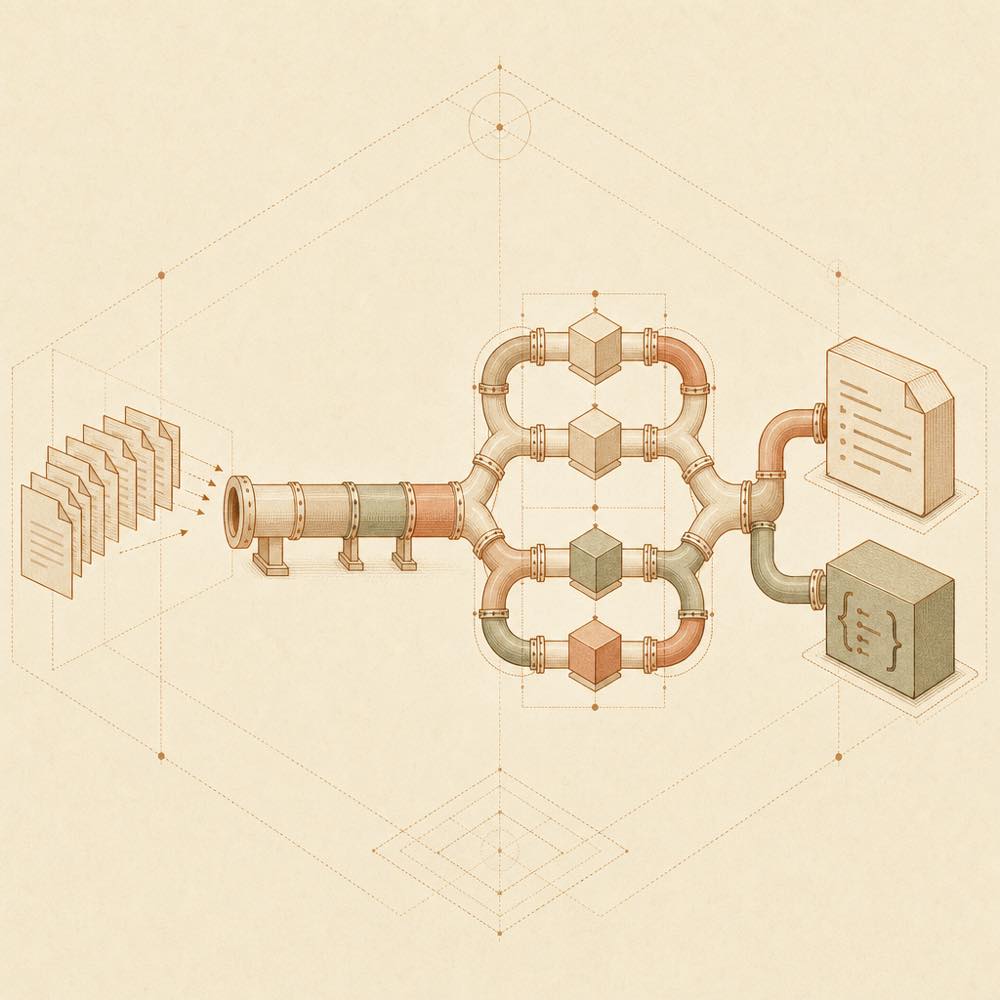
dsh-plugin-mineru is a DeepSeek Harness plugin that exposes MineRU document-parsing tools to an agent. DeepSeek Harness sends local documents to a configured MineRU API server over HTTP, then makes the parsed output available as Markdown or structured JSON. Supported source formats named by the project include PDF, images, DOCX, PPTX and XLSX.
The main mineru_parse_document tool submits a file, polls until processing completes, and returns extracted Markdown. Separate tools support asynchronous submission with mineru_submit_parse_job, status checks with mineru_get_parse_status, result retrieval with mineru_get_parse_result, and server checks with mineru_health. The connection is controlled by baseURL and apiKeyEnv; parsing defaults can be adjusted with defaultBackend, defaultParseMethod, defaultLang, and timeout settings.
This is intended for agents that need document content extracted through a MineRU deployment, including larger or parallel jobs that benefit from the asynchronous tools. It is the wrong choice when no MineRU server can be deployed or reached, because the README requires a baseURL and describes the plugin as an HTTP client rather than a standalone parser. Markdown above maxMdOutputChars is written to a temporary file instead of being returned in full; completed structured JSON is stored at raw_result_path.
DeepSeek Harness loads dsh-plugin-mineru in the web profile. Configure the plugin in the DeepSeek Harness GUI settings or in cordis.patch.yml. The required baseURL must point to a MineRU API server, such as http://your-mineru-host:18000.
| Key | Type | Default | Description |
|---|---|---|---|
baseURL |
string |
required | MineRU API address |
apiKeyEnv |
credential-ref |
MINERU_API_KEY |
Environment variable name or credential reference for the API key |
defaultBackend |
enum |
pipeline |
pipeline, vlm-engine, hybrid-engine, vlm-http-client, or hybrid-http-client |
defaultParseMethod |
enum |
auto |
auto, txt, or ocr |
defaultLang |
string |
ch |
Language code for the pipeline backend |
pollIntervalMs |
number |
2000 |
Interval between asynchronous status checks |
pollTimeoutMs |
number |
600000 |
Maximum polling time for mineru_parse_document |
requestTimeoutMs |
number |
60000 |
Timeout for one HTTP request |
maxMdOutputChars |
number |
200000 |
Inline Markdown limit before full content is written to a temporary file |
DeepSeek Harness exposes five tools. mineru_parse_document accepts a local document and handles submission, polling, and Markdown retrieval. mineru_submit_parse_job submits an asynchronous job and immediately returns a task_id. mineru_get_parse_status reports pending, processing, completed, or failed. mineru_get_parse_result retrieves a completed result, returning Markdown inline when possible and storing complete structured JSON at raw_result_path. mineru_health checks server health, version, queue depth, and concurrent capacity.
A MineRU instance must be deployed separately and reachable through baseURL. Authentication is optional for a test instance; otherwise apiKeyEnv identifies the API key environment variable or credential reference.
The client uses HTTP requests to submit files and poll asynchronous jobs. The configured polling and request timeouts govern those operations. The README does not specify a required DeepSeek Harness version or a fixed platform requirement.
Written from the project's own documentation and kept in sync with it. Where the two disagree, the source is authoritative — read the README on GitHub
Same category
tt-a1i
Generate validated, self-contained interactive architecture, workflow, sequence, data-flow, and lifecycle diagrams from repositories or system descriptions.
Installed cleanly when we ran it
dream-num
Give DeepSeek Harness a real office environment. Univer Office Plugin brings spreadsheets, docs, slides, canvases, relational tables, and more into one runtime — with connected data, validation, versioned changes, and isolated worktrees for multi-agent collaboration.
Installed cleanly when we ran it
PerryLink
Deterministic industry research reports for DeepSeek Harness — company and industry research flows produce structured, verifiable reports from staged evidence.
Installed cleanly when we ran it
kw78
Workspace-safe Office tools for agents: create/read Word, create/read/update Excel, and create/read PowerPoint decks with PNG/JPG/GIF image placement.
Installed cleanly when we ran it
hanzhangzzz
Editable Excalidraw diagrams for DeepSeek Harness conversations.
Installed cleanly when we ran it
fly233338
Connect multiple Overleaf projects to DSH through OverleafMCP for browsing, analysis, and Git-based file updates.
Installed cleanly when we ran it