How it behaves
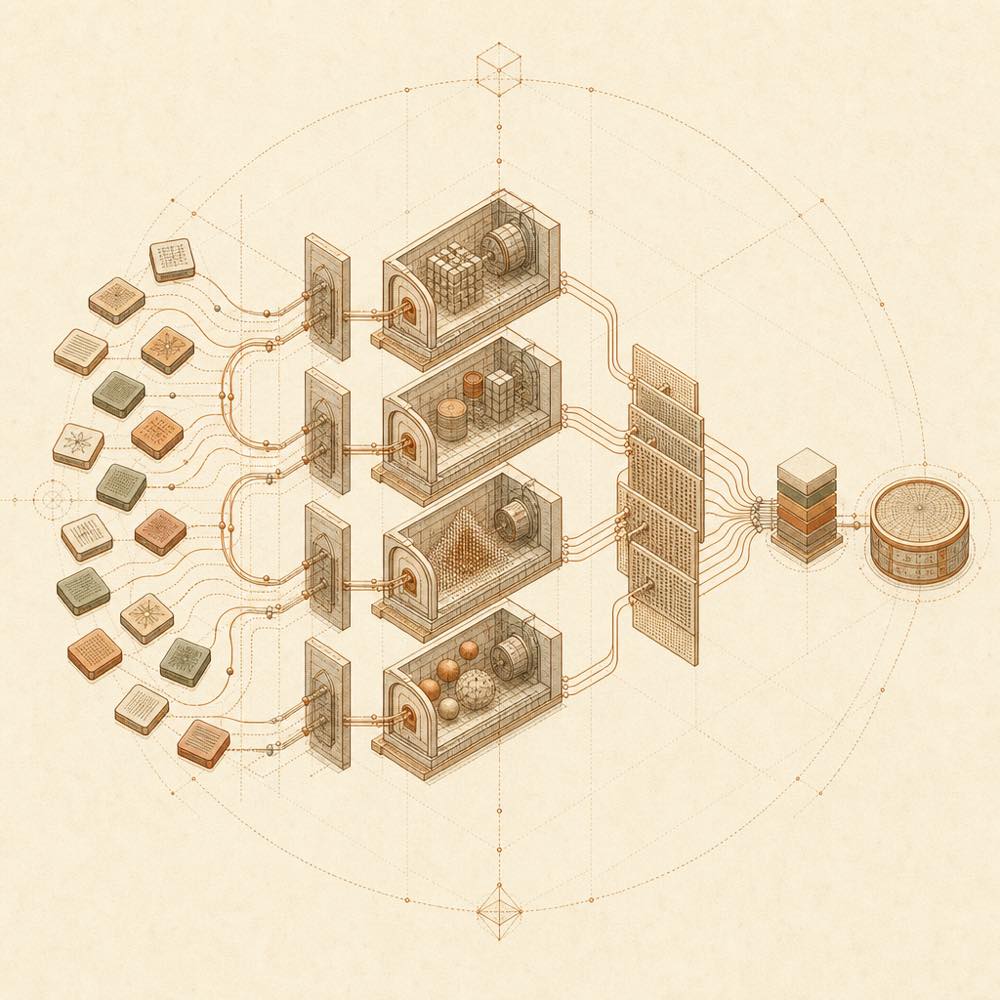
Argo routes each query using language detection, domain rules, TF-IDF, budget and cached hot paths. It can query several engines in parallel, combine results with RRF, optionally rerank them, and perform a fast evidence review. Empty results can trigger staged recovery: widening the query, switching to a related or general engine, and then trying another language. Results are returned as compact JSON, with engine_outcomes and recovery included when applicable.
The evidence fields are intended for agent-side sorting. selection reflects source authority, absorption reflects evidence density, and freshness reflects publication timing. The README recommends search followed by fetch for high-consequence questions, and advises treating search-result pages, redirect chains and social posts cautiously.
Commands and entry points
| Entry point |
Purpose |
scripts/search.py "query" --json |
Run a JSON search from the command line |
scripts/search.py --list-engines |
List available engines |
scripts/mcp_server.py |
Start the local Python MCP server |
npx -y github:taxueseek/argo |
Start the GitHub MCP entry point |
from search import super_search |
Call the library from Python |
The DSH bundle is under packages/dsh-plugin/. A user-level cordis.patch.yml can override the mcp-argo source.
Configuration
PyYAML reads the configuration files. API keys are optional: without them, Argo uses free engines and local local_* engines, while configured sources can provide additional coverage. The optional environment variable ARGO_PYTHON selects the Python executable for the npx entry point.
Requirements
Python 3.10+ and PyYAML are required. Node.js 18+ is needed for the npx MCP route. curl_cffi, ddgs CLI, realtime-index CLI, Chrome, pdfplumber, PyMuPDF and Playwright are optional. They add browser-TLS handling, local search backends, real-time indexing, rendering or screenshots, and PDF extraction.
Known limits
Without optional dependencies, the related engine or tool is disabled or falls back as documented. In particular, argo_pdf requires a PDF extractor, and screenshot support requires Chrome or Playwright. The README does not name individual API-key configuration keys.
Written from the project's own documentation and kept in sync with it. Where the two disagree, the source is authoritative — read the README on GitHub