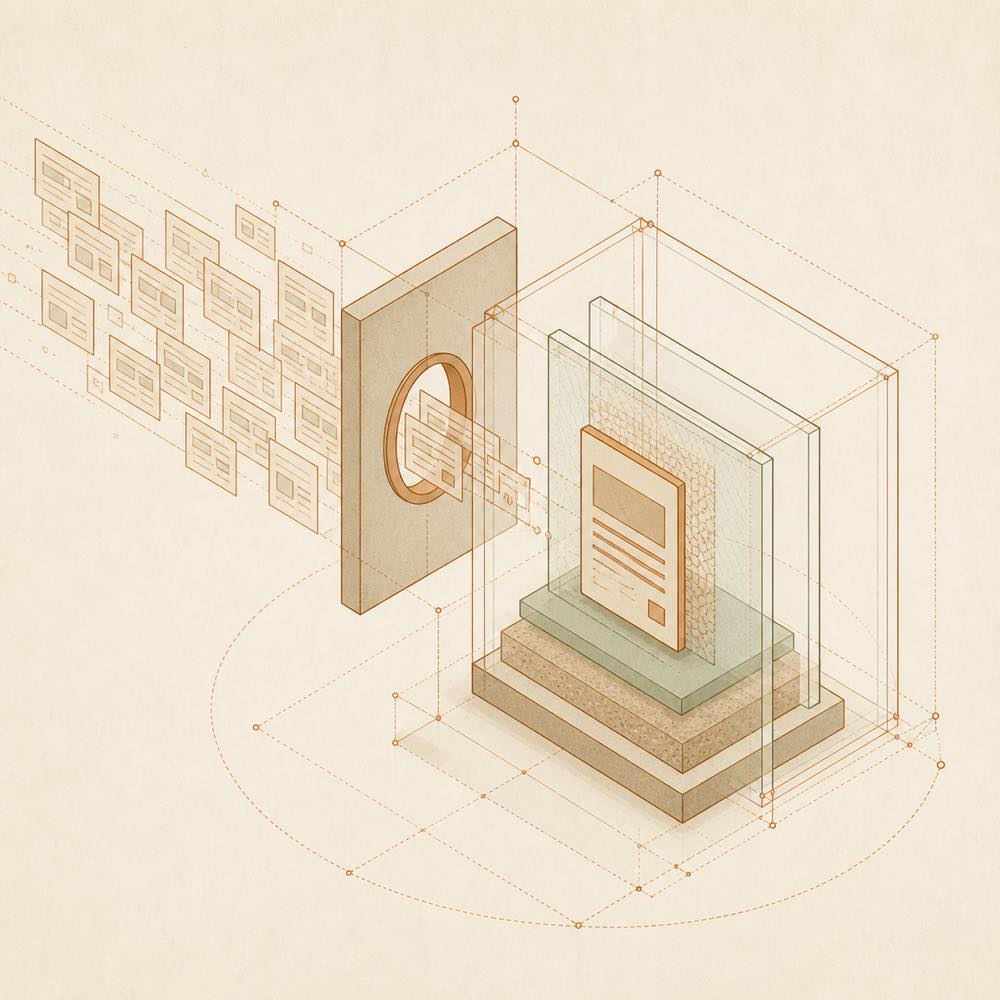
How it works
The model produces an HTML fragment, then calls visualize(path, title?, mode?). The path identifies the fragment to render; title is optional. For layouts that need more horizontal space, pass mode: "wide". The resulting card is rendered in the DSH Web UI conversation stream.
Configuration
The fragment size limit is configurable:
| Configuration |
Default |
Purpose |
maxFragmentBytes |
1000000 bytes |
Maximum size of one HTML fragment |
The card follows DSH’s light or dark theme and whale-blue colour scheme. The README does not document other configuration keys.
Rendering and replay
Each card runs in a sandboxed iframe with an opaque origin and cannot access the host page. Its CSP blocks network requests, nested pages and form submission. Static resources may be loaded only from a fixed CDN. When a conversation is replayed, the card is restored from the persisted tool result rather than from the original fragment file, so that file does not need to remain available.
Verification
For a web profile, dsh --profile web --dump-config can be used to check that the plugin is present in the final configuration. If DSH Web is already running after a plugin change, restart it and refresh the page. The repository’s committed build output means no additional build step is required when installing from a local clone.
Known limits
Interactive cards are currently rendered only by the Web UI. TUI and headless clients display a normal tool result. Buttons inside a card cannot yet send follow-up messages to the main conversation.
Written from the project's own documentation and kept in sync with it. Where the two disagree, the source is authoritative — read the README on GitHub