DSH Marketplace

dsh-web-ui-all

zhu1090093659/dsh-web-ui#packages/dsh-web-ui-all

Plugin and skin collection for the DSH Web UI: task board, Git graph, right-side panel, remote mobile UI, pet, live token stats, and a skin center.

3,337199TypeScriptApache-2.0Source

Install

Add dsh-web-ui-all to DeepSeek Harness

via GitHub · GitHub source

This repository ships several plugins; the suffix selects this one.

Due diligence

Before you install dsh-web-ui-all

  • Source of record: zhu1090093659/dsh-web-ui — present in the community registry that DSH's own plugin market installs from.
  • Licensed under Apache-2.0.
  • Detected: terminal surface. Read the source before granting these.
  • A listing here is not a security review. Plugins run with your agent's permissions.

What dsh-web-ui-all does

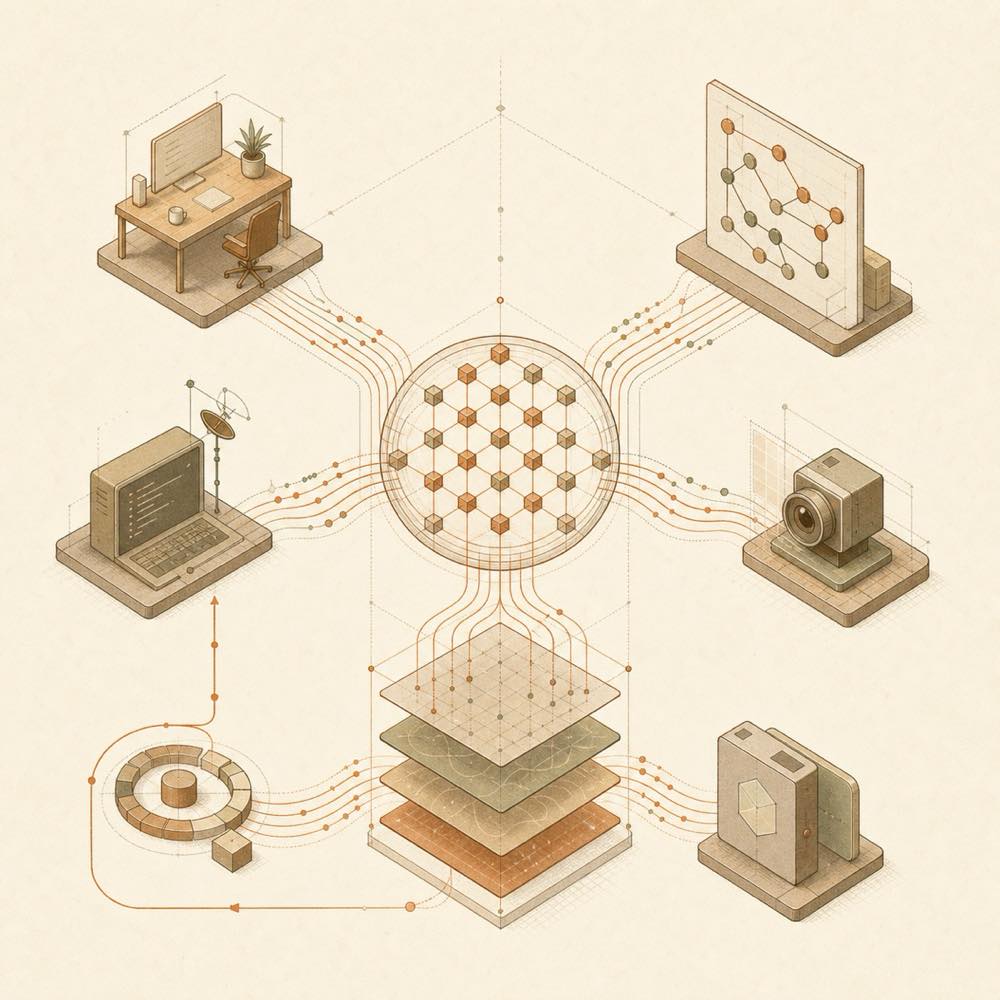
Abstract streams branch into workspace, remote, image, and schedule paths before converging into one agent session.

dsh-web-ui-all is a DeepSeek Harness plugin collection that adds task management, Git visualisation, workspace panels, mobile remote access, SSH operations, image understanding, live token statistics, a desktop pet and a skin centre to dsh web.

It mounts through the official profile mechanism rather than modifying DSH source. The aggregate package exposes its features in the Web UI, where they can be enabled or configured under Settings. Task cards can start real DSH agent sessions and can run on cron schedules. The right panel reads the workspace and Git state, and can stage, unstage or discard changes. SSH settings are stored in ~/.dsh/dsh-ssh.json; configured hosts can be reached through a web terminal, SFTP, port forwarding and agent-issued remote commands. describe_image sends selected images or referenced paths to a configured OpenAI-compatible vision endpoint, while only the returned text enters the session record.

This collection is aimed at developers who want these controls in the DSH Web UI without changing the harness source. It is a poor fit where the additional panels, scheduled execution or remote administration are unnecessary. The SSH and terminal surfaces reach configured remote hosts and can execute commands with the available permissions, so installation should be treated as granting the agent and UI access to those operations. Mobile real-time updates also depend on an SSE-capable tunnel; unsupported tunnels fall back to polling.

dsh-web-ui-all documentation

How it behaves

The collection is mounted into dsh web through DSH’s official profile mechanism. The task board uses five states: planning, todo, in progress, completed and failed. Executing a card creates a real DSH agent session and writes the resulting status back to the card. A card may also contain a cron expression for scheduled execution.

The right-side panel reads the project workspace and Git state. It provides a file tree, search, previews for Markdown, HTML, code, diff, CSV, PDF, Office files, images and text, plus source/preview modes, split editing and saving. Its SCM controls can stage, unstage and discard Git changes.

Configuration and storage

Settings are changed in the Web UI and take effect immediately.

Area Documented location or value
SSH host configuration ~/.dsh/dsh-ssh.json
SSH authentication Keys or passwords; hosts can be imported from ~/.ssh/config
Image understanding Settings > Plugin configuration > Image understanding
Image endpoint An OpenAI-compatible vision endpoint, model and key
Remote events Server-Sent Events (SSE) when the tunnel supports it

The image tool is named describe_image and accepts a prompt for tasks such as OCR, UI diagnosis or translation.

Requirements

dsh web must already start successfully. Repository installation requires Node.js >= 22 and pnpm; the README states that npm installation has no additional requirements.

Remote access and limits

Mobile pairing uses a one-time, time-limited token. Stop revokes all paired devices. Local-network QR pairing is supported, and a cloudflared public tunnel can provide access from other networks. Cloudflare quick tunnels on trycloudflare.com and Tailscale Serve do not pass through SSE; the plugin falls back to polling, so messages may arrive a few seconds late.

The SSH panel can open an xterm.js terminal, transfer files over SFTP, create local-only tunnels listening on 127.0.0.1, and run one command across filtered hosts. These features operate on the configured remote systems.

Written from the project's own documentation and kept in sync with it. Where the two disagree, the source is authoritative — read the README on GitHub

Same category

Alternatives to dsh-web-ui-all

1.6k

Full sidebar workbench with file rendering and editing, terminal, Git, and subagents; third-party plugins can register new tabs.

npm packageTypeScripttoday

dsh-TUI

ccch1mneyyy

1.5k

Claude Code-style full-screen terminal UI: pixel-whale header, live status line, and streaming thought expansion.

npm packageTypeScripttoday

dsh-at-file

omdsh-dev

261

Codex-style `@file` mentions: search workspace files in the composer and attach their contents to prompts.

npm packageJavaScripttoday
190

A terminal UI (TUI) for DeepSeek Harness.

npm packageTypeScripttoday
158

In-conversation generative UI: the model renders interactive HTML cards into the chat stream, with streaming preview and sandboxed rendering.

GitHub sourceTypeScriptyesterday

dsh-genui

omdsh-dev

137

Interactive UI components rendered inline in replies: layout, charts, forms, quizzes, mermaid, 3D scenes, and an action event loop back to the model.

npm packageTypeScripttoday