DSH Marketplace

DSH-better-sidebar

omdsh-dev/DSH-better-sidebar

Full sidebar workbench with file rendering and editing, terminal, Git, and subagents; third-party plugins can register new tabs.

1,590102TypeScriptMITSource

Install

Add DSH-better-sidebar to DeepSeek Harness

via npm

Resolves a published tarball rather than cloning the repository.

via GitHub · npm package

Due diligence

Before you install DSH-better-sidebar

  • Source of record: omdsh-dev/DSH-better-sidebar — present in the community registry that DSH's own plugin market installs from.
  • Licensed under MIT.
  • Detected: terminal surface. Read the source before granting these.
  • A listing here is not a security review. Plugins run with your agent's permissions.

What DSH-better-sidebar does

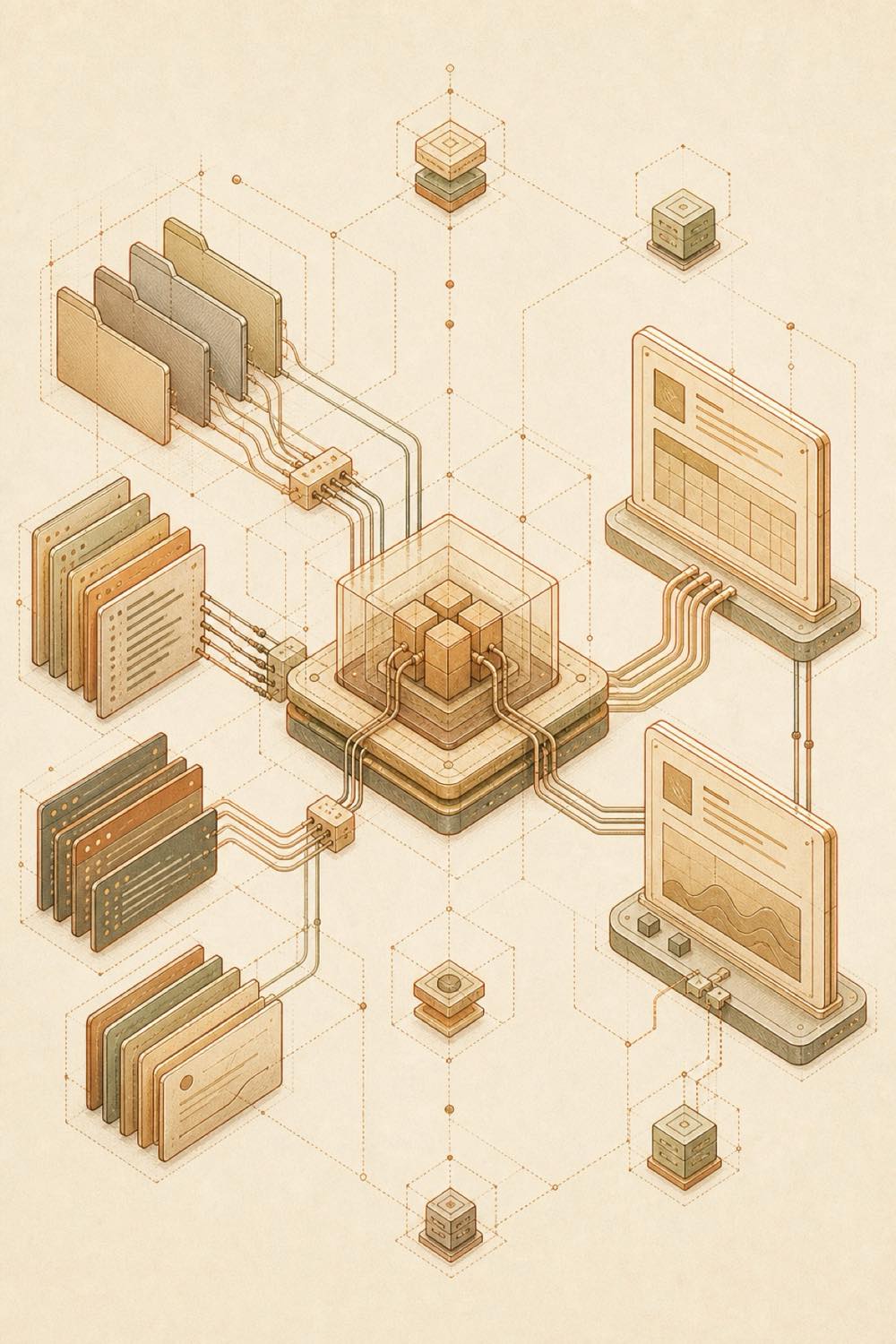
Abstract flow of files, processes, shell access and extensions into split workspaces.

DSH-better-sidebar is a DeepSeek Harness plugin that adds a service-backed workbench to the sidebar and bottom panel. It includes a file explorer with lazy-loaded directories, CodeMirror editing, inline rendering for images, Markdown, HTML and PDF, an embedded browser, a Git panel, background-task and subagent views, and a real shell terminal. Tabs can be moved, split and merged across the two work areas, with layouts and tabs persisted per session.

The plugin is mounted through the package's dsh.bundle.patch, using cordis.patch.yml; it does not modify DSH source. Its shared ctx.betterSidebar service lets built-in and third-party plugins register tabs and file viewers through registerTab and registerFileViewer. The service also exposes capability detection, state subscription, tab lifecycle callbacks, targeted opening, persistent meta, plugin settings, and external-link handling. The workbench writes its session layout and tab state to the DSH profile's persisted state.

It suits agents that need files, Git, web content and task supervision in one work area, and plugin authors that need to add sidebar surfaces. It is the wrong choice when a separate sidebar is unnecessary or when granting the agent a shell is unacceptable: the terminal reaches a real shell through xterm.js and node-pty, and terminal_* tools can optionally be exposed to the model. Node.js ≥ 20, pnpm ≥ 10, and a working DSH web profile are required; Windows may need VS Build Tools if a matching node-pty binary is unavailable.

DSH-better-sidebar documentation

Requirements

The README requires an existing DSH installation where dsh web runs successfully, plus Node.js ≥ 20 and pnpm ≥ 10. The web profile is expected at ~/.dsh/profiles/web; running dsh web initialises it if it does not exist. On Windows, the terminal depends on a compatible prebuilt node-pty binary. If none exists for the installed Node version, VS Build Tools may be required.

Installation scripts and package mounting

The repository provides scripts/install.sh for macOS/Linux and scripts/install.ps1 for PowerShell. The scripts prepare pnpm settings, register the package through the DSH plugin mechanism, detect dsh.bundle.patch, and mount the bundle through dsh.profile.bundles. They also remove an old manual better-sidebar mount from cordis.patch.yml to avoid duplicate sidebars. The scripts support a version argument, --restart, and --dry-run; PowerShell uses -Version, -Restart, and -DryRun.

Configuration and behaviour

Settings are exposed as independent cards, with secondary options in a gear dialog. HTTP links open in the sidebar and HTTPS links in the system browser by default; these destinations can be adjusted separately. Position compatibility mode is off by default and can reserve 0–120px above the sidebar for a Windows native title bar. The interface follows the DSH zh/en language and loads heavy terminal and editor dependencies on demand.

Plugin service API

Third-party plugins use ctx.betterSidebar. The documented service includes registerTab, registerFileViewer, getSnapshot, subscribeState, updateTab, activateTab, and openFile. Tabs support onOpen, onActivate, onClose, badges, meta, urlTarget, and plugin-owned settings through pluginToggles and render. The terminal is a real shell backed by xterm.js and node-pty; reconnection can replay disconnected output, and terminal_* tools are optional.

Written from the project's own documentation and kept in sync with it. Where the two disagree, the source is authoritative — read the README on GitHub

Same category

Alternatives to DSH-better-sidebar

dsh-web-ui-all

zhu1090093659

3.3k

Plugin and skin collection for the DSH Web UI: task board, Git graph, right-side panel, remote mobile UI, pet, live token stats, and a skin center.

GitHub sourceTypeScripttoday

dsh-TUI

ccch1mneyyy

1.5k

Claude Code-style full-screen terminal UI: pixel-whale header, live status line, and streaming thought expansion.

npm packageTypeScripttoday

dsh-at-file

omdsh-dev

261

Codex-style `@file` mentions: search workspace files in the composer and attach their contents to prompts.

npm packageJavaScripttoday
190

A terminal UI (TUI) for DeepSeek Harness.

npm packageTypeScripttoday
158

In-conversation generative UI: the model renders interactive HTML cards into the chat stream, with streaming preview and sandboxed rendering.

GitHub sourceTypeScriptyesterday

dsh-genui

omdsh-dev

137

Interactive UI components rendered inline in replies: layout, charts, forms, quizzes, mermaid, 3D scenes, and an action event loop back to the model.

npm packageTypeScripttoday