DSH Marketplace

dsh-at-file

omdsh-dev/dsh-at-file

Codex-style `@file` mentions: search workspace files in the composer and attach their contents to prompts.

26110JavaScriptMITSource

Install

Add dsh-at-file to DeepSeek Harness

via npm

Resolves a published tarball rather than cloning the repository, and installs without any extra setup. Swap `web` for your profile name if you run another one.

via GitHub · npm package

Installing from GitHub runs the project's build script, which pnpm blocks until you allowlist it — run the command once and pnpm prints the exact key to add under `allowBuilds` in ~/.dsh/profiles/web/pnpm-workspace.yaml.

Due diligence

Before you install dsh-at-file

  • Source of record: omdsh-dev/dsh-at-file — present in the community registry that DSH's own plugin market installs from.
  • Licensed under MIT.
  • A listing here is not a security review. Plugins run with your agent's permissions.

What dsh-at-file does

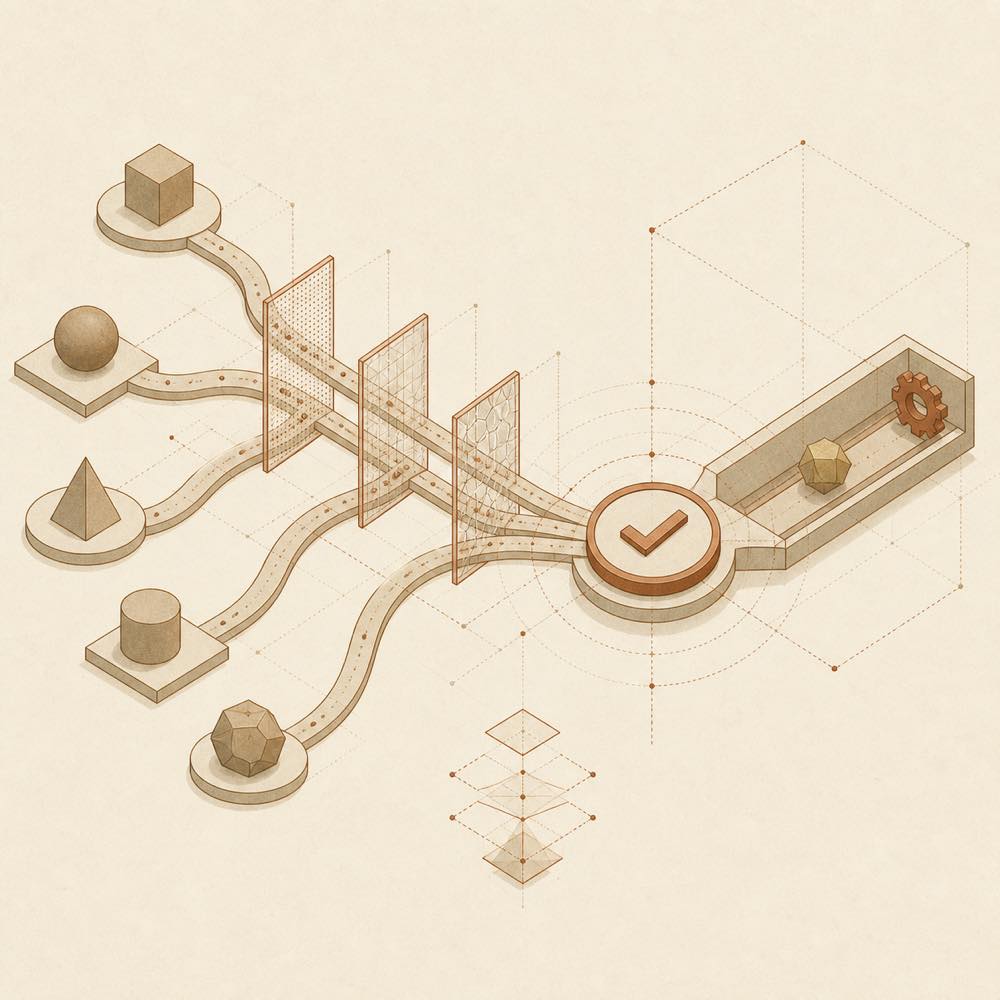
Workspace paths pass through filters and converge into a verified reference marker.

dsh-at-file is a DeepSeek Harness plugin that adds Codex-style @file references to the web composer. Type @ to search the active workspace, select a file or directory, and keep the selected path visible in the draft and reference bar. References can be opened or removed from there.

The plugin indexes regular files and directories in the active workspace, applying its ignored-directory and file-name filters before results reach the browser. When an agent step is about to start, it verifies that the selected workspace-relative path still exists and adds a short message such as <workspace-reference path="docs/spec.pdf" kind="file" />. It does not read the file or enumerate a referenced directory. The agent uses the tools available in the current session to inspect it. Configuration is read from the web profile’s cordis.patch.yml; file-mention settings are saved through the plugin’s Host connection. The picker cache lasts 30 seconds per session.

dsh-at-file suits developers who want path selection without pasting absolute paths or file contents into prompts. It is the wrong choice when a reference must automatically attach file contents, when the agent lacks a tool for the required format, or when files lie outside the active workspace. PDF handling follows the same path-reference flow as other files; actual inspection depends on session tools. This mechanism applies to version 0.3.0 and later.

dsh-at-file documentation

How it behaves

The picker searches the active workspace after @ is typed. Plain queries match filenames; queries containing / match ordered path segments, and a trailing slash searches within that path. ArrowRight enters a highlighted directory. Enter and pointer selection finish the reference. The picker indexes regular files and directories, skips symbolic links, and caches its index per session for 30 seconds.

Before an agent step starts, the Host validates the workspace-relative path. Absolute paths and paths escaping the workspace are ignored. The plugin adds a workspace-reference message containing the path and its kind, but does not open files or list directory contents. Clicking a reference calls host.openPath. Only user-authored text creates reference markers.

Configuration

Add configuration to the selected profile’s cordis.patch.yml, usually ~/.dsh/profiles/web/cordis.patch.yml.

Key Behaviour
maxIndexedFiles Maximum number of entries in the picker index.
ignoreDirs Replaces the built-in excluded directory-name list. Set it to [] to index every directory.

If ignoreDirs is omitted, the built-in exclusions remain in effect. They cover common version-control, IDE metadata, dependency, cache and build-output directories, plus several language and framework output directories.

File filters

Open Settings -> File mentions to edit global and workspace-specific rules. Exact matches a complete basename; Regex applies a JavaScript regular expression to the complete basename only. Case-sensitive is independent and off by default. Filters are applied during the Host index walk, before entries count towards maxIndexedFiles. Invalid regular expressions are rejected. Existing string values in ignoreFiles and workspace lists remain case-insensitive Exact rules.

Requirements and limits

Restart dsh web after installation or an update so the Host and browser client load the new version. The mechanism applies from 0.3.0. A manually entered @path can still reference an existing workspace path even when it exceeds maxIndexedFiles. An @path token cannot contain whitespace or another @. File inspection depends on session tools: DSH provides read for UTF-8 text and read_image for supported images, while PDF support depends on the session.

Written from the project's own documentation and kept in sync with it. Where the two disagree, the source is authoritative — read the README on GitHub

Same category

Alternatives to dsh-at-file

dsh-web-ui-all

zhu1090093659

3.3k

Plugin and skin collection for the DSH Web UI: task board, Git graph, right-side panel, remote mobile UI, pet, live token stats, and a skin center.

No one-line install — this plugin lives inside a larger repository and publishes no npm package.

GitHub sourceTypeScripttoday
1.6k

Full sidebar workbench with file rendering and editing, terminal, Git, and subagents; third-party plugins can register new tabs.

npm packageTypeScripttoday

dsh-TUI

ccch1mneyyy

1.5k

Claude Code-style full-screen terminal UI: pixel-whale header, live status line, and streaming thought expansion.

npm packageTypeScripttoday
190

A terminal UI (TUI) for DeepSeek Harness.

npm packageTypeScripttoday
158

In-conversation generative UI: the model renders interactive HTML cards into the chat stream, with streaming preview and sandboxed rendering.

GitHub sourceTypeScriptyesterday

dsh-genui

omdsh-dev

137

Interactive UI components rendered inline in replies: layout, charts, forms, quizzes, mermaid, 3D scenes, and an action event loop back to the model.

npm packageTypeScripttoday