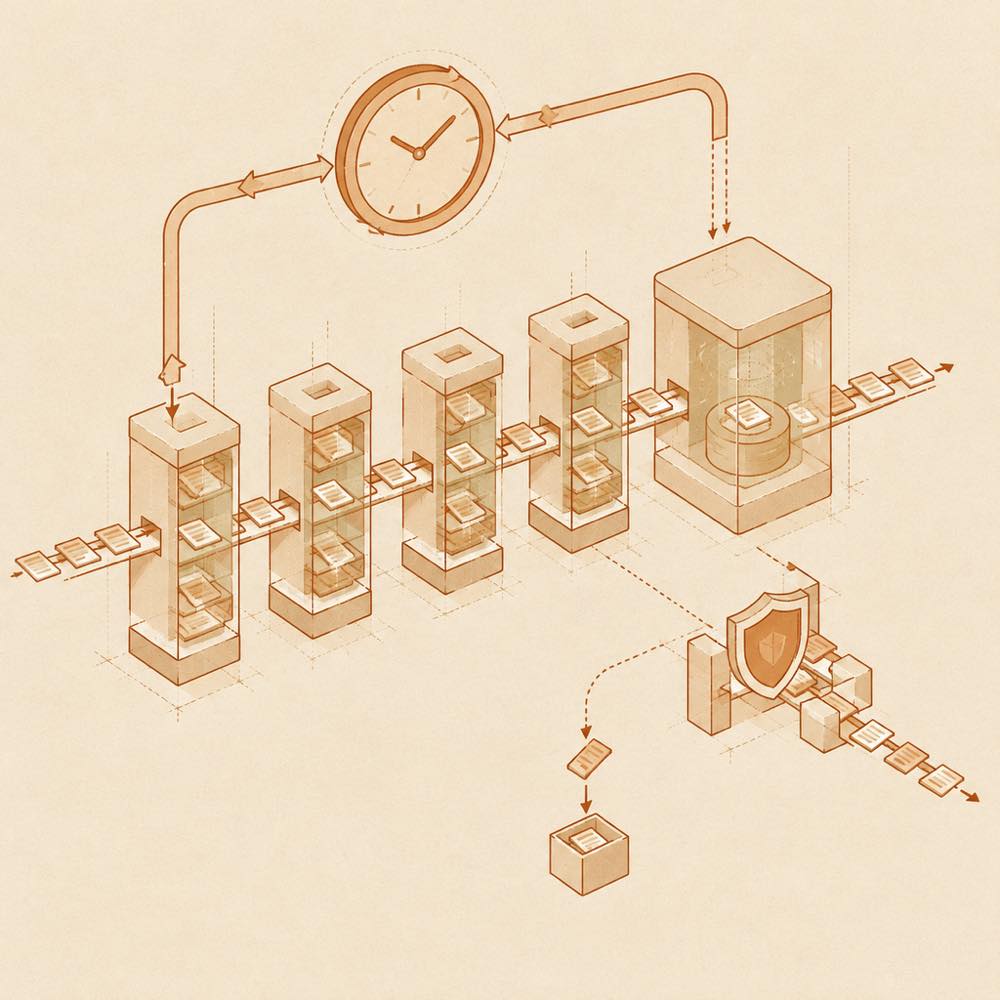
How dsh-task-board works
DeepSeek Harness loads dsh-task-board through the official profile mechanism and presents it in the web GUI sidebar. A card is dispatched to a real agent session when Execute is selected. The board records the resulting status and execution result, while the card links back to the session for reviewing its interaction history. The documented board states are planning, to-do, in progress, completed and failed.
Configuring dsh-task-board
Task details accept a cron expression for scheduled execution. The host process triggers the task at the scheduled time and saves the result, including when the browser is closed. The task board also exposes these settings:
- Task acceptance: enabled by default for goal-mode tasks. The setting is available at
Settings → Web Plugins → Task Board → Task Acceptance. It uses the host model by default, or a selected model and reasoning level.
- Session reuse: when enabled, a live idle session from the previous execution is reused. The task's selected permissions and model are applied again, while the existing context is retained.
- Power management: optional system sleep prevention. The display may turn off while the host remains awake.
How goal acceptance behaves
For tasks executed in goal mode, the board asks a judge model to assess completion before the agent is marked complete. It uses three coding criteria, a 0.65 threshold and two rounds with the A/B positions exchanged. A failed first assessment sends the score and feedback to the agent for repair. A second failure marks that execution as failed. Acceptance settings are fixed when an execution starts, and each assessment consumes the judge model's quota. Ordinary chat and tasks with goal mode explicitly disabled are not affected.
Platform requirements and limits
Power management is documented for Windows, macOS and Linux systems with systemd-logind. If a reused session has been closed, DeepSeek Harness creates a new session so scheduled execution can continue. The README does not document additional configuration keys or a separate command added by dsh-task-board.
Written from the project's own documentation and kept in sync with it. Where the two disagree, the source is authoritative — read the README on GitHub