Configuring DeepSeek-Balance-Whale-Widget
DeepSeek Harness supplies credentials through its official credential service. For the built-in DeepSeek entry, the plugin first looks for DEEPSEEK_API_KEY; without that key, it can use the DeepSeek account logged in through the DeepSeek Harness account settings. Configuration stores credential names rather than secret values. The README does not name the main configuration file.
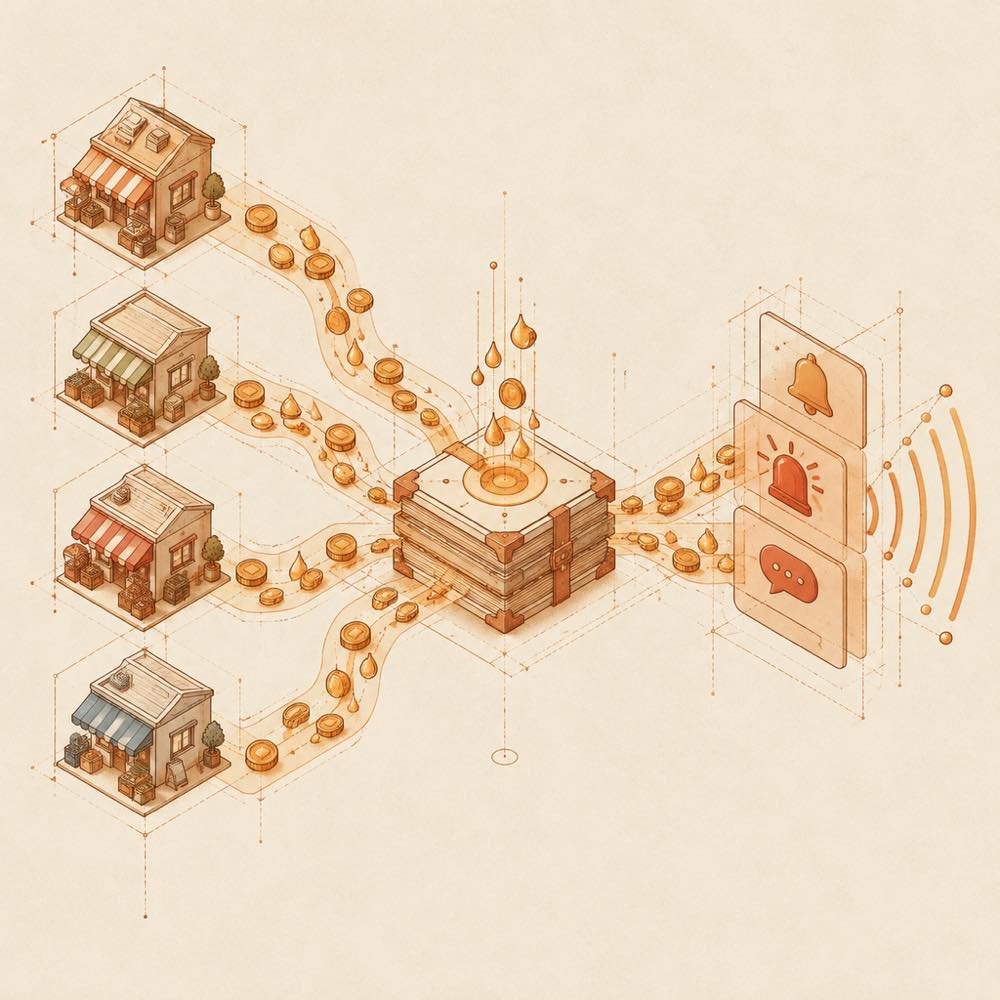
The widget can be configured from its menus for:
- balance alerts and daily budgets;
- bubble content, ordering, weighted alternatives, random lines and images;
- widget position, edge snapping, size, character and menu visibility;
- sound groups, imported audio, volumes and task-end, question and authorisation prompts;
- vendor, model, currency, balance or quota settings and custom HTTP field paths.
Usage records retain per-turn details for 90 days or 20,000 entries, and daily archives for 365 days. Older data is moved to .dshw-usage-archive.json.
Commands and DeepSeek Harness integration
DeepSeek Harness installs the web package under the web profile. The package name is dsh-whale-widget. The README documents installation through the dsh plugin command, but this page does not repeat that command. A GitHub source installation uses github:MeteorNOX/DeepSeek-Balance-Whale-Widget; the README warns against installing both forms because they can coexist and conflict.
The plugin listens for DeepSeek Harness local session events. It uses actual token usage where available and observes balance changes for providers with balance endpoints. Quota templates can read provider windows, while providers without such endpoints show — and estimate daily usage from session events.
Supported providers and DeepSeek-Balance-Whale-Widget limits
The templates cover 34 entries, including DeepSeek, OpenRouter, Kimi, StepFun, OpenAI-compatible services, OpenAI, Anthropic, Google Gemini, Ark, SiliconFlow, MiniMax, local Ollama or LM Studio models and others. Custom HTTP entries require the URL and field paths to be supplied manually.
The web plugin is not compatible with the Codex desktop application. The same package may support the official Electron client, but the README says not to install it with the web profile there. No minimum DeepSeek Harness version is specified in the supplied documentation.
Written from the project's own documentation and kept in sync with it. Where the two disagree, the source is authoritative — read the README on GitHub