
dsh-im
xmanrui
Connect IM bots to DeepSeek Harness via QR codes or bot credentials (9 channels: Feishu, WeChat, DingTalk, WeCom, QQ, Slack, Telegram, Discord, and WhatsApp).
Installed cleanly when we ran it
npm packageJavaScript1mo ago
Oscar-Williams/dsh-deepcanary
Evidence-first attention supervision for DeepSeek Harness with C0–C3 policy, deduplicated Inbox alerts, quiet hours, and redacted outcome records.
Install
via npm
Resolves a published tarball rather than cloning the repository, and installs without any extra setup. Swap `web` for your profile name if you run another one.
via GitHub · npm package
Installing from GitHub runs the project's build script, which pnpm blocks until you allowlist it — run the command once and pnpm prints the exact key to add under `allowBuilds` in ~/.dsh/profiles/web/pnpm-workspace.yaml.
The desktop app keeps its own profile, desktop, and only the dsh command it ships may change it — the npm-installed dsh refuses that profile. Install the command from the app menu (Manage dsh Command…), open Desktop once, quit it fully, run the line below, then reopen Desktop.
via npm
Resolves a published tarball rather than cloning the repository.
via GitHub · npm package
Installing from GitHub runs the project's build script, which pnpm blocks until you allowlist it — run the command once and pnpm prints the exact key to add under `allowBuilds` in ~/.dsh/profiles/desktop/pnpm-workspace.yaml.
Our install check ran in a web profile on npm's dsh, not in the desktop app.
What happened when we ran it
Installed cleanly when we ran it
Every command here is run in a throwaway container against a clean profile, and the result is whatever the harness recorded — not a guess from the source. Last run 4d agoon DeepSeek Harness 0.2.2-rc.5.
Show it in your README
For maintainers: the badge serves this listing's latest sandbox verdict, so a re-run updates it on its own — and it links readers to the full result here.
Due diligence
Security
No build script was blocked in our run.
Source: our sandbox install on DeepSeek Harness 0.2.2-rc.5, 4d ago.
package.json declares no preinstall, install or postinstall script.
Source: package.json on GitHub, read at our last sync. prepare is not recorded; it runs only on a GitHub install, and shows up under build scripts when pnpm blocks it.
shell commands (bash, exec, spawn …)
Source: a keyword match on the README — a hint about what the plugin touches, not an analysis of its code.
Not an audit. These are the record of one install and two text scans; nobody has read this plugin's code on your behalf. Plugins run with your agent's permissions.
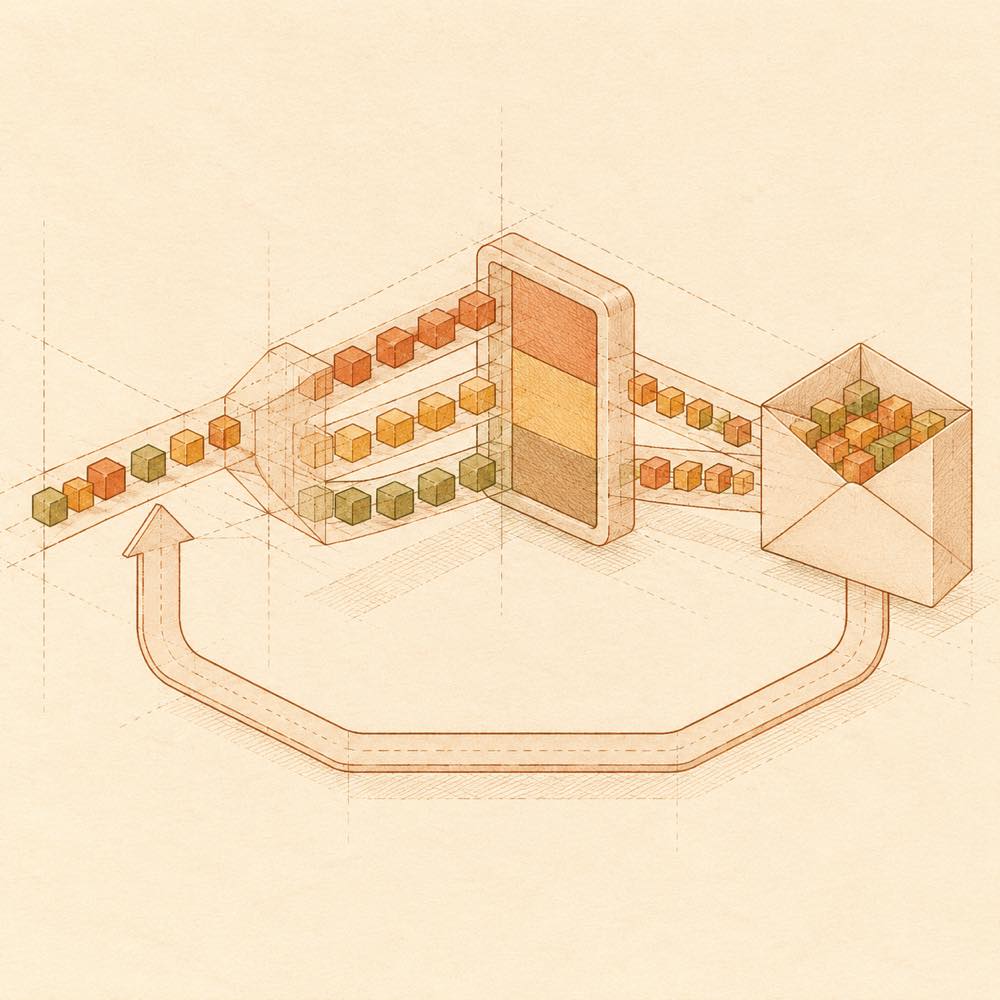
dsh-deepcanary is a DeepSeek Harness plugin that collects task updates into a local inbox and sends notifications when an agent needs attention. DeepSeek Harness presents questions and approvals in Pending, scheduled reminders in Snoozed, and routine completions, context compaction, and stopped tasks in Activity. Selecting an item shows its details and can return to the corresponding session.
dsh-deepcanary receives task updates from DeepSeek Harness, classifies them as C3, C2, or C1, and lets the operator set a minimum alert level, quiet hours, and an hourly limit for C2 interruptions through Alert settings. C3 reminders can still appear during quiet hours and after that limit. The panel’s layout, settings, and reminders are kept for the selected DSH data directory and profile; DSH_HOME can select a custom data directory. The README does not name a lower-level event hook or storage file.
This is intended for DeepSeek Harness users who want a separate task inbox and local notifications for questions, approvals, and task-state changes. It is not a substitute for responding in the DeepSeek Harness session: the notification returns to DSH, where the response or approval is entered. WebUI requires a compatible Node.js runtime and an open DSH tab for notifications; Windows notifications depend on the app or browser still being allowed to notify. The terminal surface reaches local DSH installation and removal commands, because WebUI setup and management are performed from the terminal.
DeepSeek Harness sends task updates to the plugin’s inbox, where they are grouped into Pending, Snoozed, and Activity. Pending contains questions, approvals, and updates requiring attention. Snoozed contains reminders scheduled for later. Activity contains routine completions, context compaction, and tasks that were stopped. Selecting a reminder shows its details; the DSH action opens the related session for a response or approval.
Open Alert settings from the inbox to choose the minimum alert level, configure quiet hours, and set the hourly limit for C2 interruptions. The documented levels are:
| Level | Meaning |
|---|---|
C3 |
DeepSeek Harness is waiting for an answer or approval |
C2 |
An error or unusual task state needs checking |
C1 |
A routine update is available in Activity |
C3 reminders can appear during quiet hours and after the C2 limit is reached. The panel can be moved, resized, docked, expanded, restored, or reset. Its layout is remembered on the device.
DeepSeek Harness manages the plugin with dsh plugin. To remove it from WebUI, stop the server, run dsh plugin --profile web remove dsh-deepcanary, and restart WebUI. Replace web with another profile when applicable. dsh web starts the WebUI after plugin changes. Use the same DSH data directory and profile when updating so existing settings and reminders remain available.
The tested DSH versions are 0.2.1-rc.5 and 0.2.2-alpha.3. WebUI and Windows Desktop are supported. WebUI requires Node.js ^22.19.0 || >=24.0.0 with 0.2.1-rc.5, or >=24.9.0 with 0.2.2-alpha.3. In WebUI, the site must be allowed to send notifications and a DSH tab must remain open. Windows can notify while the desktop app is minimised or hidden if it is still running. The README does not specify named configuration keys or default values.
Written from the project's own documentation and kept in sync with it. Where the two disagree, the source is authoritative — read the README on GitHub
Same category
xmanrui
Connect IM bots to DeepSeek Harness via QR codes or bot credentials (9 channels: Feishu, WeChat, DingTalk, WeCom, QQ, Slack, Telegram, Discord, and WhatsApp).
Installed cleanly when we ran it
shaobeichen
Remote phone access to the DSH Web UI: scan a QR code for LAN or public (cloudflared tunnel) access with real-time sync, a mobile-adaptive layout, and a settings tab.
Installed cleanly when we ran it
c1overzz
Let your DSH agent browse Bilibili on its own, read subtitles, write a daily digest, and @ you when it finds something worth your attention.
Installed cleanly when we ran it
OpenPetsHQ
Bridges DeepSeek Harness lifecycle status, errors, and approval requests to a locally running OpenPets desktop companion.
No one-line install — this plugin lives inside a larger repository and publishes no npm package.
inclusionAI
Connects DeepSeek Harness to Avernet's Bot Collaboration Network over WebSocket V2, with automatic onboarding, isolated agent sessions, tool-call events, and multi-bot routing tools.
No one-line install — this plugin lives inside a larger repository and publishes no npm package.
zaofan-make
QQ official bot channel (enhanced fork of tencent-connect/dsh-qqbot): full agent chat in groups and DMs, rich media, an auto-tagged sticker library with AI image replies, join approval, mute and broadcast, scheduled wakeups, remote approvals over QQ, interactive cards, multi-account instances, extensions, member profiles, and token-saving value-scored wakeups.
Installed cleanly when we ran it