How dsh-whale-musume works
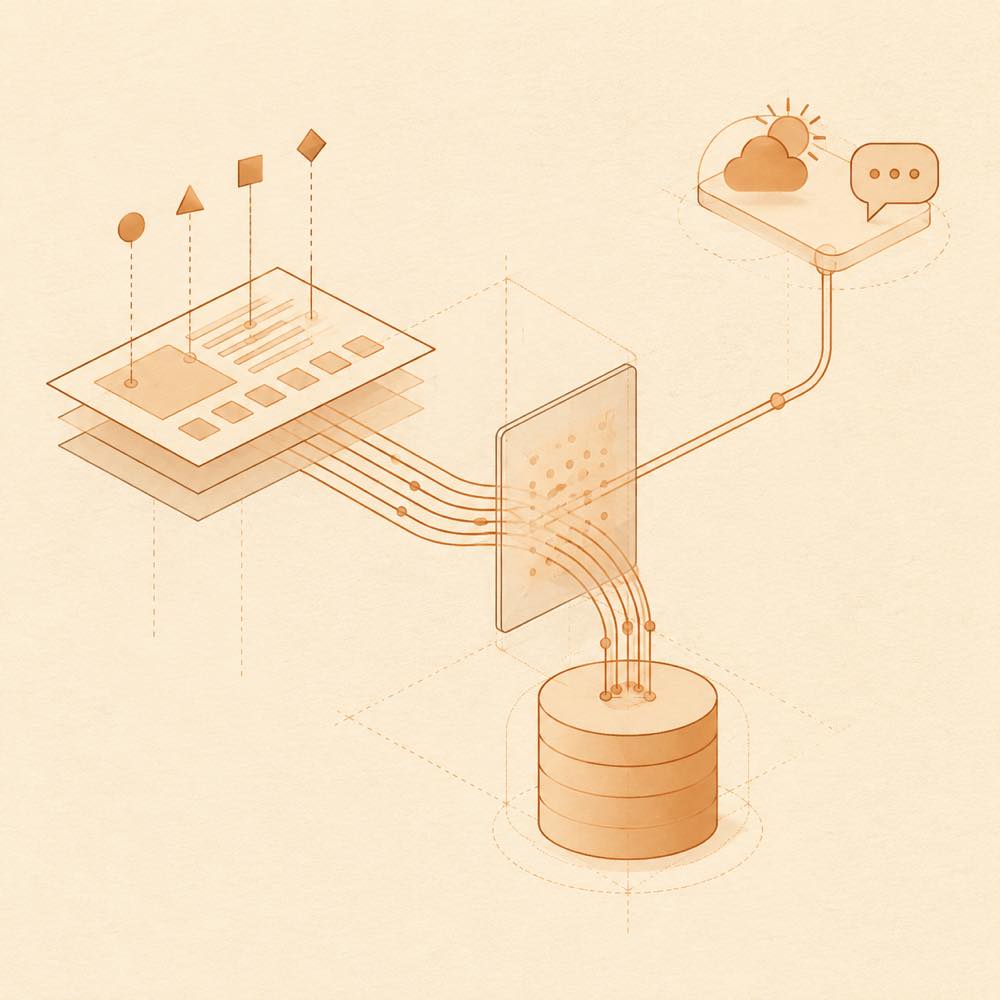
DeepSeek Harness supplies structured state rather than requiring the plugin to infer activity from timers. dsh-whale-musume observes tool-card states, session-running markers and terminal blocks, then selects an idle or working pose. It distinguishes command execution, file changes, search, testing, review, deployment and debugging where the host marker identifies those tool types. During work, it holds the pose through brief signal interruptions for up to 8 seconds on the workbench and 4 seconds on other pages.
The companion is rendered in the host page. Its default presentation is a 200px floating element, with floating, sidebar, bottom-bar, mini and automatic layouts. It is draggable and can be recalled through a whale button after being hidden.
Configuring dsh-whale-musume
Settings are exposed through the plugin’s settings panel. The README documents controls for display layout, dialogue behaviour, accessibility mode, keyword reactions, balance-related features, weather, speech, work-dialogue frequency and other companion behaviour, but does not provide stable configuration-key names. Accessibility mode is opt-in; normal display uses aria-hidden and does not take keyboard focus.
dsh-whale-musume data and integrations
DeepSeek Harness keeps the plugin’s state in host localStorage. Export and import use a JSON file or migration code for cross-device transfer. With a city configured, weather uses Open-Meteo; leaving the city blank avoids weather network access. The optional dsh-xiaomi-tts service exposes a dialogue-broadcast switch only when detected. The switch is off by default, and missing configuration or playback failure does not stop the other interactions.
Requirements and limits
DeepSeek Harness desktop 0.2.0-rc.2 is verified. The plugin is compatible with desktop 0.2.1-rc.1, 0.2.1-rc.2 and legacy 0.1.x Web. After installation, the host must be restarted; legacy Web also requires Ctrl+F5. The README describes a script-based theme injection path with backup and rollback for older environments, but warns against combining it with the normal plugin installation.
Written from the project's own documentation and kept in sync with it. Where the two disagree, the source is authoritative — read the README on GitHub