DSH Marketplace

plugin-team-board

whyihaveyou/dsh-suite#plugin-team-board

Shared multi-agent task board (create/claim/transition/query) over a Cordis service key.

376HTMLMITSource

Install

Add plugin-team-board to DeepSeek Harness

This plugin lives in a subdirectory of a larger repository, and `dsh plugin add` cannot reach it — it forwards to pnpm, which reads everything after `#` as a git branch or commit. Clone the repository and add the plugin through DSH's plugin panel using a repository source, or ask the author to publish it to npm.

Due diligence

Before you install plugin-team-board

  • Source of record: whyihaveyou/dsh-suite — present in the community registry that DSH's own plugin market installs from.
  • Licensed under MIT.
  • Detected: terminal surface, requires credentials. Read the source before granting these.
  • A listing here is not a security review. Plugins run with your agent's permissions.

The AI take

What it is — plugin-team-board provides a shared multi-agent task board that supports subagents to create, claim, transition, and query tasks over a Cordis service key, based on append-only session log persistence.

Who it is for — When using multiple subagents in DeepSeek Harness to collaboratively handle complex tasks, plugin-team-board is suitable as a shared task platform. Users who rely on a single agent or do not need cross-agent task sharing should skip it.

Watch out — Requires an API key or token. Installed as a subdirectory plugin with no one-click command. Executes shell commands. No obvious issues found.

The verdict — If coordinating task state across subagents in DeepSeek Harness, it is worth installing because it persists append-only session logs; the premise is access to a Cordis service key.

Generated by grok-4.6, and a starting point rather than a verdict. Where it says a plugin installs or does not, that is from a real run in a clean profile — everything else is read off the repository. Trust the source over this.

What plugin-team-board does

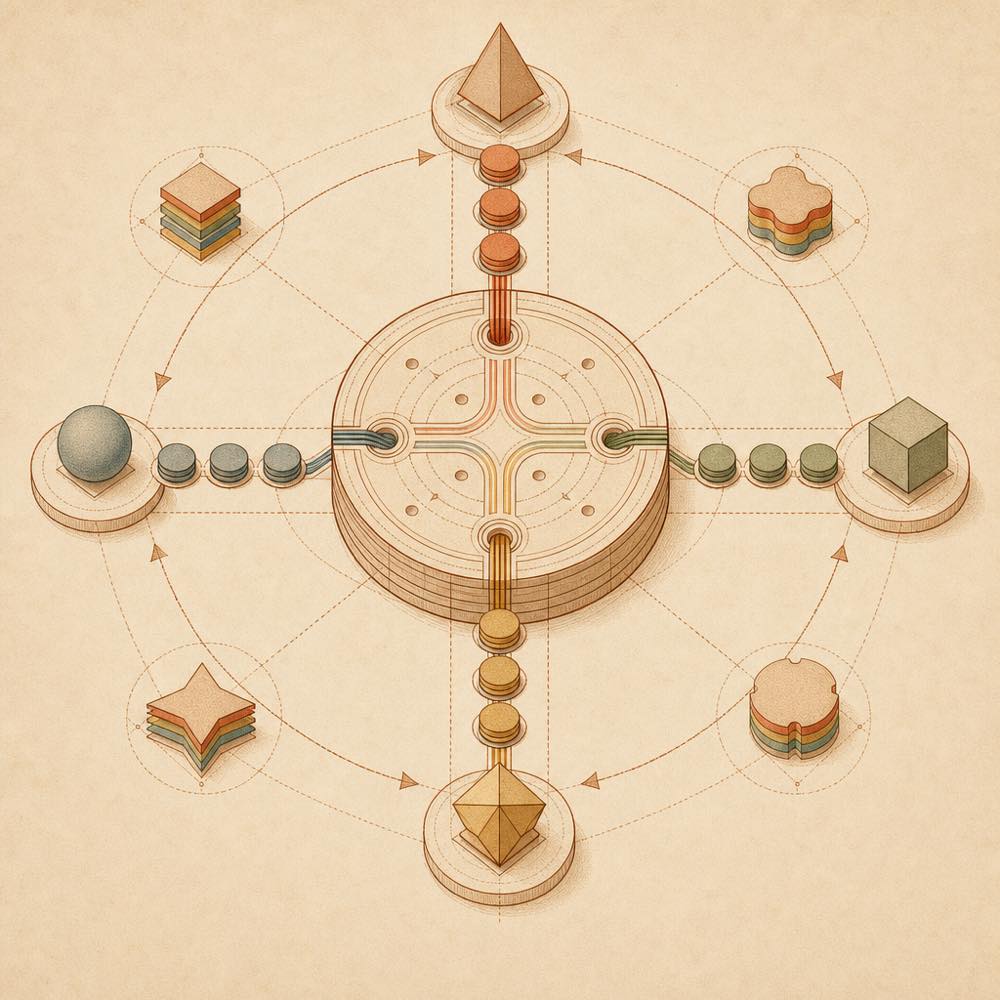
Abstract diagram of agents moving task tokens through a shared append-only ledger.

plugin-team-board is a DeepSeek Harness plugin that provides a shared task board for multiple agents. It supports creating, claiming, transitioning and querying tasks across agent sessions through a Cordis service key.

The board is accessed through that service key rather than being limited to one agent session. The directory description also states that task data is persisted in an append-only session log. This gives agents a shared record of task state and ownership, while retaining a log of changes rather than treating the board as an in-memory view. The documented operations are:

  • create a task
  • claim a task
  • transition a task
  • query tasks

DeepSeek Harness users may consider plugin-team-board when several agents need to coordinate work through a common task state. It is a poor fit for a single-agent workflow that does not need shared task tracking, or for an environment where supplying the required credentials and Cordis service key is not acceptable. The source does not document the command syntax, configuration keys, or supported platforms, so those details should be checked before deployment.

The listed risk flags indicate that plugin-team-board reaches a terminal surface and requires credentials. The terminal access is part of the plugin’s execution boundary; the credentials are needed for access through the Cordis service key. Install it only in a profile whose agent permissions and credential scope are suitable for shared task operations.

plugin-team-board documentation

How plugin-team-board persists tasks

The directory describes plugin-team-board as a multi-agent task board whose state is persisted through an append-only session log. This provides a recorded sequence of task-related changes rather than an undocumented in-memory state. The upstream summary additionally identifies a Cordis service key as the access mechanism.

The available documentation does not define the log file path, record schema, retention behaviour, or whether logs can be edited or removed. Treat the session log as part of the plugin’s data surface when reviewing a profile for deployment.

plugin-team-board operations

plugin-team-board exposes four documented task operations:

  • create — create a task
  • claim — claim a task for an agent
  • transition — move a task through its workflow
  • query — query tasks

These names describe the supported actions, not a documented command-line syntax. The source does not specify argument names, task fields, transition values, output formats, or the interface through which DeepSeek Harness invokes them.

plugin-team-board requirements and access

A Cordis service key is required, and the repository metadata marks the plugin as requiring credentials. The metadata also marks a terminal surface, so the plugin should be assessed within the permissions of the profile in which it runs. No credential variable, configuration key, default value, platform restriction, or version requirement is documented in the supplied source.

Written from the project's own documentation and kept in sync with it. Where the two disagree, the source is authoritative — read the README on GitHub

Same category

Alternatives to plugin-team-board

dsh-agent-teams

NanmiCoder

491

AgentTeams multi-agent teams.

Installed cleanly when we ran it

npm packageTypeScript4d ago

AI review

dsh-agent-teams

What it is — Converts a DeepSeek Harness session into a multi-agent team with role assignment, dependency-aware tasks, and direct messaging.

Who it is for — When I need to break a complex goal into dependency-aware subtasks and coordinate multiple continuable sub-agents, I would use this plugin. Users who only need single-agent execution would not require it, as the plugin requires binding work to a single captain-led team.

Watch out — Sandbox testing confirmed successful registration and enabling in a fresh profile. No obvious issues were found. Team state is persisted in a file-backed directory, with no coordination for concurrent process edits to the same team.

The verdict — I would install it for persistent multi-agent coordination with automatic task claiming, but only if staying within single-team limits to avoid issues with concurrent process access.

Generated by grok-4.6, and a starting point rather than a verdict. Where it says a plugin installs or does not, that is from a real run in a clean profile — everything else is read off the repository. Trust the source over this.Read the source
1Details

dsh-plugin

Tabbit-Browser

83

Tabbit Broser plugins for Deepseek Harness

Installed cleanly when we ran it

GitHub sourceJavaScript4d ago

AI review

dsh-plugin

What it is — The plugin provides Tabbit browser control capability for DeepSeek Harness.

Who it is for — When performing automation tasks with DeepSeek Harness that require browser integration, this plugin enables Tabbit control. It is not necessary if your DSH runs in a sandbox without local GUI Browser access, because this Skill does not make Tabbit automation available.

Watch out — Sandbox testing passed: installed in fresh profile and registered by harness. Static check indicates it can execute shell commands. From source install, the build script needs manual allowance first. Requires Tabbit browser version 1.9.0 or higher.

The verdict — I would install it because it handles Tabbit installation and Skill loading via background tasks, but only if local Tabbit GUI access is possible.

Generated by grok-4.6, and a starting point rather than a verdict. Where it says a plugin installs or does not, that is from a real run in a clean profile — everything else is read off the repository. Trust the source over this.Read the source
1Source

dsh_workflow

icetomoyo

76

UltraCode-style multi-agent orchestration: a generatable, savable, governable, observable, resumable workflow layer.

Installed cleanly when we ran it

GitHub sourceTypeScript7d ago

AI review

dsh_workflow

What it is — This plugin upgrades DeepSeek Harness one-time multi-agent scheduling into a generatable, savable, resumable workflow layer.

Who it is for — When running repeated complex multi-agent tasks like parallel investigations in DSH sessions, this plugin is suitable for saving workflows as reusable capsules. If your tasks are only brief one-time scheduling, this plugin's workflow layer is unnecessary because it focuses on higher-level flow product capabilities.

Watch out — Source installation requires manual approval of the build script. Sandbox test passed in a fresh profile and registered successfully. No obvious issues found.

The verdict — I would install it because it turns multi-agent into a long-term maintained agent workflow library.

Generated by grok-4.6, and a starting point rather than a verdict. Where it says a plugin installs or does not, that is from a real run in a clean profile — everything else is read off the repository. Trust the source over this.Read the source
1Details

dsh-automation

titanwings

51

Scheduled coding runs in fresh agent sessions with auditable history.

Installed cleanly when we ran it

GitHub sourceTypeScript4d ago

AI review

dsh-automation

What it is — dsh-automation runs self-contained coding tasks on schedule in fresh agent sessions, leaving an auditable run history.

Who it is for — If you need to run recurring or one-shot coding work later without relying on old chat, each in an explicit workspace with permission boundary and inspect the history, dsh-automation fits. For tasks that depend on interactive approval midway through or react to file, HTTP, or process conditions rather than time, users do not need it as it targets time-based standalone executions.

Watch out — Installation from source requires Node.js 22.19 or newer. Sandbox test passed in fresh profile with harness registration. No obvious issues found.

The verdict — I would install it because sandbox tests confirm it runs in fresh sessions with auditable history for standalone coding tasks.

Generated by grok-4.6, and a starting point rather than a verdict. Where it says a plugin installs or does not, that is from a real run in a clean profile — everything else is read off the repository. Trust the source over this.Read the source
1Details
49

Skill-driven harness/loop engineering workflow agent plugin.

Installed cleanly when we ran it

GitHub sourceTypeScript4d ago

AI review

mstar-harness

What it is — Morning Star Harness is a TypeScript Harness Workflow Engine Agent Plugin that enforces deterministic workflow gates and provides mstar-* judgment skills.

Who it is for — When performing iteration or codebase audit in DeepSeek Harness for multi-agent code delivery, it fits. If your tasks do not involve judgment skills for engineering loops, you don't need to install it.

Watch out — From source install you need to manually whitelist the build script. It automatically executes scripts and runs shell commands. Sandbox test passed: installed in new profile and registered by harness, no obvious issues found.

The verdict — I would install it because it provides a portable engine across multiple hosts.

Generated by grok-4.6, and a starting point rather than a verdict. Where it says a plugin installs or does not, that is from a real run in a clean profile — everything else is read off the repository. Trust the source over this.Read the source
2Details
39

Reusable agent squads with per-agent provider/model routes and tool policies, serial/parallel dispatch, spawn/fork/chain context modes, and a Web management panel.

Installs, but needs a build approved first

GitHub sourceTypeScript3d ago

AI review

agent_team_gui

What it is — This plugin allows creating and managing persistent multi-model agent teams in DeepSeek Harness.

Who it is for — If you need to handle complex tasks in DeepSeek Harness using multi-model agent teams with different models and tool policies, this plugin provides per-agent routing and tool policies. Users without any configured DSH provider/model routes cannot use it because the plugin requires at least one configured route.

Watch out — Installing from source requires manually allowing the build script, otherwise registration cannot be completed. No other obvious issues were found.

The verdict — I would install it, provided the build script is manually allowed, because it enables persistent multi-model team management as a reusable object.

Generated by grok-4.6, and a starting point rather than a verdict. Where it says a plugin installs or does not, that is from a real run in a clean profile — everything else is read off the repository. Trust the source over this.Read the source
1Details