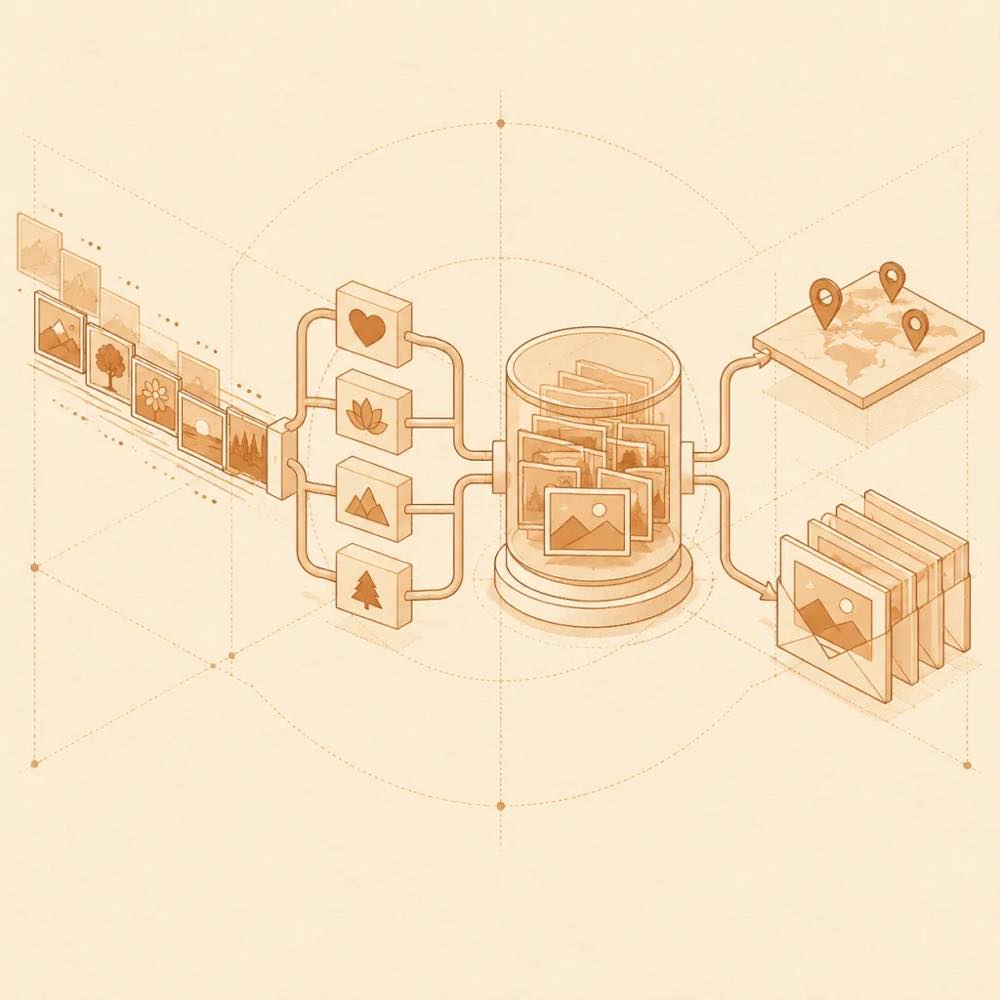
Configuring dsh-expression
DeepSeek Harness loads settings for dsh-expression from ~/.dsh/dsh-expression.json. The default library scan path is ~/.dsh/meme-packs; both can be changed in Settings → Memes. The documented remote catalogue setting is remoteDirUrl:
| Value |
Behaviour |
"" or auto |
Try the official source and configured mirrors |
official |
Use the official source |
mirror |
Use domestic mirror nodes |
| custom URL |
Read a catalog.json from that address |
The catalogue cache is stored at ~/.dsh/dsh-meme-catalog-cache.json. The sending mode can be set to automatic, text-only or image; automatic uses a marker in web chats and a native image for supported IM channels.
dsh-expression Commands
DeepSeek Harness registers two tools:
send_meme accepts tag for a random image from an emotion bucket, or query for a description, keyword or filename search. Searches cover all enabled libraries.learn_meme stores the latest user image by default. It can instead take attachmentId or imageUrl.
Supported emotion values are happy, angry, sad, shy, confused and daily. The model should copy the returned [表情: 描述] marker exactly in web replies.
dsh-expression Requirements and behaviour
DeepSeek Harness requires Node.js ≥ 22.13.0 for this plugin. The built-in library uses Node’s built-in SQLite and has no third-party runtime dependency. Uploaded GIFs remain animated; GIF learning samples several frames, while animated WebP and APNG are identified from the first frame.
dsh-expression Known limits
The remote catalogue and previews depend on reachable GitHub or mirror endpoints. Release ZIP installation checks SHA-256. The HTTP interface accepts only localhost, 127.0.0.1 and [::1]; LAN addresses and custom domains are rejected. Image recognition for learning requires a model with image input. IM-native delivery requires dsh-im.
Written from the project's own documentation and kept in sync with it. Where the two disagree, the source is authoritative — read the README on GitHub