
GitHub sourceTypeScript2d ago
dsh-startup-screen
6shenhonghong9/dsh-startup-screen
Rhine Lab-style boot animation for DeepSeek Harness: six acts from a black title plate through irradiated white-out to a warm dossier panel, five access-authorization steps (the first two can wait for a click or Enter, and Esc skips), real-voice recordings for the first five lines, and a settings page that switches between warm-light and dark themes and live-edits 33 playback, identity, voice and visual options.
Install
Add dsh-startup-screen to DeepSeek Harness
Install into
via GitHub · GitHub source
Installing from GitHub runs the project's build script, which pnpm blocks until you allowlist it — run the command once and pnpm prints the exact key to add under `allowBuilds` in ~/.dsh/profiles/web/pnpm-workspace.yaml.
The desktop app keeps its own profile, desktop, and only the dsh command it ships may change it — the npm-installed dsh refuses that profile. Install the command from the app menu (Manage dsh Command…), open Desktop once, quit it fully, run the line below, then reopen Desktop.
via GitHub · GitHub source
Installing from GitHub runs the project's build script, which pnpm blocks until you allowlist it — run the command once and pnpm prints the exact key to add under `allowBuilds` in ~/.dsh/profiles/desktop/pnpm-workspace.yaml.
Our install check ran in a web profile on npm's dsh, not in the desktop app.
What happened when we ran it
Installed cleanly when we ran it
Every command here is run in a throwaway container against a clean profile, and the result is whatever the harness recorded — not a guess from the source. Last run yesterdayon DeepSeek Harness 0.2.2-rc.1.
Show it in your README
For maintainers: the badge serves this listing's latest sandbox verdict, so a re-run updates it on its own — and it links readers to the full result here.
Due diligence
Before you install dsh-startup-screen
- Source of record: 6shenhonghong9/dsh-startup-screen — present in the community registry that DSH's own plugin market installs from.
- Licensed under MIT.
Security
What installing dsh-startup-screen runs
- Build scripts
No build script was blocked in our run.
Source: our sandbox install on DeepSeek Harness 0.2.2-rc.1, yesterday.
- Install hooks
package.json declares no preinstall, install or postinstall script.
Source: package.json on GitHub, read at our last sync. prepare is not recorded; it runs only on a GitHub install, and shows up under build scripts when pnpm blocks it.
- README mentions
shell commands (bash, exec, spawn …)
Source: a keyword match on the README — a hint about what the plugin touches, not an analysis of its code.
Not an audit. These are the record of one install and two text scans; nobody has read this plugin's code on your behalf. Plugins run with your agent's permissions.
The AI take
What it is — This plugin adds a boot animation and interactive startup sequence to DeepSeek Harness, featuring six acts, voice recordings, and a settings page for 33 editable options.
Who it is for — If you use DeepSeek Harness and want a customized startup screen with animations and voice welcome instead of direct entry, this plugin is suitable.
Users who prefer a minimal terminal-like startup without animations do not need it, as it introduces interactive steps.
Watch out — After installation in a fresh profile, it registers with Harness and runs stably in sandbox testing. No obvious issues found.
The verdict — I would install it because it allows personalizing the startup experience with 33 editable options, but only if you value the interactive boot sequence over a plain start.
Generated by grok-4.6, and a starting point rather than a verdict. Where it says a plugin installs or does not, that is from a real run in a clean profile — everything else is read off the repository. Trust the source over this.
What dsh-startup-screen does
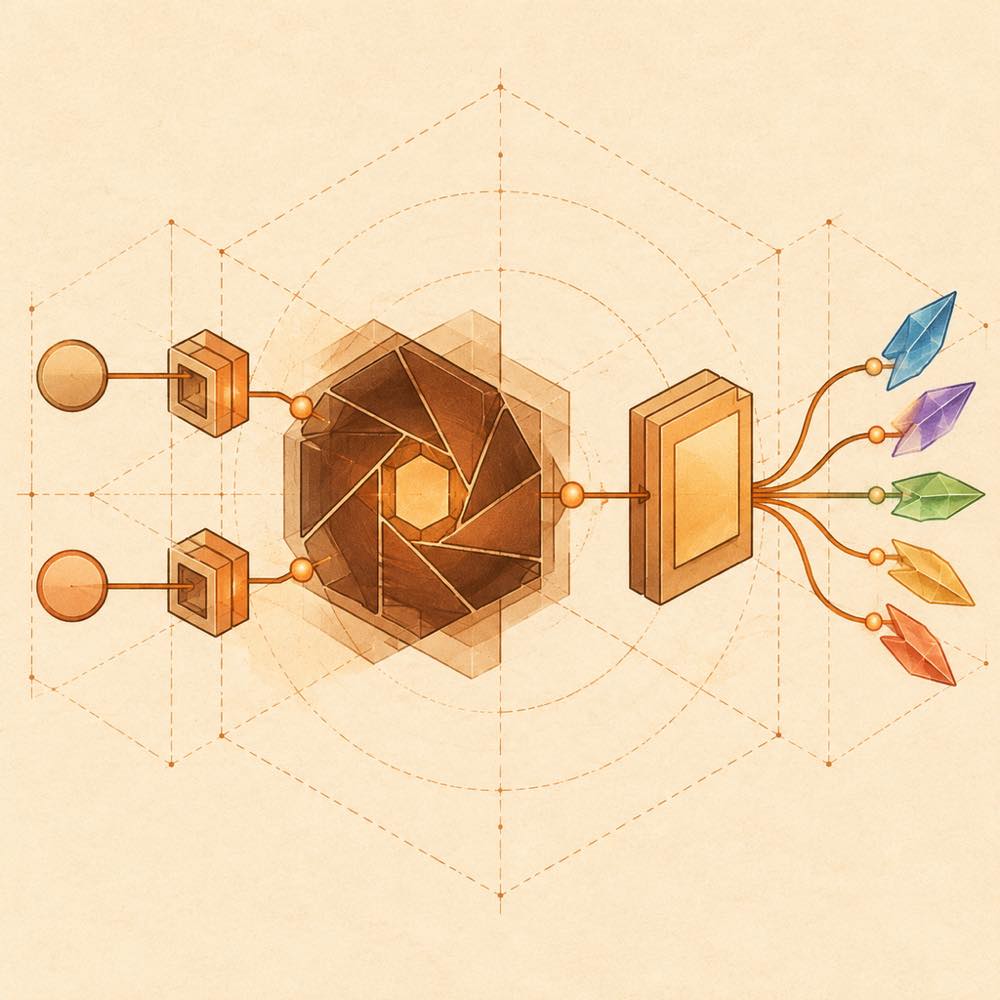
dsh-startup-screen is a DeepSeek Harness plugin that plays an interactive, Rhine Lab-style boot sequence when a session starts. The sequence moves through six acts: a black title plate, an overexposed white-out, a warm technical dossier panel, five access-authorisation steps, and a colour-dispersion reveal. The first two steps can wait for a button, Enter, or space; Esc and the skip control can bypass the sequence when skipping is enabled.
DeepSeek Harness loads dsh-startup-screen in its web or desktop profile. The plugin adds a 启动动画 section to the settings page, where the displayed identity, playback mode, theme, speed, voice, sound effects, colours and text are edited live. Runtime playback uses the selected settings, built-in recordings or browser system TTS, and audio timing: an advancing step waits for its voice line to finish. The default mode plays once per browser session, while 总是 and 每天 provide other schedules.
This suits installations that want a cinematic startup layer rather than a minimal launch. It is a poor fit where startup animation, recorded audio, or extra interaction is undesirable. Voice playback also depends on a browser click before sound is permitted, and the desktop title-bar transparency detail is limited to Windows desktop use. The detected terminal-surface risk should be read as a surface the plugin reaches through its installation and runtime context; the README does not document terminal commands or terminal data access beyond the DeepSeek Harness plugin commands.
dsh-startup-screen documentation
How dsh-startup-screen behaves
DeepSeek Harness loads dsh-startup-screen in a web or desktop profile and shows the sequence after the installation is enabled and DeepSeek Harness is restarted. The sequence has six stages. Stages 1 and 2 can require confirmation; the user can continue with a button, Enter, or space. The skip control and Esc work when 允许跳过 is enabled. Stages 3–6 advance automatically, with voice playback determining how long a stage remains visible.
The plugin adds 启动动画 to the DeepSeek Harness settings page. Its settings take effect immediately and cover playback, identity, voice, interface audio, visual colours and copy. The interface exposes 33 options, including:
| Area | Documented controls |
|---|---|
| Playback | 启用, 显示模式, 主题, 速度, 要求确认, 允许跳过 |
| Identity | 身份名称, 身份编号, 权限等级 |
| Voice | 语音播报, 语音来源, 音色, 语速, 音调, 音量 |
| Audio and visual | 界面音效, 音效来源, 强调色, 故障色 A, 故障色 B |
Configuring dsh-startup-screen
The default display mode is 每次会话; 总是 plays after every refresh and 每天 plays once per day. The default theme is 暖白, playback speed is 1×, confirmation and skipping are enabled, and the default identity is JOYCE MOORE, number 0087, level 3. Voice uses 真声素材 at volume 0.9; 系统 TTS enables the documented TTS voice, rate and pitch controls. Interface sound is enabled at 0.5. The default accent is #ff7500, with fault colours #ff3b30 and #2971b8.
Commands and requirements
DeepSeek Harness removes the web-profile installation with dsh plugin --profile web remove dsh-startup-screen. The README documents no runtime command added by the plugin. DeepSeek Harness requires Node >= 20; the plugin has no dependency installation step and supports both profiles. Windows desktop is the platform noted for title-bar transparency.
Known limits
Browser audio requires an earlier click before sound can play. The README names no configuration file, environment variable, or programmatic API for these settings.
Written from the project's own documentation and kept in sync with it. Where the two disagree, the source is authoritative — read the README on GitHub
Same category
Alternatives to dsh-startup-screen
dsh-web-ui-all
zhu1090093659
Plugin and skin collection for the DSH Web UI: task board, Git graph, right-side panel, remote mobile UI, pet, live token stats, and a skin center.
No one-line install — this plugin lives inside a larger repository and publishes no npm package.
dsh-web-all
zhu1090093659
Plugin and skin collection for the DSH Web UI: task board, Git graph, right-side panel, remote mobile UI, pet, live token stats, and a skin center.
Installed cleanly when we ran it
npm packageTypeScript28d ago
dsh-task-board
zhu1090093659
Task board for the dsh web GUI: a sidebar multi-column kanban whose cards run in real DSH agent sessions and can also be scheduled with cron expressions, executed host-side even with the browser closed.
Installed cleanly when we ran it
npm packageTypeScript28d ago
dsh-TUI
ccch1mneyyy
Claude Code-style full-screen terminal UI: pixel-whale header, live status line, and streaming thought expansion.
DeepSeek Harness 0.2.2-rc.1 refuses the latest release
npm packageTypeScript16d ago
DeepSeek-Balance-Whale-Widget
MeteorNOX
A fixed-corner whale widget for the DSH web GUI — balance, today's usage and per-turn cost with peak/off-peak pricing, editable balance-alert and daily-budget bubbles, a module-based custom bubble queue with A/B weighted choices and random lines or images, 30+ vendor templates (OpenAI, OpenRouter, Kimi, SiliconFlow, Ark, Zhipu, MiniMax and more) with per-model balance and subscription quota, plus task-end sound, imported audio, custom roles and a resource manager. Local-only, no telemetry.
Installed cleanly when we ran it
npm packageJavaScript27d ago