
GitHub sourceTypeScripttoday
dsh-auto-collapse
a179-sanae/dsh-auto-collapse
Codex-style workflow auto-collapse: finished turns fold into a single "processed in Xs" row leaving only the final answer; tool calls and think blocks collapse into live-summary chips that follow streaming; expand level by level, fully reversible on uninstall.
Install
Add dsh-auto-collapse to DeepSeek Harness
via npm
Resolves a published tarball rather than cloning the repository, and installs without any extra setup. Swap `web` for your profile name if you run another one.
via GitHub · npm package
Installing from GitHub runs the project's build script, which pnpm blocks until you allowlist it — run the command once and pnpm prints the exact key to add under `allowBuilds` in ~/.dsh/profiles/web/pnpm-workspace.yaml.
What happened when we ran it
Installed cleanly when we ran it
Every command here is run in a throwaway container against a clean profile, and the result is whatever the harness recorded — not a guess from the source. Last run 18d ago.
Show it in your README
For maintainers: the badge serves this listing's latest sandbox verdict, so a re-run updates it on its own — and it links readers to the full result here.
Due diligence
Before you install dsh-auto-collapse
- Source of record: a179-sanae/dsh-auto-collapse — present in the community registry that DSH's own plugin market installs from.
- Licensed under MIT.
- Detected: terminal surface. Read the source before granting these.
- A listing here is not a security review. Plugins run with your agent's permissions.
The AI take
What it is — dsh-auto-collapse plugin automatically collapses tool calls and thinking blocks in DeepSeek Harness sessions into summary rows, leaving only the model's final output.
Who it is for — When performing tool-intensive reasoning tasks with DeepSeek Harness, lacking focus on final answers, install this plugin. Users not requiring automatic collapsing are not suitable for it, because they may prefer keeping all original details visible.
Watch out — Tested successfully: installed in a fresh profile and registered by Harness. Compatible with DSH 0.1.2+, configurable status prompt. No obvious issues found.
The verdict — I would install it because it provides reversible collapsing without altering message content, reducing visual interference in long sessions.
Generated by grok-4.6, and a starting point rather than a verdict. Where it says a plugin installs or does not, that is from a real run in a clean profile — everything else is read off the repository. Trust the source over this.
What dsh-auto-collapse does
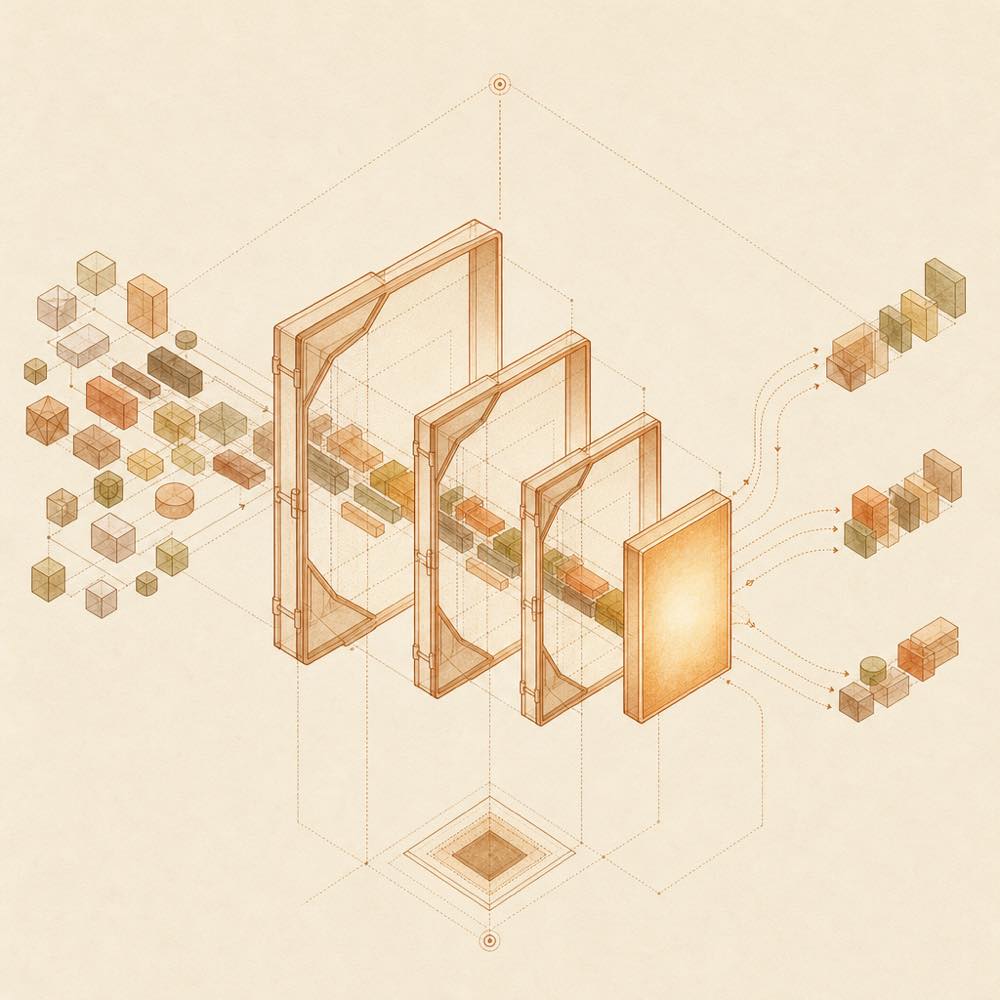
dsh-auto-collapse is a DeepSeek Harness plugin that folds completed workflow turns and intermediate tool or thinking blocks in the web chat interface. It leaves the final model response visible, replacing a completed turn with a processed in Xs row and presenting nested workflow content as expandable summary chips.
DeepSeek Harness Web loads the plugin as a front-end DOM extension. It classifies rendered top-level nodes such as tool-call, command, manual-compaction, context, thinking blocks and assistant text, then coordinates segments as the DOM changes during streaming, React replacement or out-of-order history mounting. It changes display state and selected labels, but does not alter message content. The Settings → Plugins → Plugin configuration panel exposes the “status prompt”, whose default is Deep sleeping...; an empty value restores Deep diving....
This suits developers who want a quieter, Codex-style view of long agent workflows while retaining level-by-level inspection. It is a web-interface modification, not a workflow or execution feature, so it is the wrong choice when every intermediate block must remain visible by default or when the web client is not being used. The terminal-surface risk flag reflects its access to rendered command and tool-call surfaces in the web page; dsh-auto-collapse uses those nodes to decide what to fold and how to label it.
dsh-auto-collapse documentation
How dsh-auto-collapse behaves
DeepSeek Harness loads dsh-auto-collapse in the web profile as a browser-side DOM plugin. For each turn, it rebuilds segments from the current DOM order. The last assistant-step containing text or media is treated as the final response; earlier process text remains inside the workflow. user, steering and turn-tail nodes are hard boundaries.
A completed turn becomes one row showing processed in Xs. Expanding it reveals context injection, thinking, tool calls, process text and final text. Tool-call groups and thinking blocks then receive their own chips. Adjacent tool calls merge until a正文 boundary; consecutive thinking blocks merge into one level-three block. Running chips follow streaming updates, and reduced-motion preferences disable animations.
Configuring dsh-auto-collapse
Open Settings → Plugins → Plugin configuration and edit the “status prompt”. The default is Deep sleeping.... Saving an empty value restores the official Deep diving... text. The plugin otherwise requires no configuration.
DeepSeek Harness lifecycle and commands
After installation, DeepSeek Harness requires a web-service restart or a plugin HMR trigger, followed by a browser hard refresh with Ctrl+Shift+R. During repository development, npm run check performs TypeScript checking, builds the bundle and runs regression tests. npm run deploy performs the documented local deployment flow, including backup, restart, hash verification and rollback.
dsh-auto-collapse development variables
The local deployment script accepts these environment variables:
| Variable | Purpose |
|---|---|
DSH_AUTO_COLLAPSE_LIB |
Override the plugin bundle path |
DSH_DIR |
Override the DSH directory |
DSH_WEB_PORT |
Override the web port |
DSH_LOG_DIR |
Override the log directory |
The README documents no version requirement. The plugin restores fold, hide and label changes when stopped through HMR or uninstalled, including inline display values saved before modification.
Written from the project's own documentation and kept in sync with it. Where the two disagree, the source is authoritative — read the README on GitHub
Same category
Alternatives to dsh-auto-collapse
dsh-web-ui-all
zhu1090093659
Plugin and skin collection for the DSH Web UI: task board, Git graph, right-side panel, remote mobile UI, pet, live token stats, and a skin center.
No one-line install — this plugin lives inside a larger repository and publishes no npm package.
dsh-task-board
zhu1090093659
Task board for the dsh web GUI: a sidebar multi-column kanban whose cards run in real DSH agent sessions and can also be scheduled with cron expressions, executed host-side even with the browser closed.
Installed cleanly when we ran it
npm packageTypeScript23d ago
dsh-web-all
zhu1090093659
Plugin and skin collection for the DSH Web UI: task board, Git graph, right-side panel, remote mobile UI, pet, live token stats, and a skin center.
Installed cleanly when we ran it
npm packageTypeScript23d ago
DSH-better-sidebar
omdsh-dev
Full sidebar workbench with file rendering and editing, terminal, Git, and subagents; third-party plugins can register new tabs.
Installed cleanly when we ran it
npm packageTypeScript10d ago
dsh-TUI
ccch1mneyyy
Claude Code-style full-screen terminal UI: pixel-whale header, live status line, and streaming thought expansion.
Installed cleanly when we ran it
npm packageTypeScript12d ago