DSH Marketplace

ui-status-label

alingalingling/ui-status-label

Customize the "deep diving" thinking status label to anything you like.

383TypeScriptMITSource

Install

Add ui-status-label to DeepSeek Harness

via GitHub · GitHub source

Installing from GitHub runs the project's build script, which pnpm blocks until you allowlist it — run the command once and pnpm prints the exact key to add under `allowBuilds` in ~/.dsh/profiles/web/pnpm-workspace.yaml.

What happened when we ran it

Installs, but needs a build approved first

pnpm refuses to run a package's build script until it is allowlisted. Add the key pnpm prints to allowBuilds in the profile's pnpm-workspace.yaml, then run the command again.

Every command here is run in a throwaway container against a clean profile, and the result is whatever the harness recorded — not a guess from the source. Last run yesterday.

Due diligence

Before you install ui-status-label

  • Source of record: alingalingling/ui-status-label — present in the community registry that DSH's own plugin market installs from.
  • Licensed under MIT.
  • A listing here is not a security review. Plugins run with your agent's permissions.

The AI take

What it is — Customizes the thinking status label in dsh Web chat view.

Who it is for — Users conducting multi-turn conversations in the dsh Web profile who want to customize status text are suitable for this plugin. Users running on TUI or headless profiles do not need it as the plugin only affects the browser interface.

Watch out — Sandbox testing shows installation succeeds but pnpm blocks the build script for this repo, requiring manual allowBuilds configuration. After restart the General settings text takes effect immediately in chat view.

The verdict — I would install it for customizable status in Web chats but git installation needs the manual build allowance step first.

Generated by grok-4.6, and a starting point rather than a verdict. Where it says a plugin installs or does not, that is from a real run in a clean profile — everything else is read off the repository. Trust the source over this.

What ui-status-label does

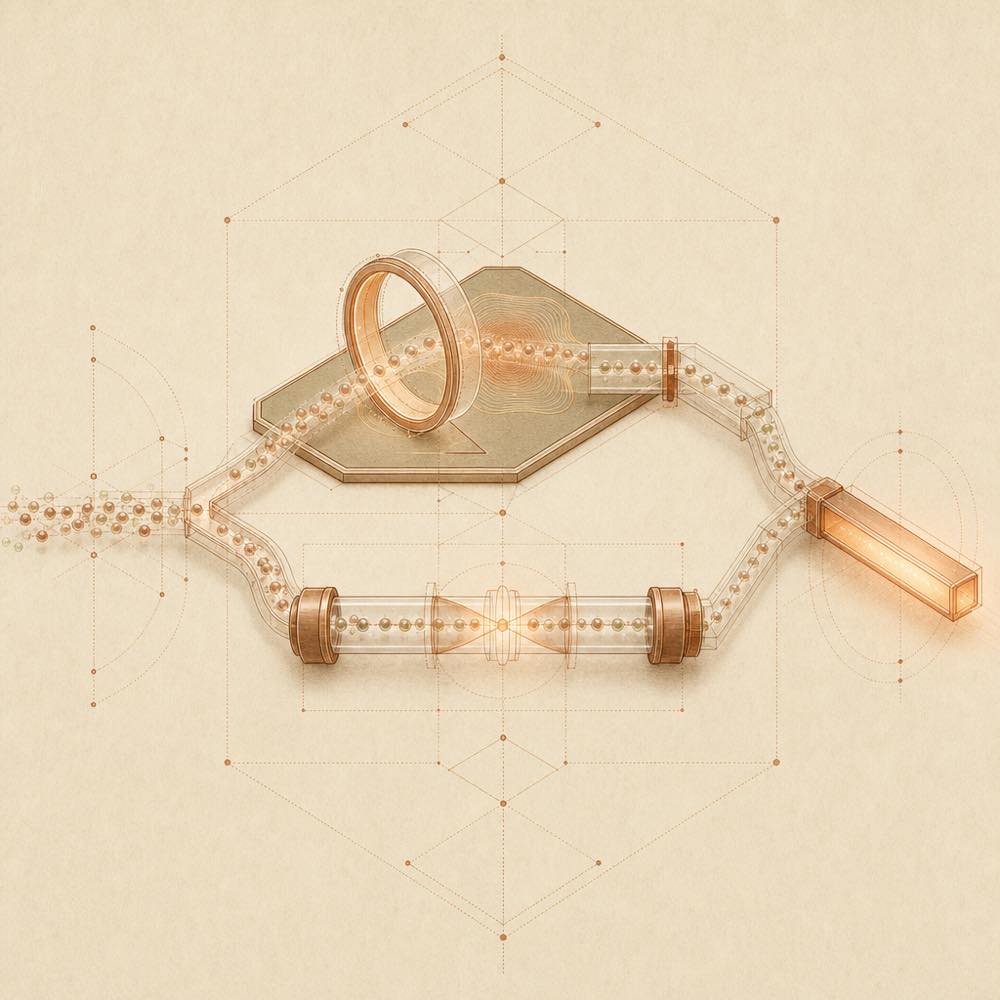
Abstract diagram of two status-update paths converging into one output bar.

ui-status-label is a DeepSeek Harness plugin that replaces the dsh Web chat view’s running-status text with wording chosen in the General settings panel. It is intended for the browser interface, where the status can appear while a round is waiting for its first token, executing tools, or streaming output.

DeepSeek Harness loads the plugin into the web profile. The plugin registers the persistent ui-status-label settings namespace, whose default value is 小难梁在0721, and writes the setting through $DSH_HOME/settings.yaml. Its browser bundle adds a General settings row and reads the current value from a live snapshot store. By default, a DOM injector watches the official role="status" element and replaces the hard-coded Deep diving... text. If ui-conversation provides the optional conversationStatus extension point, the plugin also supplies that service; direct rendering then takes precedence over DOM injection.

ui-status-label is for developers who want a custom status label in dsh Web without changing model behaviour. The text is user-wide rather than per conversation, updates as it is entered, and is limited to 40 characters. It is the wrong choice for headless or TUI profiles, and it does not alter prompts, requests, tools, or model output. A running Web process must be restarted after installation before the settings entry becomes available.

ui-status-label documentation

Configuring ui-status-label

DeepSeek Harness registers the persistent ui-status-label settings namespace for the Web profile. The General settings panel exposes one text input:

Setting Default Behaviour
ui-status-label 小难梁在0721 Replaces the running-round status text
Empty input 小难梁在0721 Restores the default text
Maximum length 40 characters Limits the configured label

Open dsh Web, select the gear icon, choose General, and edit 运行状态文案. The value takes effect while it is entered; no separate save action is required. The setting is stored in $DSH_HOME/settings.yaml, follows the same user home across Web ports, and applies to the user rather than to an individual conversation.

How ui-status-label behaves

DeepSeek Harness loads the plugin into dsh --profile web or a custom Web composition. Its browser side registers the settings row, provides the optional conversationStatus service, and starts a fallback DOM injector. The injector watches the chat view’s official role="status" element and replaces the hard-coded Deep diving... text. When ui-conversation includes the extension point supplied by UPSTREAM-EXTENSION.patch, direct conversationStatus rendering is used and the injector yields to it. The two paths do not conflict.

The label covers the running period while the view waits for the first token, executes tools, or streams output. The plugin changes browser presentation only; it does not touch model requests.

Requirements and lifecycle

DeepSeek Harness must run a Web profile. Installing the plugin in a headless or TUI profile has no useful effect. The runtime supplies peer dependencies such as @deepseek-ai/cordis and dsh-client-*; the package installs direct dependencies including @deepseek-ai/dsh-settings and schemastery.

Restart the dsh Web process after adding the plugin, then refresh the page. The current GUI does not hot-load a new bundle.

Commands

DeepSeek Harness removes the package with dsh plugin --profile web remove dsh-ui-status-label. If the plugin is already built into a custom DeepSeek Harness distribution, do not install a second copy: the ui-status-label settings namespace would be registered twice.

Written from the project's own documentation and kept in sync with it. Where the two disagree, the source is authoritative — read the README on GitHub

Same category

Alternatives to ui-status-label

dsh-web-ui-all

zhu1090093659

4.7k

Plugin and skin collection for the DSH Web UI: task board, Git graph, right-side panel, remote mobile UI, pet, live token stats, and a skin center.

No one-line install — this plugin lives inside a larger repository and publishes no npm package.

GitHub sourceTypeScript2d ago

AI review

dsh-web-ui-all

What it is — This is a plugin and skin collection for the DeepSeek Harness Web UI, including Liangshen mode, task board, Git graph, right panel, mobile remote UI, SSH operations, whale girl pet, and skin center.

Who it is for — If you are using DeepSeek V4 Pro for agent tasks and need multi-column task board and Git graph to track changes, this plugin is suitable for you. If you primarily operate DeepSeek Harness in non-Web UI interfaces, you don't need this collection.

Watch out — Installation from the source subdirectory requires manually approving the build script. No sandbox testing was conducted. No obvious issues were found.

The verdict — I would install it because it provides the whale girl pet and SSH remote operations.

Generated by grok-4.6, and a starting point rather than a verdict. Where it says a plugin installs or does not, that is from a real run in a clean profile — everything else is read off the repository. Trust the source over this.Read the source
LINUX DO1Details
2.0k

Full sidebar workbench with file rendering and editing, terminal, Git, and subagents; third-party plugins can register new tabs.

Installed cleanly when we ran it

npm packageTypeScript3d ago

AI review

DSH-better-sidebar

What it is — DSH-better-sidebar is a sidebar workbench framework providing file rendering and editing, real terminal, Git panel and subagent support.

Who it is for — When you need to display file resources and perform code editing, terminal operations and Git panel in DeepSeek Harness tasks, users are suitable for installation if they require terminal tools. If your work only involves the default sidebar without real terminal, you can skip installation.

Watch out — It passed sandbox testing in a new profile and was registered into the profile by DeepSeek Harness. No obvious issues were found. The shell command execution is for the real terminal feature.

The verdict — I would install it because it exposes the sidebar capabilities as a service allowing third-party plugins to register new tabs equally.

Generated by grok-4.6, and a starting point rather than a verdict. Where it says a plugin installs or does not, that is from a real run in a clean profile — everything else is read off the repository. Trust the source over this.Read the source
1Details

dsh-TUI

ccch1mneyyy

1.8k

Claude Code-style full-screen terminal UI: pixel-whale header, live status line, and streaming thought expansion.

Installed cleanly when we ran it

npm packageTypeScript3d ago

AI review

dsh-TUI

What it is — dsh-TUI is a DeepSeek Harness plugin that provides a Claude Code-style full-screen terminal UI with pixel-whale header, live status line, and streaming thought expansion.

Who it is for — Users who need to monitor real-time agent status and perform terminal interactions during long DeepSeek Harness sessions are suitable for installing dsh-TUI. Users without terminal TTY requirements do not need to install it.

Watch out — Sandbox testing passed: it installed successfully in a new profile and was registered by harness. No obvious issues found. It requires a functional terminal TTY, pnpm version 10+, and DEEPSEEK_API_KEY.

The verdict — I would install it because it was officially collected by DeepSeek Harness as an internal test user favorite plugin and uses a pure plugin mounting approach.

Generated by grok-4.6, and a starting point rather than a verdict. Where it says a plugin installs or does not, that is from a real run in a clean profile — everything else is read off the repository. Trust the source over this.Read the source
1Details

dsh-at-file

omdsh-dev

333

Codex-style `@file` mentions: search workspace files in the composer and attach their contents to prompts.

Installed cleanly when we ran it

GitHub sourceJavaScript4d ago

AI review

dsh-at-file

What it is — Enables @file mentions in the composer to insert workspace file paths.

Who it is for — When building prompts in the DeepSeek Harness composer that require referencing workspace files for the agent to check, this plugin supports searching and inserting paths. For users who do not build prompts involving workspace file references, this plugin is irrelevant.

Watch out — Sandbox testing passed with successful registration in a new profile. No obvious issues found.

The verdict — I would install it because it adds a reference message before the agent step, allowing inspection with available tools.

Generated by grok-4.6, and a starting point rather than a verdict. Where it says a plugin installs or does not, that is from a real run in a clean profile — everything else is read off the repository. Trust the source over this.Read the source
Details

dsh-genui

omdsh-dev

225

Interactive UI components rendered inline in replies: layout, charts, forms, quizzes, mermaid, 3D scenes, and an action event loop back to the model.

Installed cleanly when we ran it

GitHub sourceTypeScript3d ago

AI review

dsh-genui

What it is — Renders interactive UI components inline in replies, including charts, forms, quizzes, mermaid and 3D scenes.

Who it is for — When analyzing data with DeepSeek Harness and needing real-time chart updates. Users who do not use quizzes or forms can choose other plugin solutions.

Watch out — Sandbox test passed: installed in a new profile and registered successfully. Static check requires providing API key or token, supports dual-channel rendering for any dsh build; from source install, need to manually allow the build script first.

The verdict — I would install it because it supports rendering charts, quizzes, mermaid and action event loop back to the model, but only if you provide the API key.

Generated by grok-4.6, and a starting point rather than a verdict. Where it says a plugin installs or does not, that is from a real run in a clean profile — everything else is read off the repository. Trust the source over this.Read the source
LINUX DO1Details
204

A terminal UI (TUI) for DeepSeek Harness.

Installed cleanly when we ran it

npm packageTypeScript4d ago

AI review

dsh-tianshu-tui

What it is — dsh-tianshu-tui is a terminal UI plugin for DeepSeek Harness, evolved from the Tianshu-Tui rendering core. The UI is a pure presentation layer where all agent states originate from session event streams, with personalized modifications at the harness engineering level.

Who it is for — People using DeepSeek Harness for coding work and needing to manage agent states and sessions are suitable for installing it. Those who do not need a terminal UI to display agent states or are already in an independent integrated distribution do not need to install this plugin.

Watch out — This plugin requires the official DeepSeek Harness CLI to be installed first. Sandbox testing confirms successful installation and registration into the profile in a fresh profile. No obvious issues were found.

The verdict — I would install it because it supports real-time theme previews and session cost summaries.

Generated by grok-4.6, and a starting point rather than a verdict. Where it says a plugin installs or does not, that is from a real run in a clean profile — everything else is read off the repository. Trust the source over this.Read the source
1Details