
GitHub sourceTypeScripttoday
thoughtdag
chenxiachan/thoughtdag#dsh
Adds an editable conversation canvas to DeepSeek Harness, where graph connections select context for canvas requests, with branching, merging, and local agent session imports.
Install
Add thoughtdag to DeepSeek Harness
Install into
via npm
Resolves a published tarball rather than cloning the repository, and installs without any extra setup. Swap `web` for your profile name if you run another one.
The desktop app keeps its own profile, desktop, and only the dsh command it ships may change it — the npm-installed dsh refuses that profile. Install the command from the app menu (Manage dsh Command…), open Desktop once, quit it fully, run the line below, then reopen Desktop.
via npm
Resolves a published tarball rather than cloning the repository.
Our install check ran in a web profile on npm's dsh, not in the desktop app.
What happened when we ran it
Installed cleanly when we ran it
Every command here is run in a throwaway container against a clean profile, and the result is whatever the harness recorded — not a guess from the source. Last run todayon DeepSeek Harness 0.2.2-rc.1.
Show it in your README
For maintainers: the badge serves this listing's latest sandbox verdict, so a re-run updates it on its own — and it links readers to the full result here.
Due diligence
Before you install thoughtdag
- Source of record: chenxiachan/thoughtdag — present in the community registry that DSH's own plugin market installs from.
- Licensed under MIT.
Security
What installing thoughtdag runs
- Build scripts
No build script was blocked in our run.
Source: our sandbox install on DeepSeek Harness 0.2.2-rc.1, today.
- Install hooks
package.json declares no preinstall, install or postinstall script.
Source: package.json on GitHub, read at our last sync. prepare is not recorded; it runs only on a GitHub install, and shows up under build scripts when pnpm blocks it.
- README mentions
shell commands (bash, exec, spawn …)
Source: a keyword match on the README — a hint about what the plugin touches, not an analysis of its code.
Not an audit. These are the record of one install and two text scans; nobody has read this plugin's code on your behalf. Plugins run with your agent's permissions.
The AI take
What it is — Integrates graph-based editing tools for conversations in DeepSeek Harness with context selection through connections and branching support.
Who it is for — In DeepSeek Harness scenarios for branching conversations and context selection, this plugin supports importing local agent sessions. Users who do not involve local agent session imports do not need it.
Watch out — Sandbox testing shows successful installation in a new profile and registration with Harness. It executes shell commands. No obvious issues found.
The verdict — I would install it because it provides graph context management different from standard chat interfaces.
Generated by grok-4.6, and a starting point rather than a verdict. Where it says a plugin installs or does not, that is from a real run in a clean profile — everything else is read off the repository. Trust the source over this.
What thoughtdag does
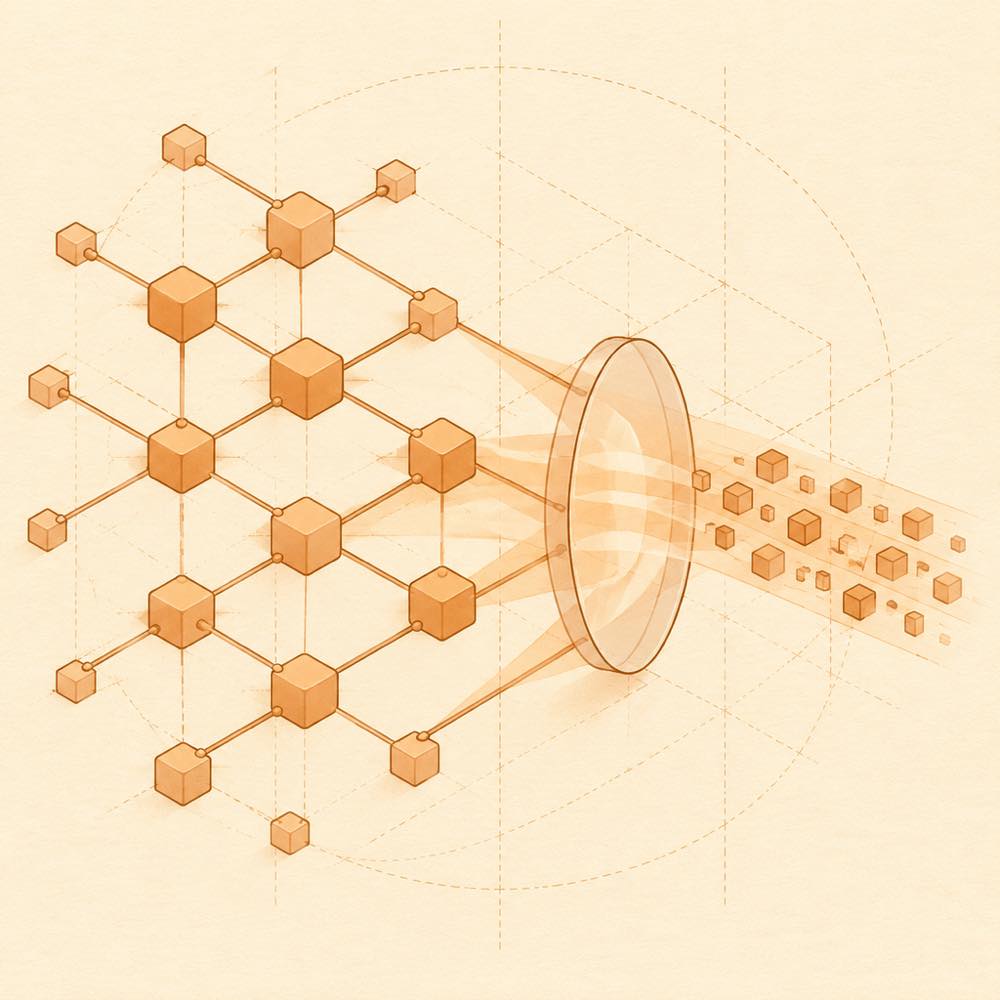
thoughtdag is a DeepSeek Harness plugin that adds an editable conversation canvas where graph connections determine the context sent with each request. Each exchange becomes a node; connecting nodes supplies their conversation paths to the next question, while disconnecting a path removes it from that request without deleting the work. The canvas can branch from selected answer text, merge useful paths, preview the resulting context, and import local agent sessions.
DeepSeek Harness loads the plugin as a web-profile extension and runs the next turn from the context selected on the canvas. thoughtdag also bundles a local memory layer: its index searches supported agent sessions and ThoughtDAG canvases, while npx thoughtdag why, npx thoughtdag find, and npx thoughtdag topics search files, phrases, URLs, conversation turns, and topics. thoughtdag setup mcp exposes read-only history tools to the agent. With recall enabled, a decision model such as Jev can rank excerpts, and the context panel lets users inspect or exclude selected sources.
thoughtdag suits developers who need explicit control over branching research and which earlier conversation turns reach a request. It is a poor fit for a linear chat workflow or environments that cannot meet the stated Node and DeepSeek Harness versions. The terminal surface matters: installing and using the CLI runs commands with the invoking user's permissions and reaches local conversation indexes, supported sessions, and canvases to search or retrieve history.
thoughtdag documentation
How thoughtdag works
DeepSeek Harness loads dsh-thoughtdag into its web profile and provides a switch between chat and the ThoughtDAG graph. Wires select conversation paths for the next request; explicit references and enabled recall can add further material. The canvas keeps disconnected nodes available for later reconnection. Before sending, the context preview shows what the model will receive.
Configuring thoughtdag
DeepSeek Harness controls web search under Plugins › Built-in plugin settings › Web search. Enabling the new Web Search API adds an excerpt to each result; the default service usually returns titles and links only. Search service selection and billing are configured in DeepSeek Harness, not in the canvas.
Recall can use the optional Jev decision layer to identify topics and rank relevant excerpts. The context panel lists added dossiers and excerpts, with controls to inspect their sources or exclude individual items. Without a decision model, recall falls back to rules.
Commands
The local CLI searches the index of supported agent sessions and ThoughtDAG canvases:
npx thoughtdag why src/lib/api.tsfinds conversations about a file.npx thoughtdag find "a phrase you remember"finds matching conversation turns.npx thoughtdag topicslists topics in the local index.thoughtdag setup mcpexposes read-only history tools to the agent.
The README also documents npm install -g thoughtdag for regular CLI use.
Requirements and limits
DeepSeek Harness requires version 0.1.2-rc.1 or later, and the plugin requires Node 22.19+ on the 22.x line or Node 24+. The desktop app requires DeepSeek Harness 0.2.0-rc.2 or later. Local recall only searches supported agent sessions and ThoughtDAG canvases. The README does not specify additional configuration keys or default values.
Written from the project's own documentation and kept in sync with it. Where the two disagree, the source is authoritative — read the README on GitHub
Same category
Alternatives to thoughtdag
dsh-web-ui-all
zhu1090093659
Plugin and skin collection for the DSH Web UI: task board, Git graph, right-side panel, remote mobile UI, pet, live token stats, and a skin center.
No one-line install — this plugin lives inside a larger repository and publishes no npm package.
dsh-web-all
zhu1090093659
Plugin and skin collection for the DSH Web UI: task board, Git graph, right-side panel, remote mobile UI, pet, live token stats, and a skin center.
Installed cleanly when we ran it
npm packageTypeScript26d ago
dsh-task-board
zhu1090093659
Task board for the dsh web GUI: a sidebar multi-column kanban whose cards run in real DSH agent sessions and can also be scheduled with cron expressions, executed host-side even with the browser closed.
Installed cleanly when we ran it
npm packageTypeScript26d ago
dsh-TUI
ccch1mneyyy
Claude Code-style full-screen terminal UI: pixel-whale header, live status line, and streaming thought expansion.
DeepSeek Harness 0.2.2-rc.1 refuses the latest release
npm packageTypeScript15d ago
DeepSeek-Balance-Whale-Widget
MeteorNOX
A fixed-corner whale widget for the DSH web GUI — balance, today's usage and per-turn cost with peak/off-peak pricing, editable balance-alert and daily-budget bubbles, a module-based custom bubble queue with A/B weighted choices and random lines or images, 30+ vendor templates (OpenAI, OpenRouter, Kimi, SiliconFlow, Ark, Zhipu, MiniMax and more) with per-model balance and subscription quota, plus task-end sound, imported audio, custom roles and a resource manager. Local-only, no telemetry.
Installed cleanly when we ran it
npm packageJavaScript26d ago