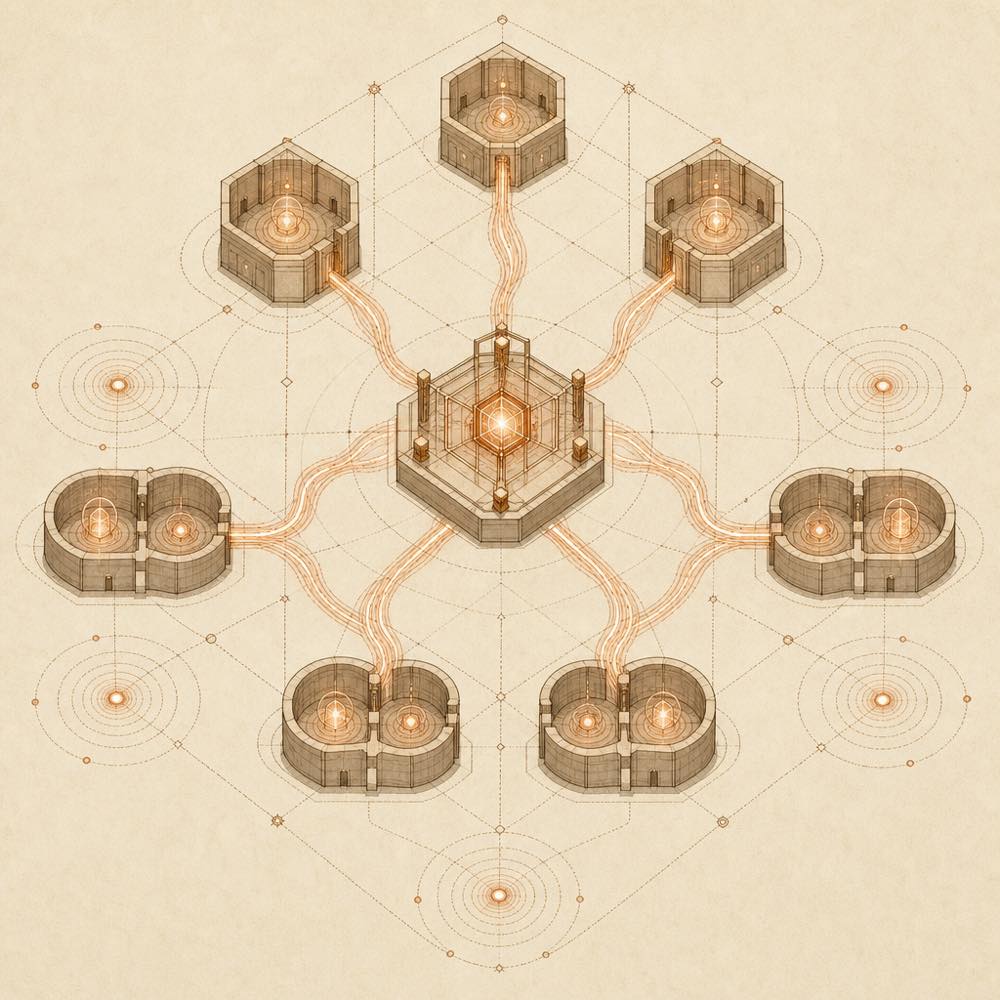
Configuring dsh-interconnect
DeepSeek Harness loads both plugin entries at host composition level. Configure the interconnect entry as follows:
| Key |
Default |
Description |
instanceId |
dsh |
Diagnostic identity returned by ping, send and list; it is not used for routing. |
requestTimeoutMs |
10000 |
Outbound request timeout, capped at 60000. |
peers |
[] |
Event fan-out targets configured at startup; subscribe() can add targets at runtime. |
delivery |
followup |
Default for inbound messages without an explicit delivery mode. |
allowResume |
true |
Whether remote senders may wake persisted offline sessions. |
The shared credential is not part of this config. DeepSeek Harness reads DSH_INTERCONNECT_TOKEN from credentials such as .credentials.yaml. Both instances must use the same token. Missing credentials produce 403 responses.
Commands and endpoints
DeepSeek Harness exposes interconnect_send, interconnect_list and interconnect_ping as model-visible tools. interconnect_send takes a peer baseUrl, a target sessionId and message text, with optional delivery and resume. interconnect_list returns live session IDs and may include title and status; interconnect_ping reports peer liveness and identity.
The host service provides HTTP /interconnect/send, /interconnect/list and /interconnect/ping endpoints, and the /interconnect/link WebSocket endpoint for event delivery.
How dsh-interconnect behaves
followup queues an independent next turn, steer inserts at the nearest step boundary or starts a turn when idle, and inject writes context without waking an idle agent. A send result reports session-not-live, unreachable, resume-refused or resume-failed when delivery fails. Delivered messages are persisted with source.kind set to plugin; the source metadata is not included in model context.
Known limits
Only live sessions are listed and directly reachable. resume needs DeepSeek Harness's configured agent lookup; deployments without that lookup, including headless or profiles without api-proxy, fall back to session-not-live. Sessions using an old disk format cannot be resumed and return resume-failed.
Written from the project's own documentation and kept in sync with it. Where the two disagree, the source is authoritative — read the README on GitHub