
dsh-web-all
zhu1090093659
Plugin and skin collection for the DSH Web UI: task board, Git graph, right-side panel, remote mobile UI, pet, live token stats, and a skin center.
Installed cleanly when we ran it
npm packageTypeScripttoday
FSMargoo/dsh-at-file
Codex-style `@file` mentions: search workspace files in the composer and attach their contents to prompts.
Install
via npm
Resolves a published tarball rather than cloning the repository, and installs without any extra setup. Swap `web` for your profile name if you run another one.
via GitHub · npm package
Installing from GitHub runs the project's build script, which pnpm blocks until you allowlist it — run the command once and pnpm prints the exact key to add under `allowBuilds` in ~/.dsh/profiles/web/pnpm-workspace.yaml.
The desktop app keeps its own profile, desktop, and only the dsh command it ships may change it — the npm-installed dsh refuses that profile. Install the command from the app menu (Manage dsh Command…), open Desktop once, quit it fully, run the line below, then reopen Desktop.
via npm
Resolves a published tarball rather than cloning the repository.
via GitHub · npm package
Installing from GitHub runs the project's build script, which pnpm blocks until you allowlist it — run the command once and pnpm prints the exact key to add under `allowBuilds` in ~/.dsh/profiles/desktop/pnpm-workspace.yaml.
Our install check ran in a web profile on npm's dsh, not in the desktop app.
What happened when we ran it
Installed cleanly when we ran it
Every command here is run in a throwaway container against a clean profile, and the result is whatever the harness recorded — not a guess from the source. Last run 8d agoon DeepSeek Harness 0.2.2-rc.1.
Show it in your README
For maintainers: the badge serves this listing's latest sandbox verdict, so a re-run updates it on its own — and it links readers to the full result here.
Due diligence
Security
No build script was blocked in our run.
Source: our sandbox install on DeepSeek Harness 0.2.2-rc.1, 8d ago.
package.json declares no preinstall, install or postinstall script.
Source: package.json on GitHub, read at our last sync. prepare is not recorded; it runs only on a GitHub install, and shows up under build scripts when pnpm blocks it.
Neither shell commands nor credentials.
Source: a keyword match on the README — a hint about what the plugin touches, not an analysis of its code.
Not an audit. These are the record of one install and two text scans; nobody has read this plugin's code on your behalf. Plugins run with your agent's permissions.
What it is — Provides @file path reference functionality in the DeepSeek Harness composer.
Who it is for — When using DeepSeek Harness to build agent tasks that require referencing workspace files. For new installations, you can take another angle and use the official built-in features.
Watch out — Passes sandbox test after installation in a new profile and gets registered in the profile. No obvious pitfalls found.
The verdict — I would install it because it supports legacy Harness client package layouts.
Generated by grok-4.6, and a starting point rather than a verdict. Where it says a plugin installs or does not, that is from a real run in a clean profile — everything else is read off the repository. Trust the source over this.
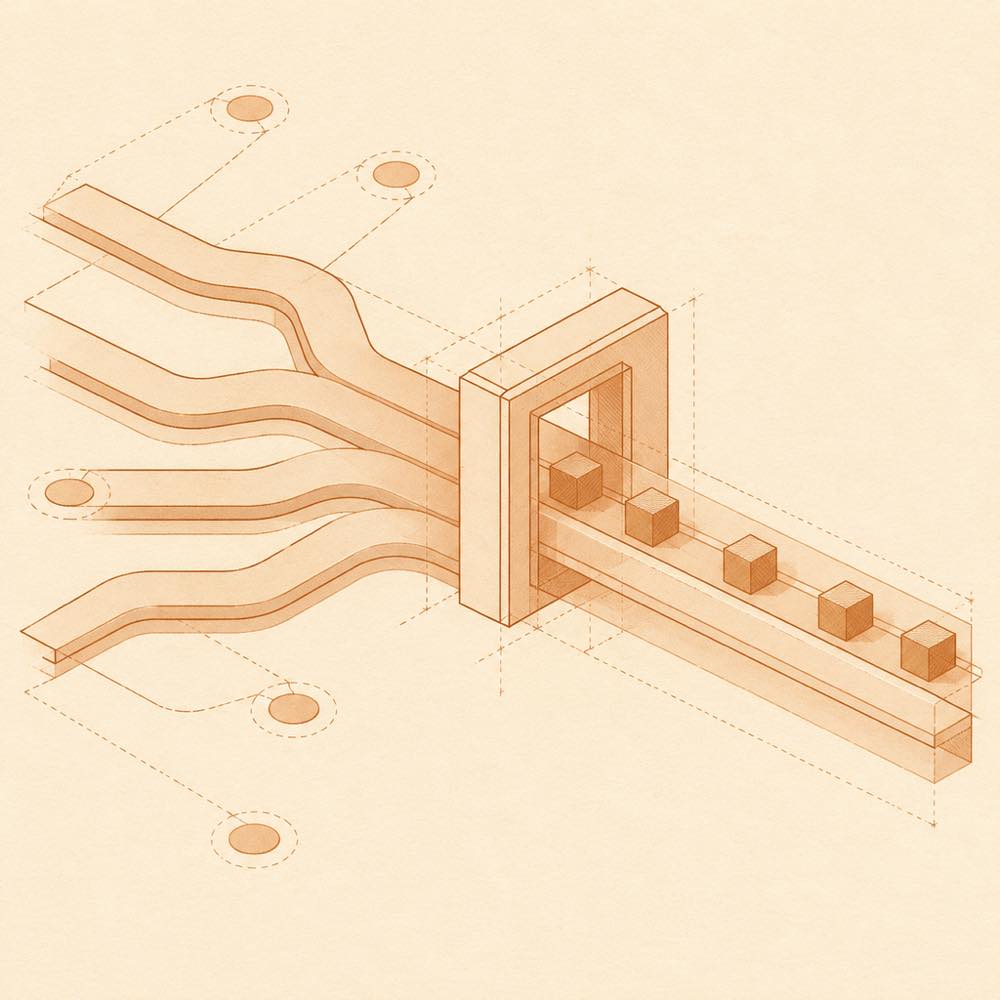
dsh-at-file is a DeepSeek Harness plugin that adds Codex-style @file references to the web composer. DeepSeek Harness loads the plugin for the web profile, where typing @ searches the active workspace and lets an agent attach a file or directory path to a draft. The selected path remains visible in the reference bar and can be opened or removed.
Before an agent starts a step, dsh-at-file checks that the workspace-relative path exists and adds a short marker such as <workspace-reference path="docs/spec.pdf" kind="file" />. dsh-at-file reads workspace entries for its picker index, but does not open referenced files or list directory contents. The agent uses the tools available in the current session to inspect a path. File-mention settings are saved through the plugin's Host connection in the DeepSeek Harness web profile; configuration is supplied in ~/.dsh/profiles/web/cordis.patch.yml with keys such as maxIndexedFiles and ignoreDirs.
This is intended for developers who want path references in the composer without placing file contents in the prompt. It is the wrong choice for new installations where the official DeepSeek Harness release already provides built-in @file and @session references. The current mechanism applies from version 0.3.0; earlier plugin releases read file contents during submission and enforced file-size limits.
DeepSeek Harness reads the selected web profile's cordis.patch.yml, usually ~/.dsh/profiles/web/cordis.patch.yml, for the plugin configuration.
| Key | Behaviour |
|---|---|
maxIndexedFiles |
Sets the maximum number of workspace entries indexed by the picker. |
ignoreDirs |
Replaces the built-in excluded directory-name list. Set it to [] to index every directory. |
Omitting ignoreDirs preserves the built-in exclusions. The default index skips common version-control directories, IDE metadata, dependency trees, caches, build output and OS metadata files such as desktop.ini, Thumbs.db and .DS_Store.
Type @ in the composer and choose a file or directory from the path picker. Plain queries search filenames; queries containing / match path segments in order, and a trailing / searches within that path. ArrowRight enters a highlighted directory. The picker displays up to 50 candidates and indexes regular files, directories and symbolic links in the active workspace.
The selected path stays in the draft and reference bar. Before an agent starts a step, DeepSeek Harness validates that the path exists inside the active workspace, then dsh-at-file adds a <workspace-reference> message containing the workspace-relative path and its kind. Referenced files are not opened by the plugin, and directory contents are not listed.
Open Settings -> File mentions to manage global and workspace-specific basename filters. Exact matches one complete basename; Regex applies a JavaScript regular expression to the complete basename. Case-sensitive is independent for each rule and is off by default. Invalid expressions are rejected before saving and by the Host. Changes clear the affected index cache.
The picker index is cached per session for 30 seconds. Absolute paths and paths escaping the workspace are ignored. Pasted @path tokens are ignored by default; disable Ignore @ mentions in pasted text to restore the older behaviour. The path-reference mechanism applies from version 0.3.0. Official DeepSeek Harness releases now include built-in @file and @session references, so this plugin duplicates functionality for new installations.
Written from the project's own documentation and kept in sync with it. Where the two disagree, the source is authoritative — read the README on GitHub
Same category
zhu1090093659
Plugin and skin collection for the DSH Web UI: task board, Git graph, right-side panel, remote mobile UI, pet, live token stats, and a skin center.
Installed cleanly when we ran it
zhu1090093659
Task board for the dsh web GUI: a sidebar multi-column kanban whose cards run in real DSH agent sessions and can also be scheduled with cron expressions, executed host-side even with the browser closed.
Installed cleanly when we ran it
zhu1090093659
Plugin and skin collection for the DSH Web UI: task board, Git graph, right-side panel, remote mobile UI, pet, live token stats, and a skin center.
No one-line install — this plugin lives inside a larger repository and publishes no npm package.
ccch1mneyyy
Claude Code-style full-screen terminal UI: pixel-whale header, live status line, and streaming thought expansion.
DeepSeek Harness 0.2.2-rc.1 refuses the latest release
MeteorNOX
A fixed-corner whale widget for the DSH web GUI — balance, today's usage and per-turn cost with peak/off-peak pricing, editable balance-alert and daily-budget bubbles, a module-based custom bubble queue with A/B weighted choices and random lines or images, 30+ vendor templates (OpenAI, OpenRouter, Kimi, SiliconFlow, Ark, Zhipu, MiniMax and more) with per-model balance and subscription quota, plus task-end sound, imported audio, custom roles and a resource manager. Local-only, no telemetry.
Installed cleanly when we ran it