
dsh-web-all
zhu1090093659
Plugin and skin collection for the DSH Web UI: task board, Git graph, right-side panel, remote mobile UI, pet, live token stats, and a skin center.
Installed cleanly when we ran it
npm packageTypeScript2d ago
HanaAyane/dsh-reasoning-effort
Adds an animated DeepSeek Chan reasoning-effort slider to DSH's native model selector, following model-declared levels with a running animation that speeds up while dragging.
Install
via npm
Resolves a published tarball rather than cloning the repository, and installs without any extra setup. Swap `web` for your profile name if you run another one.
via GitHub · npm package
Installing from GitHub runs the project's build script, which pnpm blocks until you allowlist it — run the command once and pnpm prints the exact key to add under `allowBuilds` in ~/.dsh/profiles/web/pnpm-workspace.yaml.
The desktop app keeps its own profile, desktop, and only the dsh command it ships may change it — the npm-installed dsh refuses that profile. Install the command from the app menu (Manage dsh Command…), open Desktop once, quit it fully, run the line below, then reopen Desktop.
via npm
Resolves a published tarball rather than cloning the repository.
via GitHub · npm package
Installing from GitHub runs the project's build script, which pnpm blocks until you allowlist it — run the command once and pnpm prints the exact key to add under `allowBuilds` in ~/.dsh/profiles/desktop/pnpm-workspace.yaml.
Our install check ran in a web profile on npm's dsh, not in the desktop app.
What happened when we ran it
Installed cleanly when we ran it
Every command here is run in a throwaway container against a clean profile, and the result is whatever the harness recorded — not a guess from the source. Last run 11d agoon DeepSeek Harness 0.2.2-rc.1.
Show it in your README
For maintainers: the badge serves this listing's latest sandbox verdict, so a re-run updates it on its own — and it links readers to the full result here.
Due diligence
Security
No build script was blocked in our run.
Source: our sandbox install on DeepSeek Harness 0.2.2-rc.1, 11d ago.
package.json declares no preinstall, install or postinstall script.
Source: package.json on GitHub, read at our last sync. prepare is not recorded; it runs only on a GitHub install, and shows up under build scripts when pnpm blocks it.
Neither shell commands nor credentials.
Source: a keyword match on the README — a hint about what the plugin touches, not an analysis of its code.
Not an audit. These are the record of one install and two text scans; nobody has read this plugin's code on your behalf. Plugins run with your agent's permissions.
What it is — Adds an animated slider for reasoning effort to DSH's native model selector in the reasoning level section.
Who it is for — If you control models in DeepSeek Harness and need to adjust reasoning strength for complex tasks like long code generation or multi-step planning, this plugin can help. Users who rarely adjust the reasoning level in the model selector don't need to install it.
Watch out — It installs and registers successfully in a fresh profile. No obvious issues found. It supports DSH RC versions only.
The verdict — I would install it because the slider keeps the adjustment window open after moving and automatically matches model-declared levels.
Generated by grok-4.6, and a starting point rather than a verdict. Where it says a plugin installs or does not, that is from a real run in a clean profile — everything else is read off the repository. Trust the source over this.
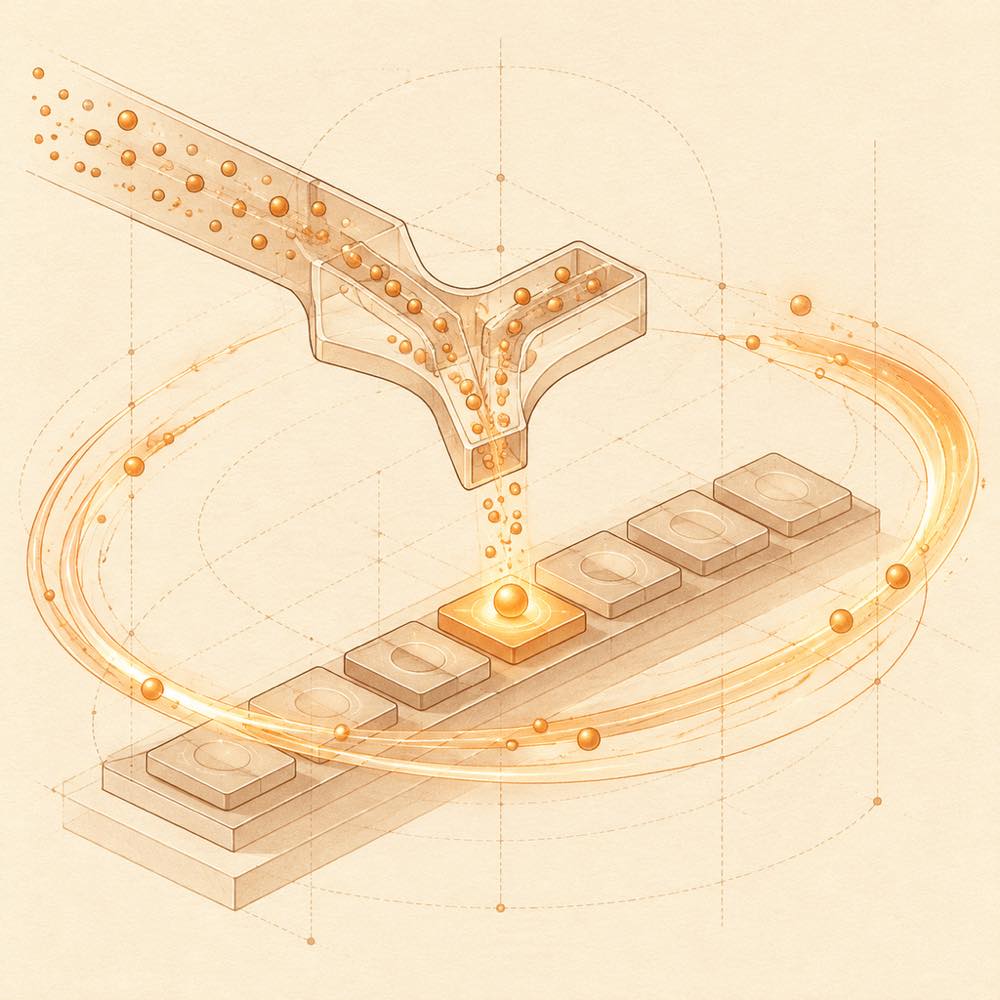
dsh-reasoning-effort is a DeepSeek Harness plugin that adds a reasoning-effort slider to DeepSeek Harness's native model selector. It keeps the native model list, search, grouping and badges, then uses the selector's “Reasoning level” entry to display a slider whose points, labels and order come from the current model's declared reasoning.efforts. After selection, the value is submitted through the model directory, so DeepSeek Harness validates and sends the declared effort rather than the plugin bypassing model or deployment capabilities. The result stays synchronised with the /model command.
The slider snaps to the nearest declared level and leaves the selector open after dragging. The default eight-frame animated character speeds up while dragging; a normal button is available, and the animation follows the system's reduced-motion preference. Missing levels show configuration guidance, including the reasoningEfforts model setting and relevant compat options.
dsh-reasoning-effort is intended for models exposing at least two reasoning levels in DeepSeek Harness. It is not the right choice when a model directory does not declare usable levels, or when the installation cannot meet the supported version: release v0.9.0 targets DeepSeek Harness 0.2.1-rc.2 and later RC compatibility is not guaranteed. Web uses the web profile; Desktop uses its separate desktop profile.
DeepSeek Harness reads a model’s declared reasoning.efforts from its model directory. The slider is shown only when at least two levels are available. A custom model without inherited metadata can declare levels through the graphical settings path:
Settings → Models → Edit provider → Custom settings → Model options → Reasoning levels
The corresponding model entry can also be edited in the target profile’s cordis.patch.yml:
models:
  - id: <model id>
    reasoningEfforts:
      low: "<endpoint value>"
      high: "<endpoint value>"
Use compat alongside reasoningEfforts only when the endpoint requires it:
| Endpoint behaviour | Configuration |
|---|---|
Uses reasoning_effort directly |
No compat entry |
| Needs a thinking switch | compat.thinkingFormat: "qwen", "zai" or "deepseek" |
Does not accept reasoning_effort |
compat.supportsReasoningEffort: false |
Rejects the request with invalid_parameter_error |
compat.supportsDeveloperRole: false |
Back up the file before manual edits. Invalid indentation, keys or parameter values can prevent configuration loading or cause request errors.
DeepSeek Harness keeps the selected effort synchronised with /model. The plugin does not add a separate model-list command. In the web client, DeepSeek Harness loads the plugin in the web profile when the Web Host starts. Desktop has an independent desktop profile and plugin state; a web-profile installation does not appear there.
Click the model entry below the input box, choose Reasoning level, then drag or click the track. The control snaps to the nearest declared level, highlights its marker and label, and leaves the selector open. Esc returns, while clicking outside closes it. Submission failures roll back the selection.
The eight-frame animated character is enabled by default. The interface supports light and dark themes, and Simplified Chinese and English follow DeepSeek Harness language changes. A standard button and the system reduced-motion setting provide non-animated alternatives.
Release v0.9.0 is adapted and tested for DeepSeek Harness 0.2.1-rc.2, on Web and Desktop profiles. DeepSeek Harness Desktop requires installation through the application’s Plugins page. The plugin targets RC releases rather than maintaining separate alpha compatibility. DSH 0.2.0 RC and 0.1.x require the README’s corresponding older plugin releases.
Declared levels are model- and route-specific: the number, names and order are not fixed, and different endpoints may expose different levels. With fewer than two levels, the plugin shows guidance instead of a slider.
Written from the project's own documentation and kept in sync with it. Where the two disagree, the source is authoritative — read the README on GitHub
Same category
zhu1090093659
Plugin and skin collection for the DSH Web UI: task board, Git graph, right-side panel, remote mobile UI, pet, live token stats, and a skin center.
Installed cleanly when we ran it
zhu1090093659
Task board for the dsh web GUI: a sidebar multi-column kanban whose cards run in real DSH agent sessions and can also be scheduled with cron expressions, executed host-side even with the browser closed.
Installed cleanly when we ran it
zhu1090093659
Plugin and skin collection for the DSH Web UI: task board, Git graph, right-side panel, remote mobile UI, pet, live token stats, and a skin center.
No one-line install — this plugin lives inside a larger repository and publishes no npm package.
ccch1mneyyy
Claude Code-style full-screen terminal UI: pixel-whale header, live status line, and streaming thought expansion.
DeepSeek Harness 0.2.2-rc.1 refuses the latest release
MeteorNOX
A fixed-corner whale widget for the DSH web GUI — balance, today's usage and per-turn cost with peak/off-peak pricing, editable balance-alert and daily-budget bubbles, a module-based custom bubble queue with A/B weighted choices and random lines or images, 30+ vendor templates (OpenAI, OpenRouter, Kimi, SiliconFlow, Ark, Zhipu, MiniMax and more) with per-model balance and subscription quota, plus task-end sound, imported audio, custom roles and a resource manager. Local-only, no telemetry.
Installed cleanly when we ran it