
GitHub sourceTypeScripttoday
dsh-smooth-stream
Laplace-bit/dsh-smooth-stream
Fluid streaming rendering and smooth scrolling for the DeepSeek Harness Web UI.
Install
Add dsh-smooth-stream to DeepSeek Harness
via npm
Resolves a published tarball rather than cloning the repository, and installs without any extra setup. Swap `web` for your profile name if you run another one.
via GitHub · npm package
Installing from GitHub runs the project's build script, which pnpm blocks until you allowlist it — run the command once and pnpm prints the exact key to add under `allowBuilds` in ~/.dsh/profiles/web/pnpm-workspace.yaml.
What happened when we ran it
Installed cleanly when we ran it
Every command here is run in a throwaway container against a clean profile, and the result is whatever the harness recorded — not a guess from the source. Last run 19d ago.
Show it in your README
For maintainers: the badge serves this listing's latest sandbox verdict, so a re-run updates it on its own — and it links readers to the full result here.
Due diligence
Before you install dsh-smooth-stream
- Source of record: Laplace-bit/dsh-smooth-stream — present in the community registry that DSH's own plugin market installs from.
- Licensed under MIT.
- Detected: terminal surface. Read the source before granting these.
- A listing here is not a security review. Plugins run with your agent's permissions.
The AI take
What it is — dsh-smooth-stream provides fluid streaming rendering and smooth scrolling support for the DeepSeek Harness Web UI.
Who it is for — When using DeepSeek Harness for long-form generation or code generation, readers who need to read long outputs are suitable for installing this plugin. Users who do not use the DeepSeek Harness Web interface can skip installing this plugin.
Watch out — No obvious pitfalls were found. Static checks indicate shell command execution. Sandbox testing confirmed successful registration in a fresh profile.
The verdict — I would install it because it stabilizes operation across multiple DSH kernel versions, but only when using the Web UI for streaming output.
Generated by grok-4.6, and a starting point rather than a verdict. Where it says a plugin installs or does not, that is from a real run in a clean profile — everything else is read off the repository. Trust the source over this.
What dsh-smooth-stream does
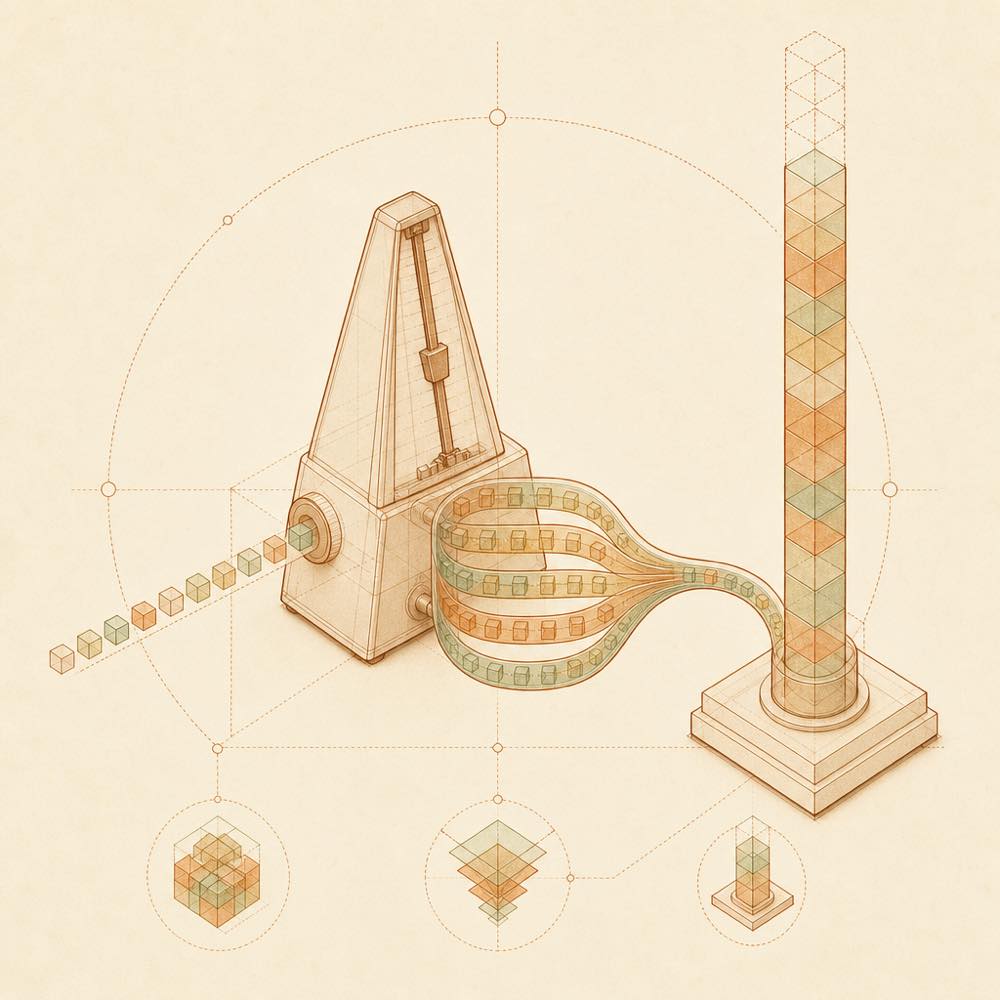
dsh-smooth-stream is a DeepSeek Harness plugin that changes how the Web UI reveals streamed replies, Markdown, code blocks, tables and tool results.
DeepSeek Harness loads dsh-smooth-stream in the web profile. When Smooth stream rendering is enabled, dsh-smooth-stream takes over the rendering and follow behaviour for replies and tool rows. It adjusts the reveal pace according to the model's arrival rate and the amount of content waiting to be shown, while applying continuous transitions as content grows. The plugin stores user preferences, including the rendering and thinking-block settings, in DeepSeek Harness's user settings document. Profile-level pacing is configured in cordis.patch.yml with preset: realtime, balanced (the default), or silky.
This is intended for developers who want a steadier streaming presentation in the DeepSeek Harness Web UI without replacing the underlying response or tool functionality. It is a poor fit when the built-in rendering should remain fully in control, or when reduced motion is required: with prefers-reduced-motion, dsh-smooth-stream displays complete text directly and does not take over scrolling. The user can also disable the plugin's rendering control from Settings → Plugins → Plugin configuration.
dsh-smooth-stream documentation
Configuring dsh-smooth-stream
DeepSeek Harness reads the pacing preset from the web profile's cordis.patch.yml. The combined package uses balanced by default.
preset |
Behaviour |
|---|---|
realtime |
Follows model arrival more closely |
balanced |
Default pacing |
silky |
Uses more buffering and catches up more slowly |
Older profile fields, including mode, revealCharsPerSec, scrollSpeedPxPerSec and maxScrollSpeedPxPerSec, can still be loaded for compatibility. The current adaptive engine uses only preset to change pacing.
dsh-smooth-stream user settings
DeepSeek Harness exposes a Smooth stream card under Settings → Plugins → Plugin configuration. Enable smooth stream rendering is on by default. When enabled, dsh-smooth-stream controls reply and tool-row rendering and follow behaviour; when disabled, DeepSeek Harness uses its built-in rendering again.
Automatically expand thinking controls whether thinking blocks open during streaming. When enabled, blocks expand while output is streaming and collapse after thinking ends. When disabled, they stay collapsed unless opened manually. These are user-level persistent preferences, take effect immediately and are written to DeepSeek Harness's user settings document rather than the plugin's profile configuration.
Commands for dsh-smooth-stream
DeepSeek Harness starts the Web UI with pnpm dsh web. The plugin can be removed with dsh plugin --profile web remove dsh-smooth-stream or updated with dsh plugin --profile web update dsh-smooth-stream. dsh plugin --profile web outdated checks for newer versions. The update command applies to npm installations declared by the profile and prompts for a DeepSeek Harness restart.
dsh-smooth-stream behaviour and limits
DeepSeek Harness should show [dsh-smooth-stream] plugin loaded! in the Host log after loading the plugin. With reduced-motion preferences enabled, dsh-smooth-stream displays complete text and does not take over follow scrolling. If frame rate falls below 30 fps while a reply is off-screen, revealing pauses and resumes when conditions allow.
Written from the project's own documentation and kept in sync with it. Where the two disagree, the source is authoritative — read the README on GitHub
Same category
Alternatives to dsh-smooth-stream
dsh-web-ui-all
zhu1090093659
Plugin and skin collection for the DSH Web UI: task board, Git graph, right-side panel, remote mobile UI, pet, live token stats, and a skin center.
No one-line install — this plugin lives inside a larger repository and publishes no npm package.
dsh-task-board
zhu1090093659
Task board for the dsh web GUI: a sidebar multi-column kanban whose cards run in real DSH agent sessions and can also be scheduled with cron expressions, executed host-side even with the browser closed.
Installed cleanly when we ran it
npm packageTypeScript23d ago
dsh-web-all
zhu1090093659
Plugin and skin collection for the DSH Web UI: task board, Git graph, right-side panel, remote mobile UI, pet, live token stats, and a skin center.
Installed cleanly when we ran it
npm packageTypeScript23d ago
DSH-better-sidebar
omdsh-dev
Full sidebar workbench with file rendering and editing, terminal, Git, and subagents; third-party plugins can register new tabs.
Installed cleanly when we ran it
npm packageTypeScript10d ago
dsh-TUI
ccch1mneyyy
Claude Code-style full-screen terminal UI: pixel-whale header, live status line, and streaming thought expansion.
Installed cleanly when we ran it
npm packageTypeScript12d ago