
dsh-web-all
zhu1090093659
Plugin and skin collection for the DSH Web UI: task board, Git graph, right-side panel, remote mobile UI, pet, live token stats, and a skin center.
Installed cleanly when we ran it
npm packageTypeScript2d ago
lxj5820/dsh-boot-animation
Replaces the kernel boot page with a full-window video clip that dissolves into the app; the clip pool, enter mode and fade length are configurable in Settings → Plugins.
Install
via GitHub · GitHub source
Installing from GitHub runs the project's build script, which pnpm blocks until you allowlist it — run the command once and pnpm prints the exact key to add under `allowBuilds` in ~/.dsh/profiles/web/pnpm-workspace.yaml.
The desktop app keeps its own profile, desktop, and only the dsh command it ships may change it — the npm-installed dsh refuses that profile. Install the command from the app menu (Manage dsh Command…), open Desktop once, quit it fully, run the line below, then reopen Desktop.
via GitHub · GitHub source
Installing from GitHub runs the project's build script, which pnpm blocks until you allowlist it — run the command once and pnpm prints the exact key to add under `allowBuilds` in ~/.dsh/profiles/desktop/pnpm-workspace.yaml.
Our install check ran in a web profile on npm's dsh, not in the desktop app.
What happened when we ran it
Installed cleanly when we ran it
Every command here is run in a throwaway container against a clean profile, and the result is whatever the harness recorded — not a guess from the source. Last run 11d agoon DeepSeek Harness 0.2.2-rc.1.
Show it in your README
For maintainers: the badge serves this listing's latest sandbox verdict, so a re-run updates it on its own — and it links readers to the full result here.
Due diligence
Security
No build script was blocked in our run.
Source: our sandbox install on DeepSeek Harness 0.2.2-rc.1, 11d ago.
package.json declares no preinstall, install or postinstall script.
Source: package.json on GitHub, read at our last sync. prepare is not recorded; it runs only on a GitHub install, and shows up under build scripts when pnpm blocks it.
shell commands (bash, exec, spawn …)
Source: a keyword match on the README — a hint about what the plugin touches, not an analysis of its code.
Not an audit. These are the record of one install and two text scans; nobody has read this plugin's code on your behalf. Plugins run with your agent's permissions.
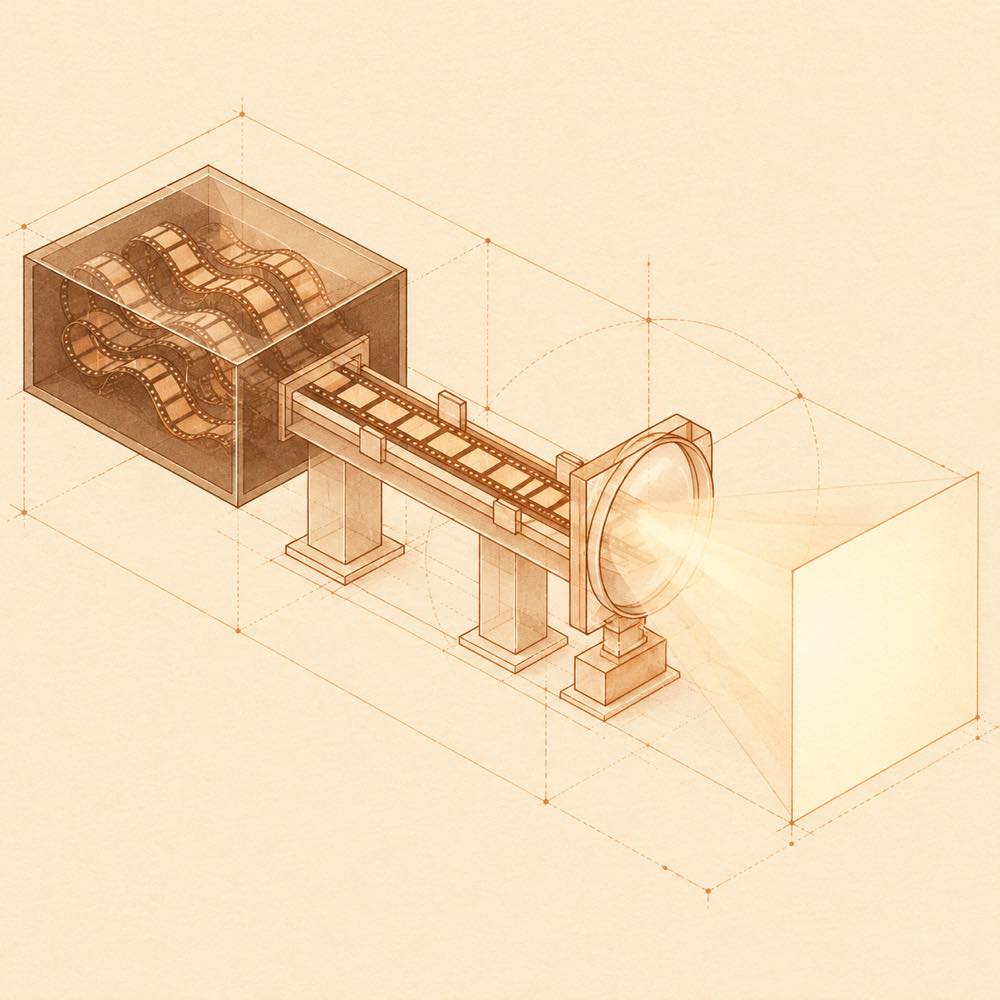
dsh-boot-animation is a DeepSeek Harness plugin that replaces the native boot page with a full-window video overlay and dissolves into the application when startup completes. DeepSeek Harness loads the plugin through its profile entry, boot-animation, and injects the overlay only when the plugin is enabled. The overlay selects a clip from the configured pool, plays it once by default, and follows real plugin activation progress. Startup errors and a default 15-second startup timeout release the overlay instead of blocking access to the error report or application.
Configuration is exposed under Settings → Plugins → Plugin configuration. The available controls cover sound, direct mouse entry, hint text, fade duration, entry mode and the clip pool. Fade duration offers 1, 1.5, 2, 3 or 4 seconds, with 2 seconds as the default. The client reads volatile settings through the plugin loader, so changes take effect after a page refresh without restarting DeepSeek Harness. Expanding the settings card is also what triggers clip-list and metadata requests.
This is intended for installations that want a customised visual startup sequence rather than the native boot page. It is a poor fit where an additional video overlay, media decoding, or startup transition is unwanted. The declared terminal-surface risk is the plugin's replacement of the startup surface and its handling of video content there; it does not establish a separate terminal command interface. The settings card depends on the host-provided @deepseek-ai/schemastery implementation, with volatile() support available in the kernel copy from 3.18.4 onward.
DeepSeek Harness exposes the plugin settings under Settings → Plugins → Plugin configuration. The card is collapsed by default. Disabling 开启启动动画 causes DeepSeek Harness to inject nothing: no overlay, global configuration or media request.
| Setting | Default | Behaviour |
|---|---|---|
开启启动动画 |
enabled | Enables the startup overlay |
播放影片声音 |
enabled | Starts clips with sound; disabling it starts them muted |
点鼠标直接进入 |
disabled | Makes a pointer press enter immediately |
显示底部提示文字 |
enabled | Shows the hint row |
淡入时长 |
2 seconds | 1, 1.5, 2, 3 or 4 seconds |
进入方式 |
片尾交叉溶解 | 片尾交叉溶解、放完再淡 or 点击才进 |
素材池 |
configured selection | Selects clips for random playback |
The internal fade value is fadeMs; the settings schema fields are volatile, allowing the loader to update their stable references without restarting the plugin. Changes apply after refreshing the page. DeepSeek Harness only reads the clip list and probes video metadata while the card is expanded. Each selected clip is played once during inspection, with duration shown when available and problem badges for decoding failure, no picture after 8 seconds, or a moov atom at the end of the file.
DeepSeek Harness runs the overlay when dsh web loads a page. It shows a random non-repeating clip, a progress bar tied to plugin activation, and a dark background. In the default mode, the fade begins when the remaining playback time reaches the configured duration, checked through both requestAnimationFrame and timeupdate. The other modes wait until playback ends or require a click. Esc, Space and Enter can also continue where applicable. Startup errors and the default 15-second timeout provide a continue path.
The plugin declares Config and connects the profile entry in cordis.patch.yml with the id boot-animation. Its settings form requires the host's @deepseek-ai/schemastery copy with volatile() support, documented as 3.18.4 or newer. If that capability is unavailable, the plugin can fall back to a non-volatile schema, but its settings card does not appear and a diagnostic warning is recorded. A page refresh is normally sufficient after changes; editing entry.js is the stated exception.
Written from the project's own documentation and kept in sync with it. Where the two disagree, the source is authoritative — read the README on GitHub
Same category
zhu1090093659
Plugin and skin collection for the DSH Web UI: task board, Git graph, right-side panel, remote mobile UI, pet, live token stats, and a skin center.
Installed cleanly when we ran it
zhu1090093659
Task board for the dsh web GUI: a sidebar multi-column kanban whose cards run in real DSH agent sessions and can also be scheduled with cron expressions, executed host-side even with the browser closed.
Installed cleanly when we ran it
zhu1090093659
Plugin and skin collection for the DSH Web UI: task board, Git graph, right-side panel, remote mobile UI, pet, live token stats, and a skin center.
No one-line install — this plugin lives inside a larger repository and publishes no npm package.
ccch1mneyyy
Claude Code-style full-screen terminal UI: pixel-whale header, live status line, and streaming thought expansion.
DeepSeek Harness 0.2.2-rc.1 refuses the latest release
MeteorNOX
A fixed-corner whale widget for the DSH web GUI — balance, today's usage and per-turn cost with peak/off-peak pricing, editable balance-alert and daily-budget bubbles, a module-based custom bubble queue with A/B weighted choices and random lines or images, 30+ vendor templates (OpenAI, OpenRouter, Kimi, SiliconFlow, Ark, Zhipu, MiniMax and more) with per-model balance and subscription quota, plus task-end sound, imported audio, custom roles and a resource manager. Local-only, no telemetry.
Installed cleanly when we ran it