
dsh-web-all
zhu1090093659
Plugin and skin collection for the DSH Web UI: task board, Git graph, right-side panel, remote mobile UI, pet, live token stats, and a skin center.
Installed cleanly when we ran it
npm packageTypeScript2d ago
Microqian2th/dsh-codex-effort-slider
Drags the official reasoning-effort row into a continuous track: blue-to-violet fill, a starfield on the higher levels, and the official value text tinted to the current level. Off stays gray; no official text is rewritten.
Install
via npm
Resolves a published tarball rather than cloning the repository, and installs without any extra setup. Swap `web` for your profile name if you run another one.
via GitHub · npm package
Installing from GitHub runs the project's build script, which pnpm blocks until you allowlist it — run the command once and pnpm prints the exact key to add under `allowBuilds` in ~/.dsh/profiles/web/pnpm-workspace.yaml.
The desktop app keeps its own profile, desktop, and only the dsh command it ships may change it — the npm-installed dsh refuses that profile. Install the command from the app menu (Manage dsh Command…), open Desktop once, quit it fully, run the line below, then reopen Desktop.
via npm
Resolves a published tarball rather than cloning the repository.
via GitHub · npm package
Installing from GitHub runs the project's build script, which pnpm blocks until you allowlist it — run the command once and pnpm prints the exact key to add under `allowBuilds` in ~/.dsh/profiles/desktop/pnpm-workspace.yaml.
Our install check ran in a web profile on npm's dsh, not in the desktop app.
What happened when we ran it
Installed cleanly when we ran it
Every command here is run in a throwaway container against a clean profile, and the result is whatever the harness recorded — not a guess from the source. Last run 11d agoon DeepSeek Harness 0.2.2-rc.1.
Show it in your README
For maintainers: the badge serves this listing's latest sandbox verdict, so a re-run updates it on its own — and it links readers to the full result here.
Due diligence
Security
No build script was blocked in our run.
Source: our sandbox install on DeepSeek Harness 0.2.2-rc.1, 11d ago.
package.json declares no preinstall, install or postinstall script.
Source: package.json on GitHub, read at our last sync. prepare is not recorded; it runs only on a GitHub install, and shows up under build scripts when pnpm blocks it.
Neither shell commands nor credentials.
Source: a keyword match on the README — a hint about what the plugin touches, not an analysis of its code.
Not an audit. These are the record of one install and two text scans; nobody has read this plugin's code on your behalf. Plugins run with your agent's permissions.
What it is — Injects a draggable slider into DSH model menu reasoning effort row.
Who it is for — If you use DeepSeek Harness with DeepSeek models for complex reasoning tasks requiring precise effort control, this plugin is suitable. But if you only need fixed effort values without drag adjustment, you don't need it.
Watch out — Sandbox test passed in a new profile and successfully registered with harness. No obvious issues found. Installation requires full exit and restart of DSH Desktop.
The verdict — I would install it because it makes adjusting the reasoning effort more intuitive, but only if you frequently adjust it in the menu.
Generated by grok-4.6, and a starting point rather than a verdict. Where it says a plugin installs or does not, that is from a real run in a clean profile — everything else is read off the repository. Trust the source over this.
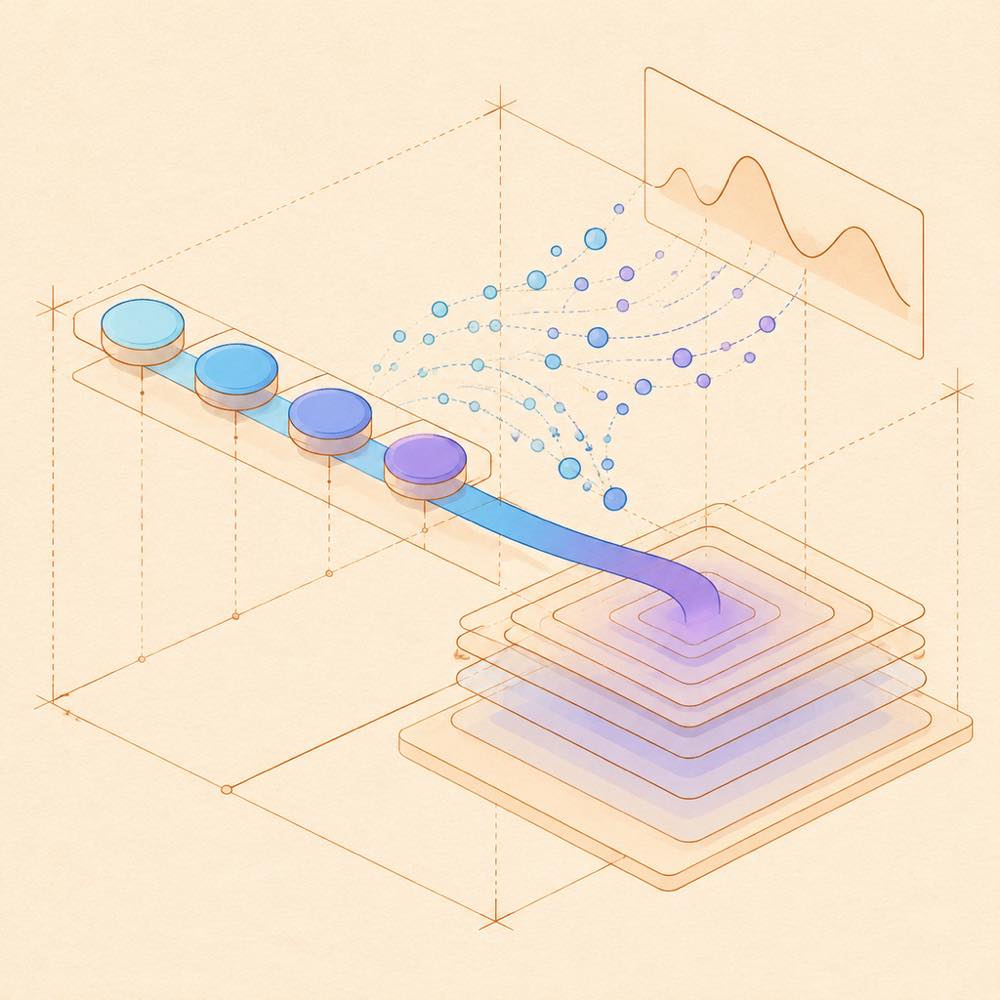
dsh-codex-effort-slider is a DeepSeek Harness plugin that turns the official reasoning-effort row into a draggable, continuous track with level-based colour and animation.
DeepSeek Harness loads the plugin as a bundle patch and the plugin modifies the existing model menu row rather than adding a separate control. The official label, value and chevron remain in place. The injected track changes the selected official level while dragging across boundaries, and the displayed value is tinted to match the level; Off keeps the official grey. Higher levels can add a violet nebula and star-dust particles. The row is also styled in the collapsed model control. Settings opened with right-click on the track control animation style and reached-level tick marks, take effect immediately, persist, and can copy frame-by-frame diagnostics. The implementation is supplied through lib/client.js, with dsh.bundle.patch declared for installation.
This is for DeepSeek Harness users who want direct visual and mouse control over the reasoning levels already provided by the model menu. It is the wrong choice when the official row should remain unmodified, or when a separate input control is preferred. Desktop installation is managed by the Electron application rather than the command line; non-desktop profiles can be installed through DeepSeek Harness. The three animation modes deliberately ignore the operating system’s reduced-motion setting.
DeepSeek Harness loads dsh-codex-effort-slider as a dsh.bundle.patch. The plugin targets the official reasoning-effort row through semantic attributes including aria-haspopup and aria-expanded. It adds a second row containing the track, while leaving the official label, value and chevron unchanged. The track is also reflected in the collapsed model control.
Dragging changes the official level as the pointer crosses level boundaries, rather than waiting for release. The track fills from blue towards violet. Higher levels can display a violet nebula, moving light, and 22 staggered dust particles. The Off level retains the official grey value text. The row is styled for both light and dark themes.
Right-click the track to open its settings panel. Settings take effect immediately and are remembered. The documented options are:
| Setting | Values | Behaviour |
|---|---|---|
| Animation | 快速动画 / 简洁动画 / 完整动画 |
Selects the interaction and settling style |
| Reached-level tick marks | 亮白显示 / 与未到达同色 / 隐藏 |
Controls the appearance of completed ticks |
All three animation modes ignore the system reduced-motion preference. The panel also provides copy-diagnostics, restore-defaults, and close actions. Copy-diagnostics exports a frame-by-frame record.
lib/client.js contains the implementation loaded by the bundle patch. node preview/make-preview.mjs generates preview/panel.html for browser testing without installation. npm run pack runs pack-dist.ps1 and creates a distributable archive. install.cmd -Uninstall removes a script-installed copy; install.cmd -Profile tui targets another profile.
DeepSeek Harness’s desktop profile is managed exclusively by the Electron application, so its command-line profile installation is rejected. The desktop plugin panel or the repository’s script is required for that profile. Non-desktop profiles can use the normal DeepSeek Harness plugin mechanisms. After changing lib/client.js, completely quit and restart DSH Desktop; closing only the window does not reload the plugin. The README documents no additional user-facing configuration keys.
Written from the project's own documentation and kept in sync with it. Where the two disagree, the source is authoritative — read the README on GitHub
Same category
zhu1090093659
Plugin and skin collection for the DSH Web UI: task board, Git graph, right-side panel, remote mobile UI, pet, live token stats, and a skin center.
Installed cleanly when we ran it
zhu1090093659
Task board for the dsh web GUI: a sidebar multi-column kanban whose cards run in real DSH agent sessions and can also be scheduled with cron expressions, executed host-side even with the browser closed.
Installed cleanly when we ran it
zhu1090093659
Plugin and skin collection for the DSH Web UI: task board, Git graph, right-side panel, remote mobile UI, pet, live token stats, and a skin center.
No one-line install — this plugin lives inside a larger repository and publishes no npm package.
ccch1mneyyy
Claude Code-style full-screen terminal UI: pixel-whale header, live status line, and streaming thought expansion.
DeepSeek Harness 0.2.2-rc.1 refuses the latest release
MeteorNOX
A fixed-corner whale widget for the DSH web GUI — balance, today's usage and per-turn cost with peak/off-peak pricing, editable balance-alert and daily-budget bubbles, a module-based custom bubble queue with A/B weighted choices and random lines or images, 30+ vendor templates (OpenAI, OpenRouter, Kimi, SiliconFlow, Ark, Zhipu, MiniMax and more) with per-model balance and subscription quota, plus task-end sound, imported audio, custom roles and a resource manager. Local-only, no telemetry.
Installed cleanly when we ran it